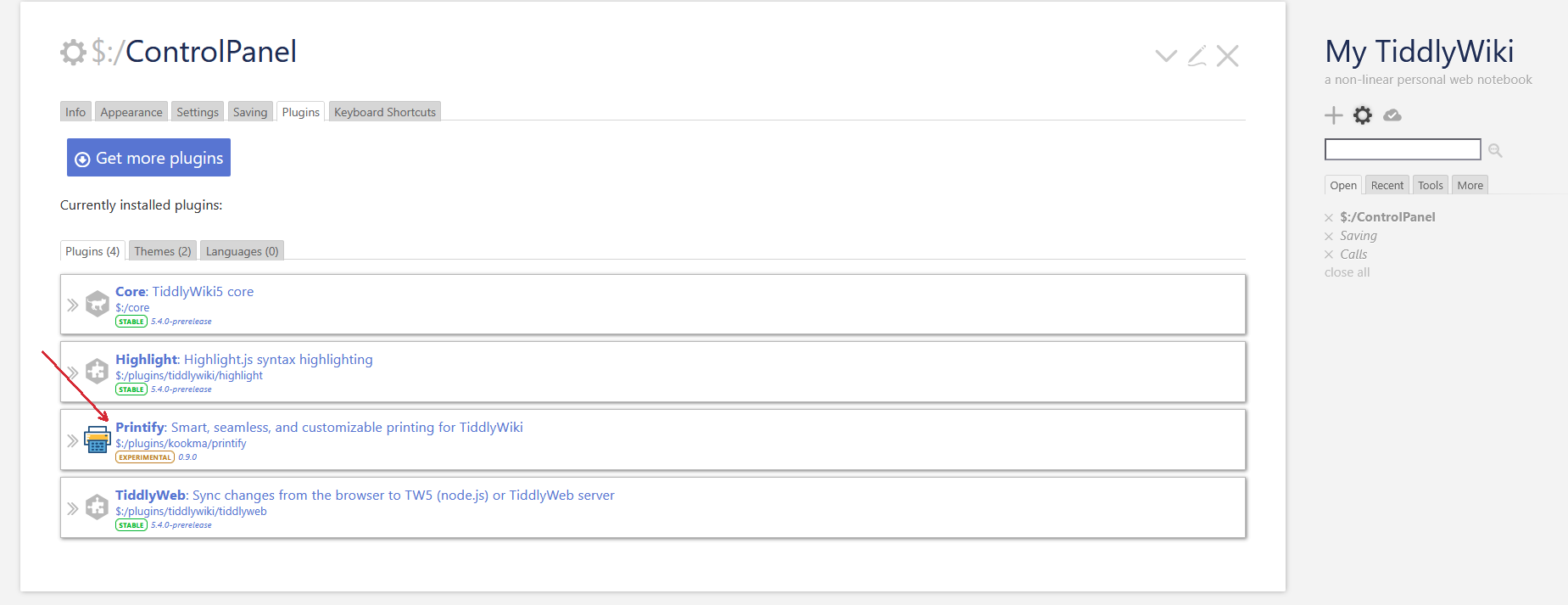
I followed the instructions on the tutorial wiki, which say:
For local installation under Node.js
i. download the printify source folder from GitHub
ii. put the printify source folder directly into localpluginsfolder under your wiki folder,
iii. if you have not thepluginsfolder, create it under your own wiki folder.
iv. if server is running, stop it and restart again
However, it is not totally clear to me what the “printify” source folder on GitHub is. The repo is called TW-Printify and has three subfolders: “docs”, “packaged” and “source” the latter contaning a “printify” folder.
I thought “download the printify source folder” referred to the “printify” inside “source”, so I cloned the repo and moved “printify” into my local plugins folder.
Much to my horror, after restarting the server, the content of my own wiki (a personal copy of Zettelkasten) had disappeared, and only the printify tiddler was showing. All the menus had disappeared, the structure of my wiki was gone and so on. Only the theme has persisted, somehow the plugin had managed to shadow everything else.
I removed it, restarted, and got everything back (as expected).
But what did I do wrong?