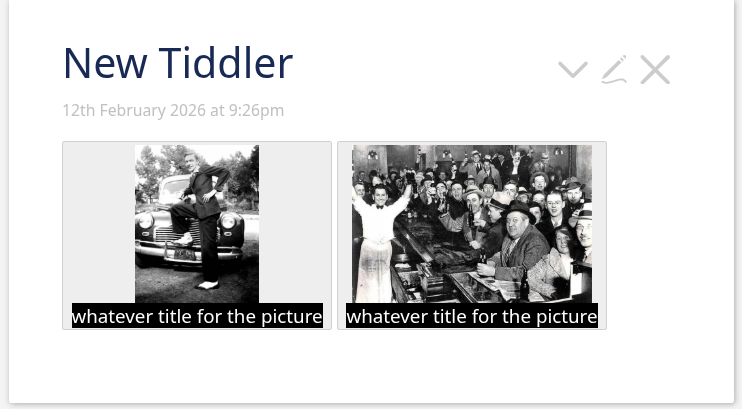
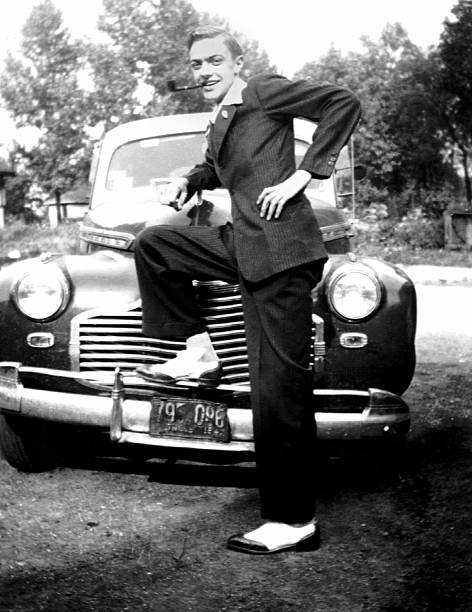
I’ve been uploading scanned old photos, and want to put thumbnails into tiddlers, linked to the full size pictures. But the thumbnails only include part of the full size photo, which looks weird. I’d like the thumbnail to show the full picture.
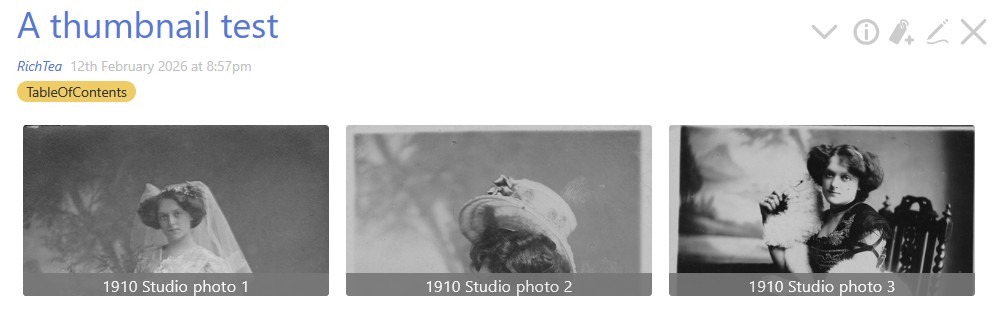
Here are thumbnails of 3 photos of my grandmother. The first 2 are in portrait mode. The first one should show her full length in her wedding dress. The 2nd is also in portrait, she’s sitting in a chair but you can only see her hair and hat. The 3rd is in landscape, it’s better but the bottom third of the picture is missing.
I
I’ve read https://tiddlywiki.com/#thumbnail%20Macro
and followed the information there. Here’s my code for one thumbnail

I could create separate thumbnail versions of the originals (I’ve done that previously for other purposes using an app called EasyThumbnails). I tried it with one of the 3 pictures, used the thumbnail pics as the thumbnail link but there wasn’t much improvement, a chunk of the image was still missing.
If you’re interested, the pictures were taken in 1910, before she travelled from England to India to marry my grandfather, who was serving with the British Army there. There were no photographs of the wedding, in Mumbai (but called Bombay back then).