Hi guys,
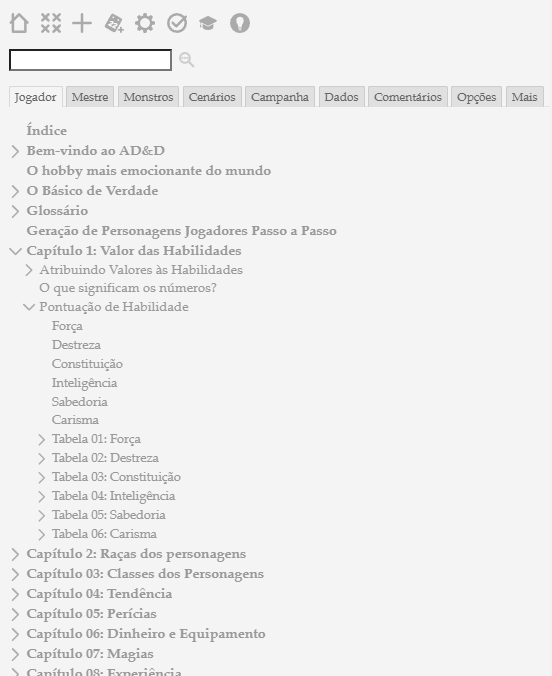
It’s possible to create a button to fold all the lateral sidebar toc-selective-expandable i have open?
The tiddlywiki I am working on now is so big that it has become a navigation problem
Thanks in advance!!

Hi guys,
It’s possible to create a button to fold all the lateral sidebar toc-selective-expandable i have open?
The tiddlywiki I am working on now is so big that it has become a navigation problem
Thanks in advance!!
Try adding this into your wiki
<$button actions='<$action-deletetiddler $filter="[all[tiddlers]prefix[$:/state/toc/TableOfContents]]"/>'>
Collapse TOC"
</$button>
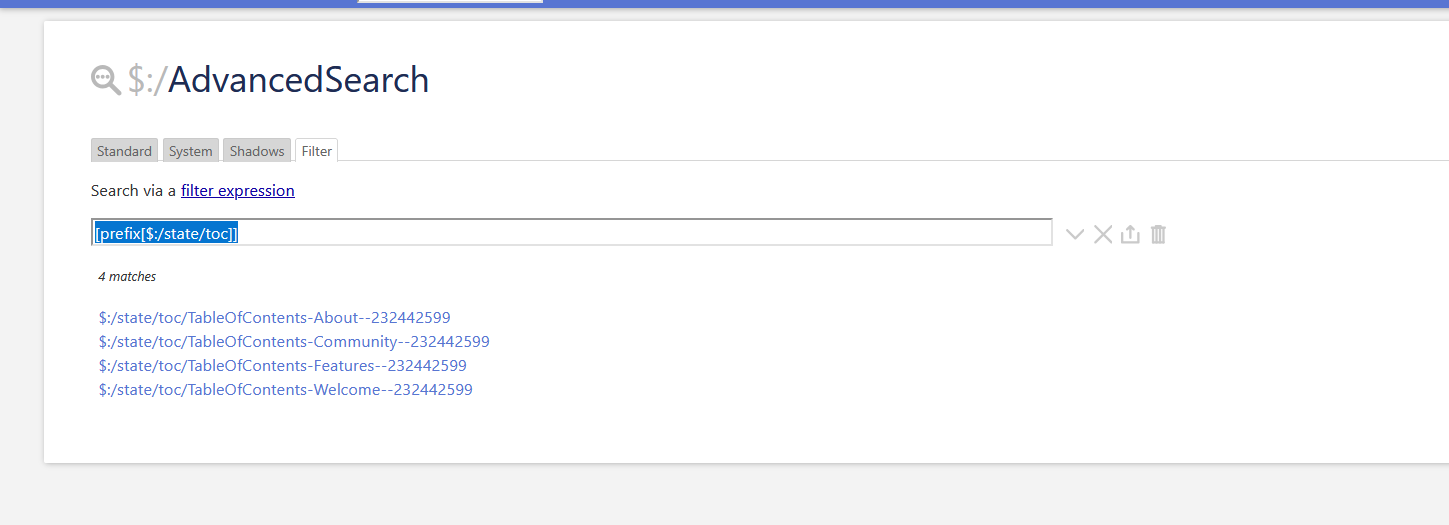
This deletes all of the state tiddlers that have been created when a toc item has been expanded. You may have to tweak the filter depending on what the path is to your TOC… Use the Advance search to check what state tiddlers are created when you click on a TOC item…
Cheers
CB
Hi Christian,
Thank you for your reply!
How can i filter the state tiddlers in the advanced search?
This looks similar to my earlier question How to not include Table of Contents state tiddlers when saving a single file wiki?
I suddenly feel I know a new language by looking at this =)
D&D means you suddenly know all those words already.
But joking aside, this one may help:
<$button>
<$list filter = "[all[tiddlers]!is[system]!sort[]tag[I-Weapon]]">
<$action-navigate $to={{!!title}}/>
</$list>
open tiddlers
</$button>
It opens all tiddlers with a certain tag, or more general match a certain filter. I-Weapon in this case.
In combination with the close all button found under tools you can for example open all species or classes or feats or spells at once, if they are limited to a few hundred or so.
This way you can close all, then select what you want open.
May not work perfectly, but it may help.
I have also made a one page index tiddler to help with navigation.
Edit: clarification, this is not an answer to the original question, but something I found useful while working on something similar.
Thank you! Now i can made some tests and undestand Tiddlywiki better
Yep, but this is the 1993 version! I translated the old CD Core Rules to my mother language, tiddlywiki fit so well with all the transclusion and links
Thank you for the little trick, i will try to use.
Incidentally I had an idea about using the date time stamps on state tiddlers to see the most recently expanded and collapsed tiddlers in a given TOC, using the state tiddlers naming standard/prefix of course.
As a result I would recommend setting the text field to open (or I assume closed/empty) rather than deleting the state tiddlers, and perhaps if possible also with timestamps=no to retain the created/modified data.
Why would we want to maintain state changes in large TOC’s?
This make me wonder if a few simple tweaks in the TOC and other macros and solutions with how we manage state tiddlers, it would permit additional features to be developed such as expand and collapse steps to a particular tiddler.
Perhaps another feature of custom TOC’s @pmario
@TW_Tones … I did answer here, but then I moved it.
A post was split to a new topic: Brainstorming - “Snapshotting” a State Tiddler Sequence