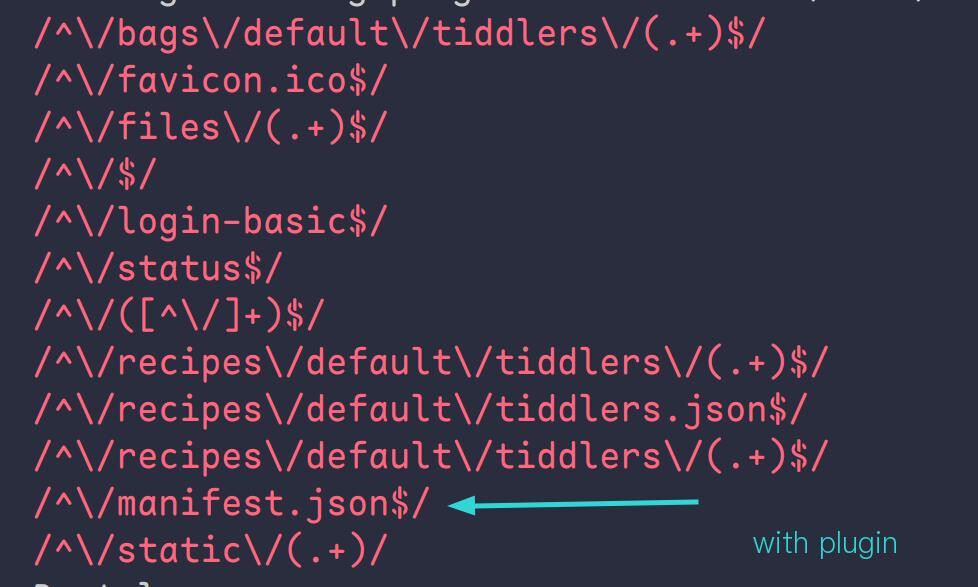
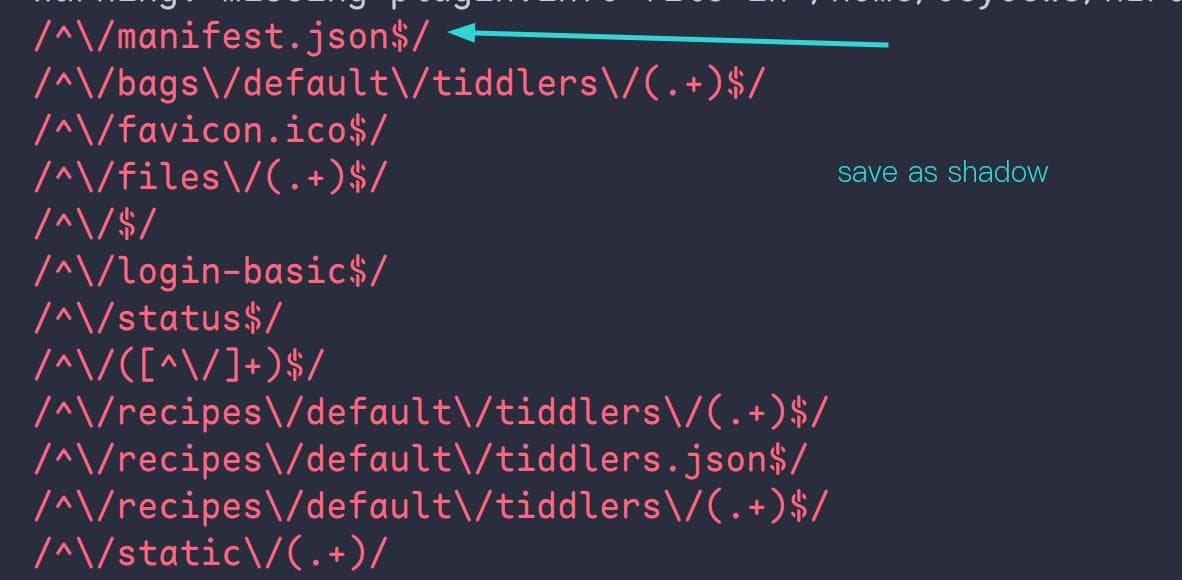
I imitated the following the below code to try to access the http://xxxxx/manifest.json file, but the js file can only work normally as a shadow. After being packaged as a plugin, it will not work.Did I go wrong somewhere?
Hi @oeyoews the core loads the route modules by enumerating all the modules of type route. To be loaded as a module the tiddler needs to be loaded by the boot kernel so that the module definition is available during startup when the modules are initialised.
You could add some temporary logging in the server.addRoute() to check whether your module is being loaded.
The underlying issue is likely to do with the loading order of the routes, and that another route module that matches the same path is loading first when your module is part of a plugin.
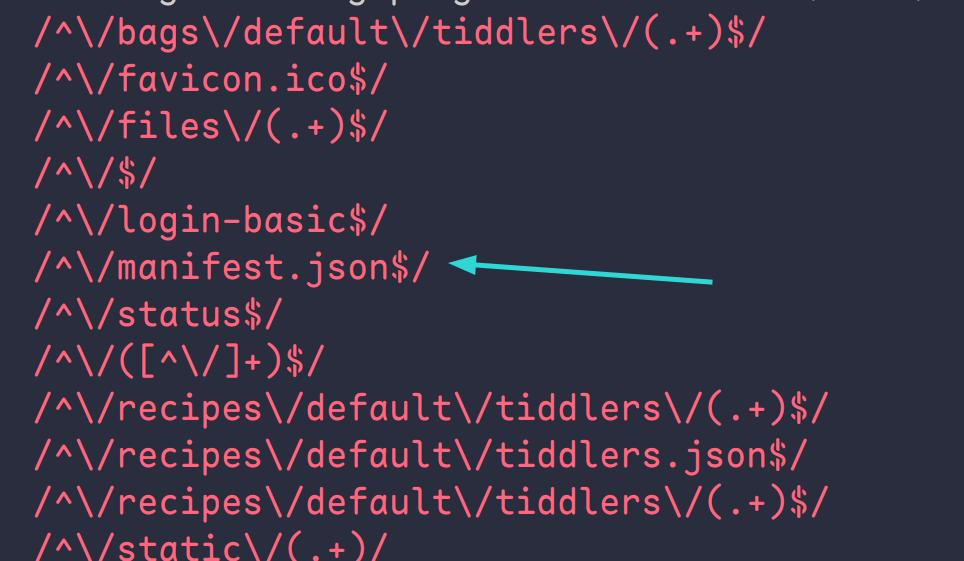
I tried to put the get-manifest.js file in core. The order of loading routes is as follows. At this time, the http://127.0.0.1:8080/manifest.json route can be accessed.
It will affect all single file routing in the root directory and will not affect folder routing. Since /favicon.ico is in front of it, it is not affected.
get-html-tiddler.js supports the static functions of tiddlywiki, such as http://127.0.0.1:8080/#GettingStarted and http://127.0.0.1:8080/GettingStarted can be accessed at the same time, so it will conflict with custom routing , there seems to be no good solution at present,