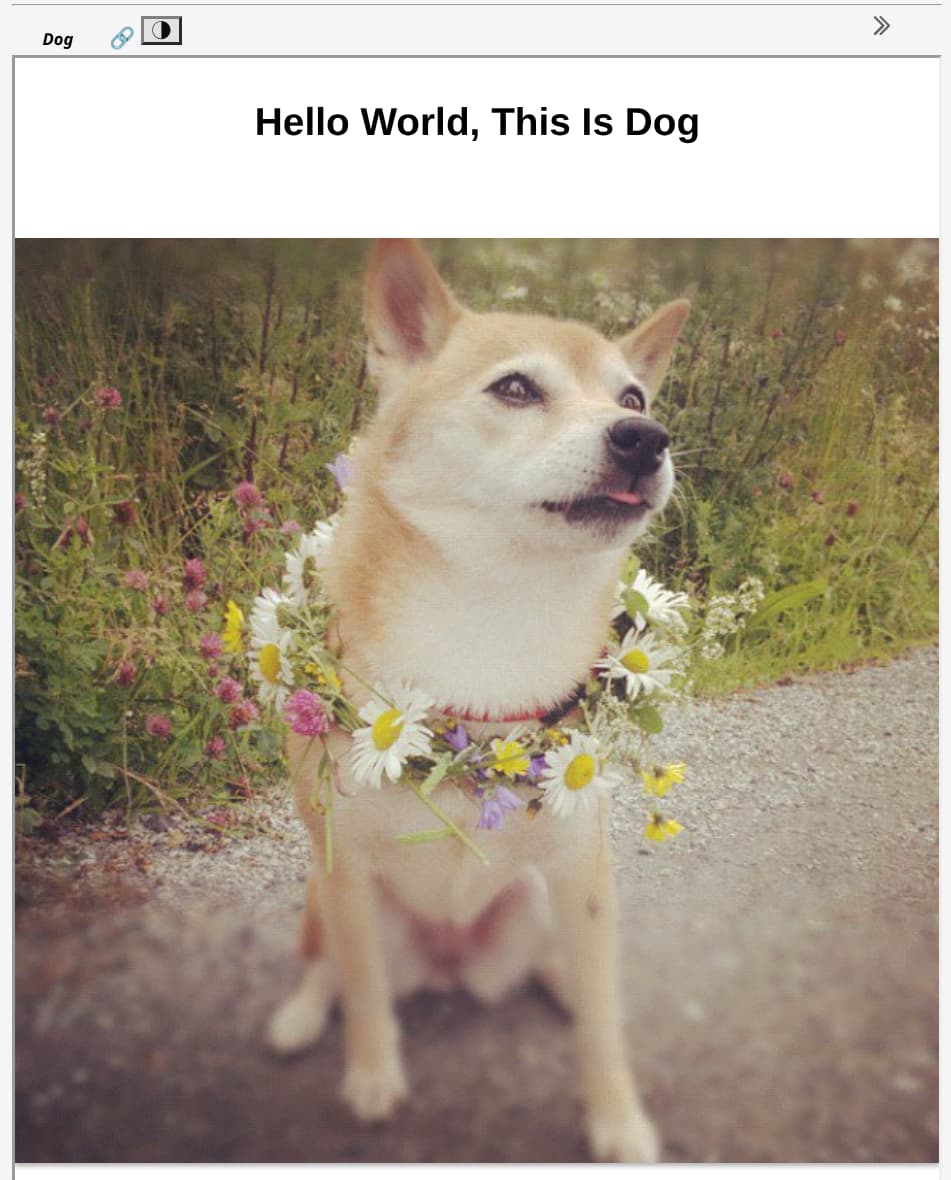
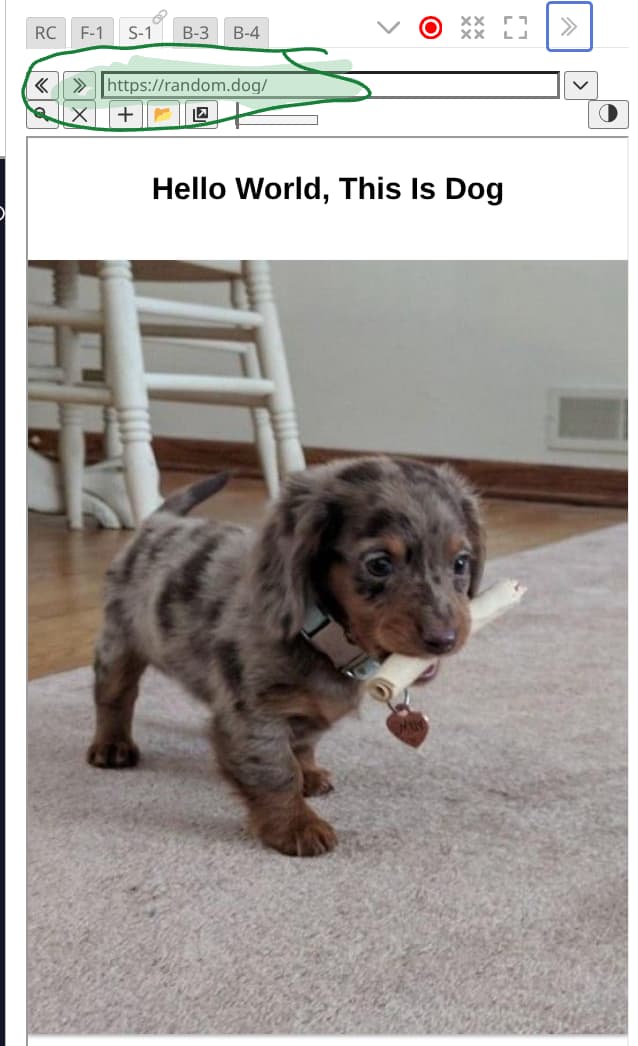
Has anyone used the Random Dog Method?

You can use this wikitext:

\procedure store-response()
  <$action-setfield $tiddler="$:/temp/response" status=<<status>> data=<<data>>/>
\end

\function tiddlyhost.url()
  [[https://tiddlyhost.com/explore?k=tw&s=r&cache_buster=]addsuffix<now TIMESTAMP>]
\end

\function fetch.url()
[<tiddlyhost.url>encodeuricomponent[]addprefix[https://api.allorigins.win/raw?url=]]
\end

\procedure fetch()
  <$action-sendmessage
    $message="tm-http-request"
    url=<<fetch.url>>
    bind-status="$:/temp/response/status"
    oncompletion=<<store-response>>
  />
\end

\function tiddlyhost.link()
[{$:/temp/response!!data}split[.tiddlyhost.com]nth[2]split[href="]last[]addsuffix[.tiddlyhost.com]]
\end

<$button actions=<<fetch>> >Fetch Random Wiki</$button>
Status: {{$:/temp/response/status}}

<a href=<<tiddlyhost.link>> ><<tiddlyhost.link>></a>
demo

It works well, quickly, giving an address.
Perfectly.

But clicking the link replaces my wiki with the link.

Can it be changed to always open the link in new frame?

TT

To always open the link in new tab or window, use:
<a href=<<tiddlyhost.link>> target=_blank><<tiddlyhost.link>></a>

-e

1 Like

Here’s an improved version, that will also display the thumbnail of the wiki and the description, on wiki load.

Create a tiddler with the tag “$:/tags/StartupAction/PostRender”

\procedure store-response()
  <$action-setfield $tiddler="$:/temp/response" status=<<status>> data=<<data>>/>
\end

\function tiddlyhost.url()
  [[https://tiddlyhost.com/explore?k=tw&s=r&cache_buster=]addsuffix<now TIMESTAMP>]
\end

\function fetch.url()
[<tiddlyhost.url>encodeuricomponent[]addprefix[https://api.allorigins.win/raw?url=]]
\end

\procedure fetch()
  <$action-sendmessage
    $message="tm-http-request"
    url=<<fetch.url>>
    bind-status="$:/temp/response/status"
    oncompletion=<<store-response>>
  />
\end

\function tiddlyhost.link()
[{$:/temp/response!!data}split[.tiddlyhost.com]nth[2]split[href="]last[]addsuffix[.tiddlyhost.com]]
\end

\function tiddlyhost.thumbnail()
[{$:/temp/response!!data}split[class="thumbnail-large" src="]nth[2]split[" />]first[]]
\end

\function tiddlyhost.title()
[<tiddlyhost.link>split[/]last[]split[.]first[]]
\end

\function tiddlyhost.description()
[{$:/temp/response!!data}split[class='description']nth[2]split[</span>]first[]split[>]last[]]
\end

<<fetch>>

Then display the result like this:

\import [[$:/macros/getRandomWiki]]

<%if [{$:/temp/response/status}match[pending]] %>
Loading..
<%elseif [{$:/temp/response/status}match[complete]] %>
<a target="_blank" style="text-decoration:none;color:inherit;" href=<<tiddlyhost.link>> >
<$image source=<<tiddlyhost.thumbnail>> />

<h2><<tiddlyhost.title>></h2>

</a>
<$list filter="[<tiddlyhost.description>]">
{{!!title}}
</$list>
<%endif%>

demo: Best of — Discover tiddlyhost wiki

Great! Thanks for all the work you did to help complete this thread!

I hope anyone interested in other people’s wikis (TWitchers) will install & use your tool!

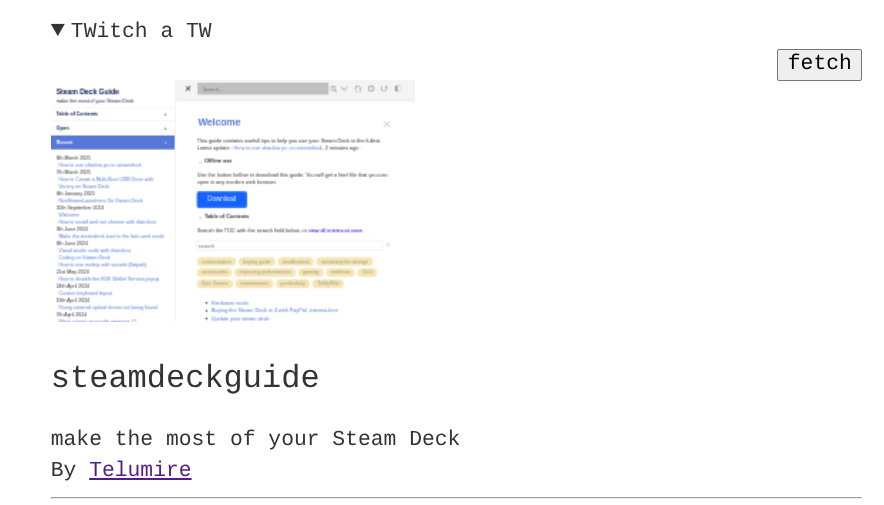
Appropriately, today, your Random Wiki, now in my sidebar, showed one of your (@telumire’s) wikis …

https://steamdeckguide.tiddlyhost.com/#Welcome:Welcome

1 Like

Another way to get a Random Dog is by using …

Using a direct link to it …

TT

Has anyone got a Random Cat page?

Meanwhile a Random Dog …

TT

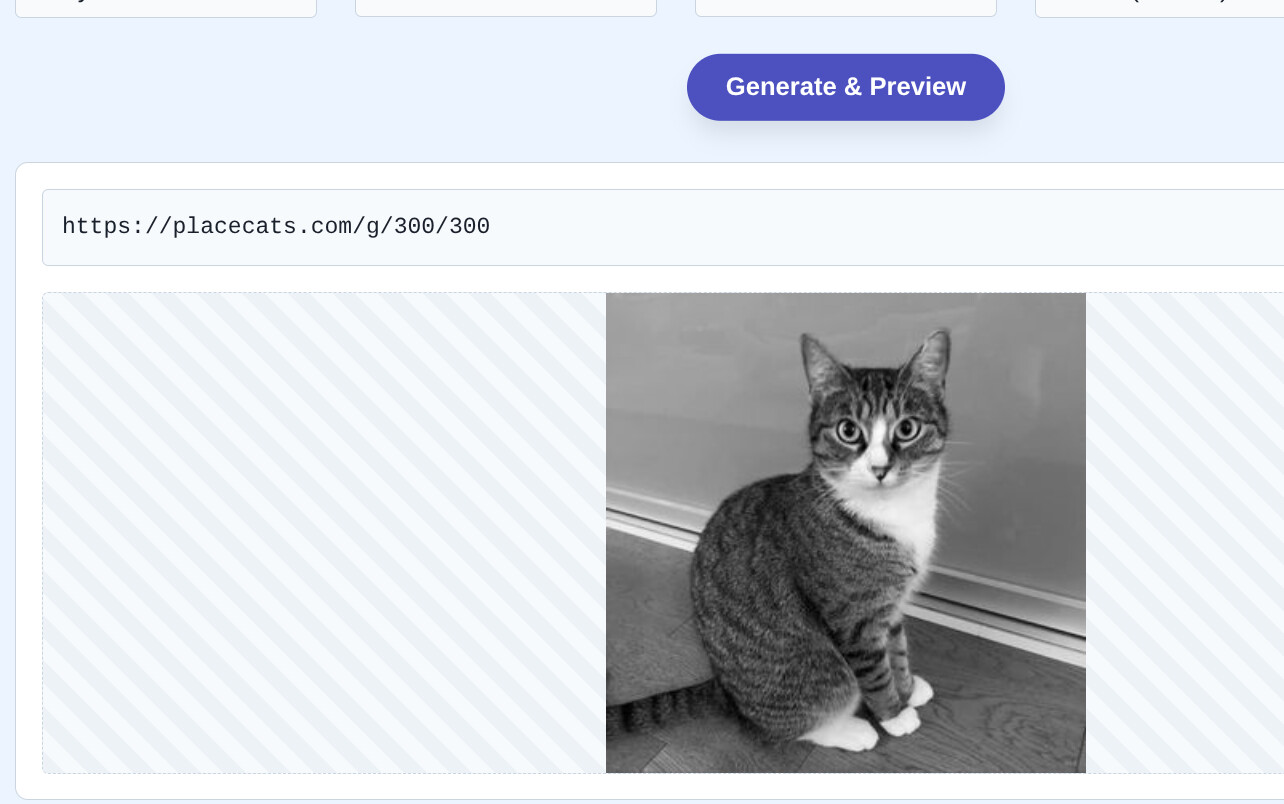
While not exactly random, https://placekittens.com/ and https://placecats.com/ will give you a different “placeholder” picture for any specified width and height. The purpose is to provide temporary images to use while developing the layout of your web page content.

-e

1 Like

Ha! Useful fun …

TT

1 Like