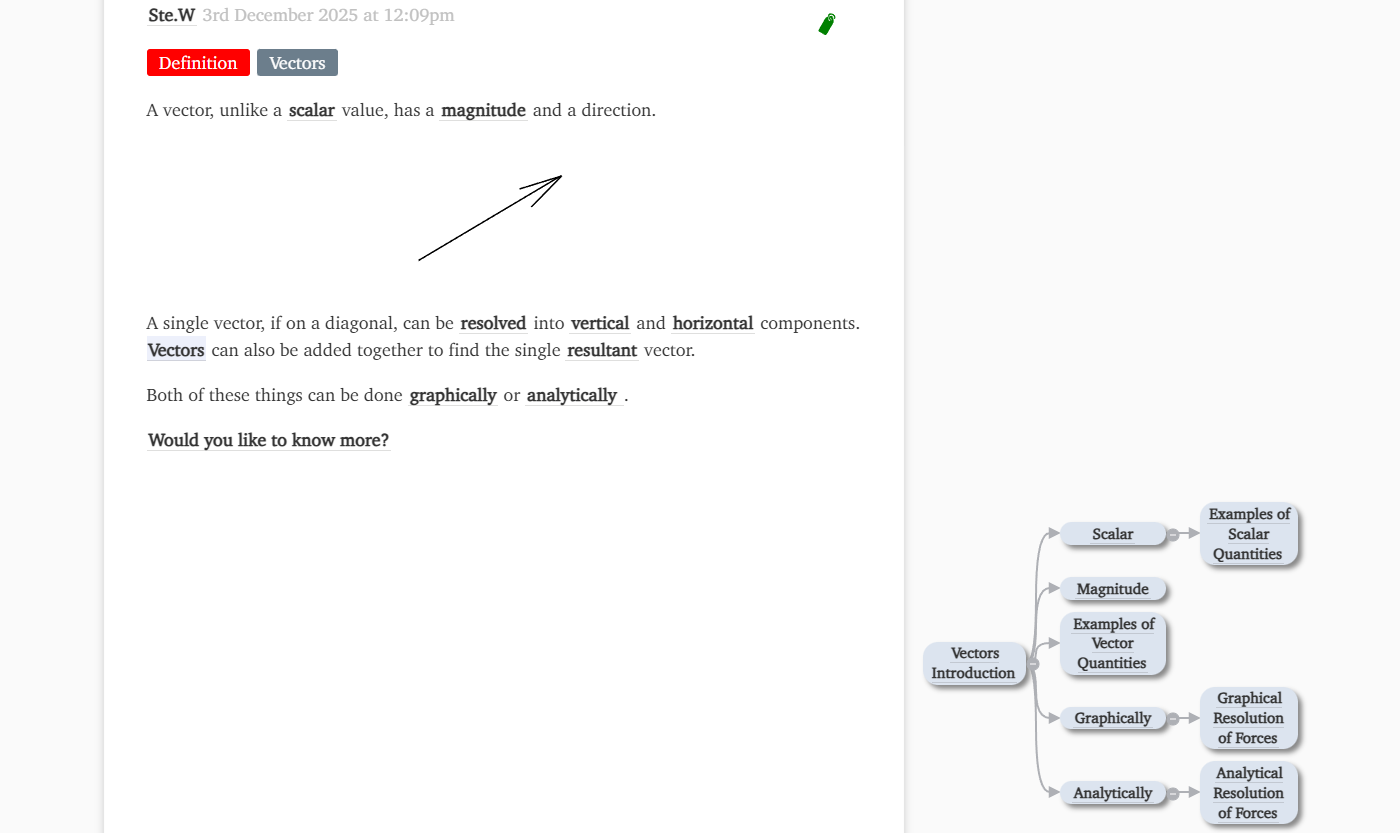
On wider screens, it floats in the margin. On smaller devices, it will appear inline below the relevant text.
I’d assumed that it floated a little more, perhaps tried to wander up to the top of the tiddler, but it’s behaviour seems to be the same as that of margin notes which are anchored to the text.
I’ve been going a little Mofte crazy on my wiki (I’ve started to have a play and put things in the side margin) and would like some elements to move to the top of a tiddler when in the side bar.
Link to pictured example with relevant tufte css etc tiddlers open here.
I thought it would also be trivial to get the graph to “stick” to the top of the screen with position: sticky, but this did not work when I tried it. It seems to have something to do with .tidgraph being contained in a <p>. I would be interested to know if anyone else has a way to get this working.