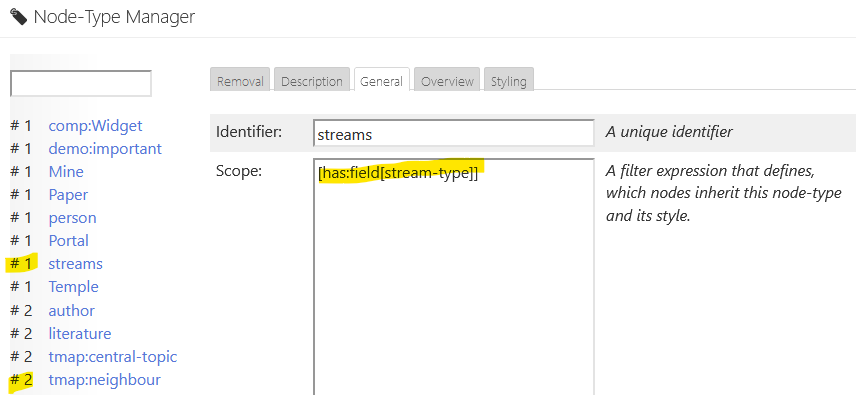
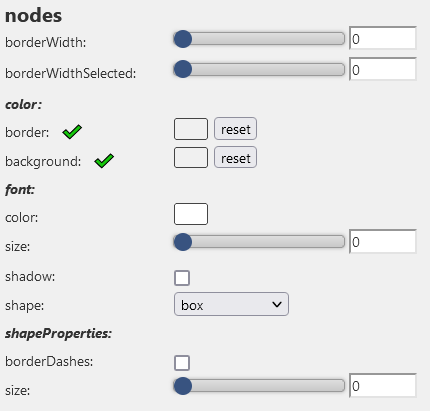
I am using both the Streams and TiddlyMap plugins, and when using the “Live” view in TiddlyMap, it can really get bogged down if there are a lot of Streams connected to a tiddler. I tried adding [!has:field[stream-type]] to the node filter in TiddlyMap, but it didn’t filter out the Streams. Has anyone else solved this or have any ideas?
I don’t need the TiddlyMap info in Streams, but by default the live view shows all Tiddlers in a map, connected by their tags. It’s similar to the graph view in LogSeq or Roam.
When I select the live view and go to the hamburger menu > configure view> edit filters, the node filter is [field[title{:/temp/tmap/currentTiddler}] by default. I’ve tried changing it to [field[title{:/temp/tmap/currentTiddler}!has:field[stream-type]] and also just adding [!has:field[stream-type]] as a new line in the node filter text box.
This will leave you with an edge pointing to an invisible node. I’m not sure how to hide the edge, but even hiding the nodes might save you a little space.
@Tiddlybob : the solution for Streams compatibility with TheBrain here works pretty well for me with TiddlyMap also. I think it solves half of it. I think a bit more would be needed but feel free to give it a spin.
After you add the two functions getStreamLinks() and getStreamBacklinks(), you can search and replace the legacy getLinks() and getBacklinks() wherever you see them in the TiddlyMap plugin tiddlers.