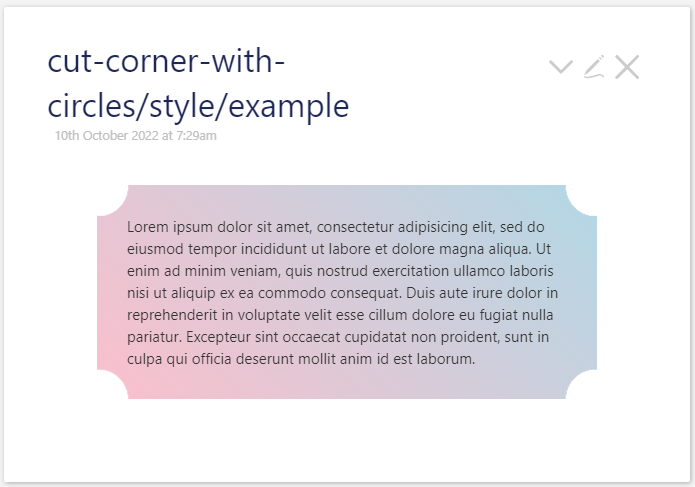
This simple css, lets you to create a flyer, a box with corner cut with circle.
You can use the box as an alert, for more attention.
To give a try
- download cut-corner-with-circle.json (687 Bytes)
- drag and drop to TiddlyWiki Pre-release — 5.2.4-prerelease
- open the example tiddler
Credit Temani Afif
Mohammad, I’m not sure whether there’s a quick fix, but a quick test shows the corner cutouts to work as expected only when browser is set to 100% scale (or 50% or 150%…).
When I use Chrome’s keyboard shortcuts to zoom in or out to 90% or 110% (etc), the vertical alignment of the cutouts is incorrect.
-Springer
Yep, it does not work on all window sizes. I will have a look!
Strangely if you use an empty html (not a TW) it works fine.