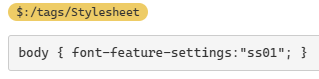
This comment was buried in another post — inspired by stobot on the => ligature for the new variable-setting shorthand — but other folks may also be interested in how Cascadia Code (font) offers various ligatures that can make codeblocks (and logicky notation) read better… (or conceivably this feature becomes a frustration if this font is active but you’re not yet oriented to how the ligatures work, or if the fancy connections end up making it harder to recognize crucial patterns in your code!).
Here’s a link to a GitHub page with lots of tech info including the list of ligatures supported.
Cascadia Code may already be on your device if you’re in the Windows orbit, but if not: Google has a webfont version, and I also have instructions on getting this and other webfonts to work smoothly with TiddlyWiki.
Last, I just pulled together an overview of many of these ligatures, with notes about their use within TiddlyWiki. Screenshot of the relevant tiddler to save you the click:
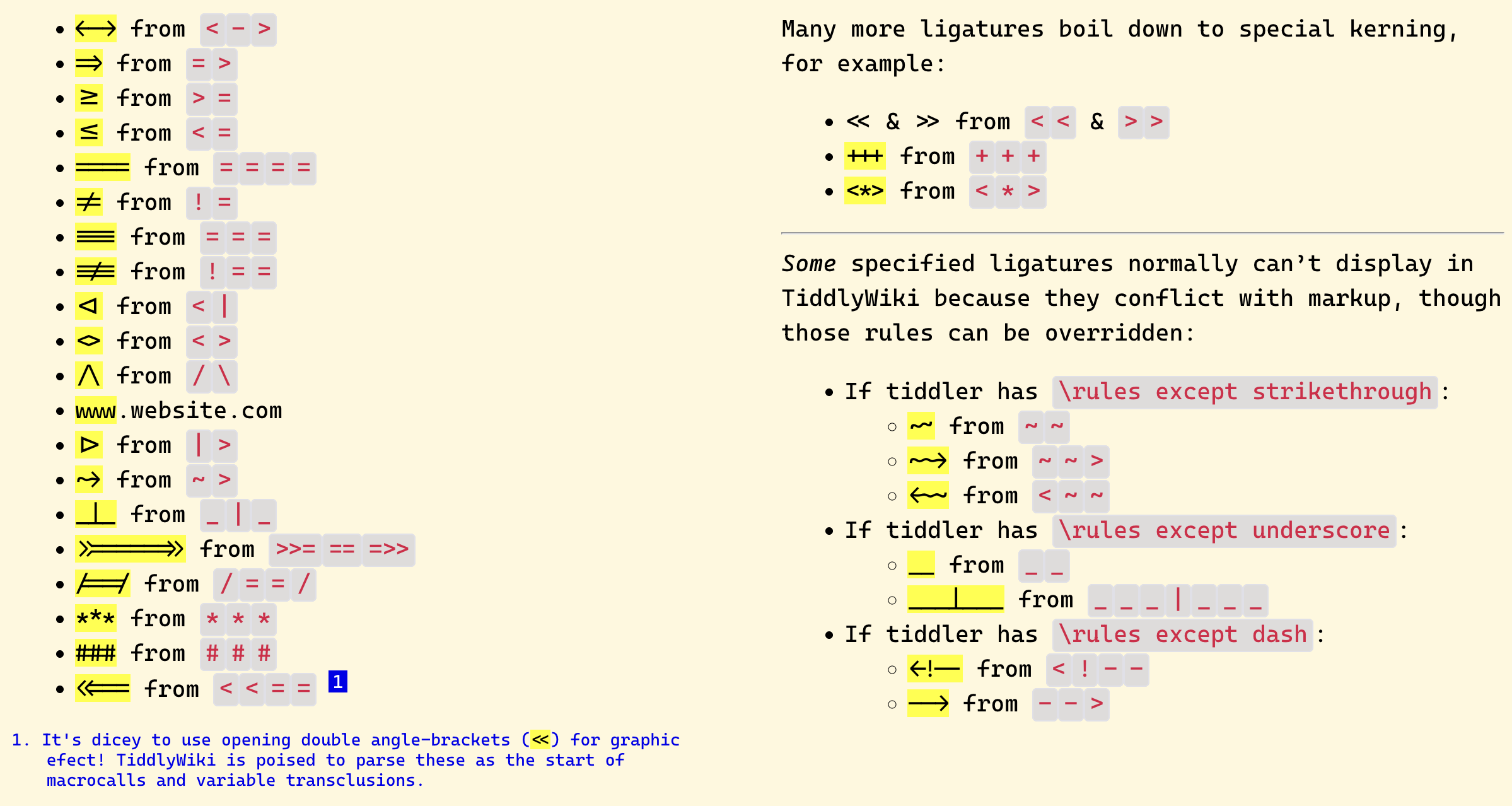
To be clear, these automatic ligatures are just a display trick that happens at time of rendering, so the presence of a fancy arrow instead of => doesn’t at all affect TiddlyWiki’s ability to parse the real string.
(Aside, I wish some code-font developer would render a comment ligature with shapes like  !╍ and ╍:arrow_forward: — since sometimes a dense block is the only shape I could scan for easily! … So I end up pasting solid glyphs inside important comment blocks.)