Hello everyone.
Do you know if there is any way to set the size of a cell in a table so that it does not increase or decrease. And if its content is larger, it is distributed over several lines but does not increase the size of the cell.
I say this because in a table that I have, sometimes the content of the second column is larger than the gap and what the code does is shrink the first column. And that’s what I don’t want.
This is an example tiddler…
New Mod-probar.json (1.7 KB)
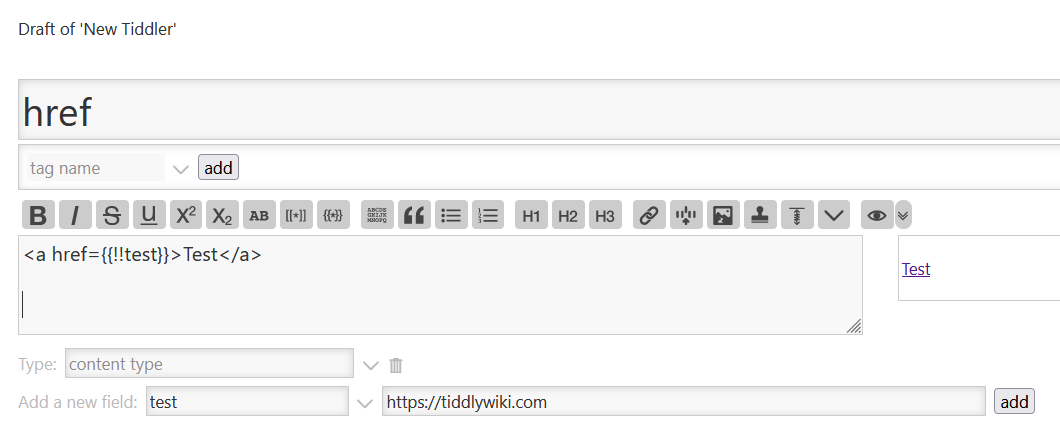
Another thing I can’t do is put a link from a field to a table cell in the same way as it is done in TW: [[Link|http:/ssssss.com]]
I have tried: <a href="{{!!url}}">Web link</a> but the result does not appear in the format of a web link.
Do you know any solution to this problem?
Thank you so much.