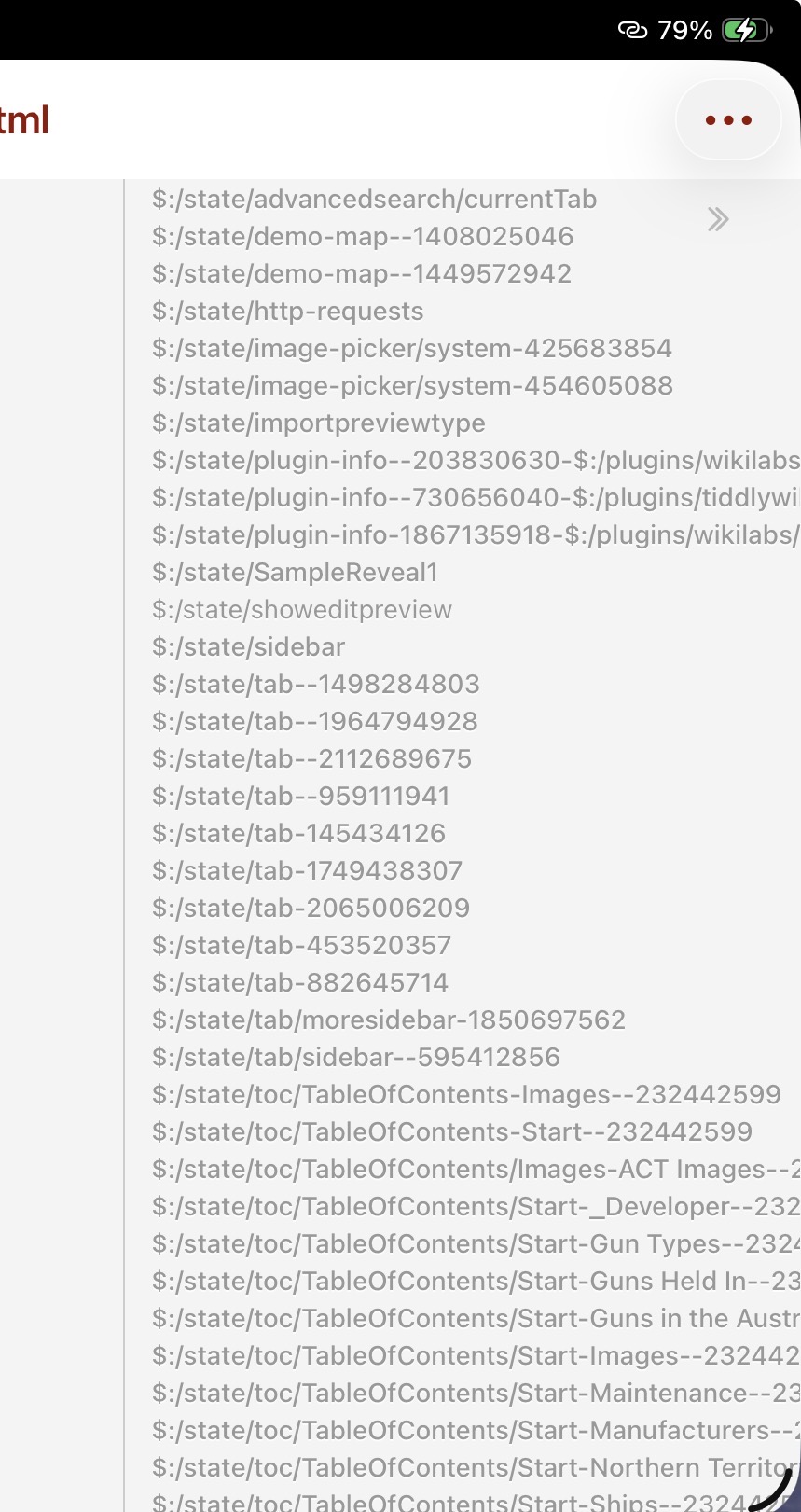
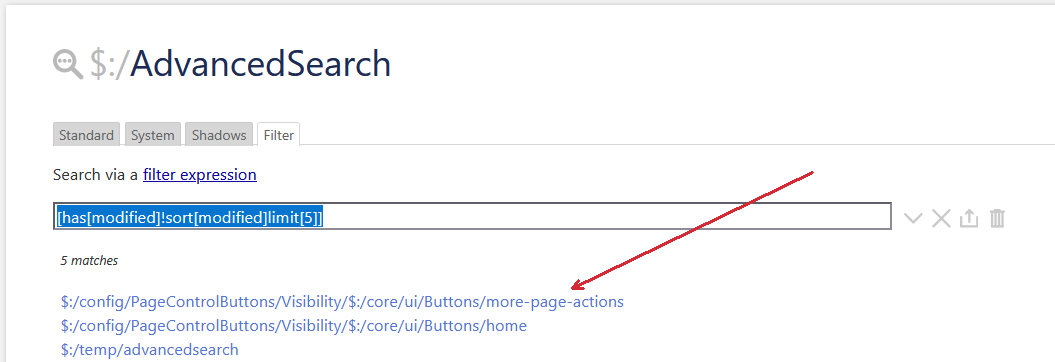
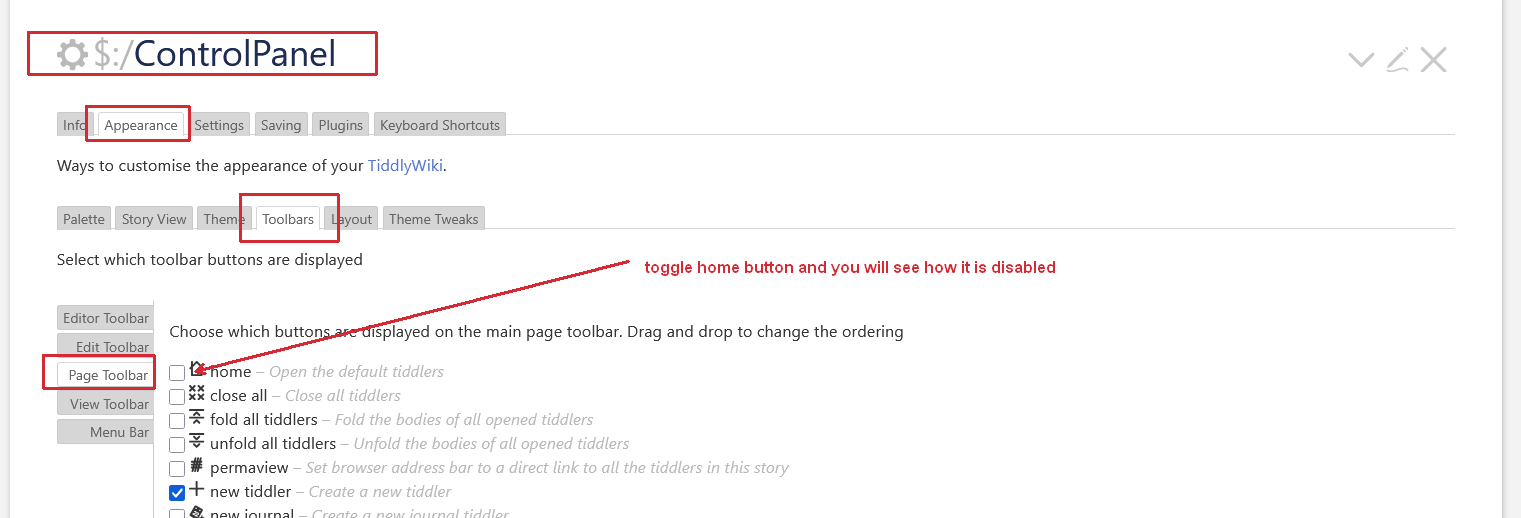
Can someone shed some light on how these are set and are they persistent or do their names change? I think I can see how I could, for example, hide the More tab when my user is not in edit mode. I would like to understand this more before I willi-nilli change things.
It seems you have a variety of questions pointing in somewhat different directions.
My understanding is that state tiddlers — unlike temp tiddlers — are retained by default, unless you specifically configure things otherwise..
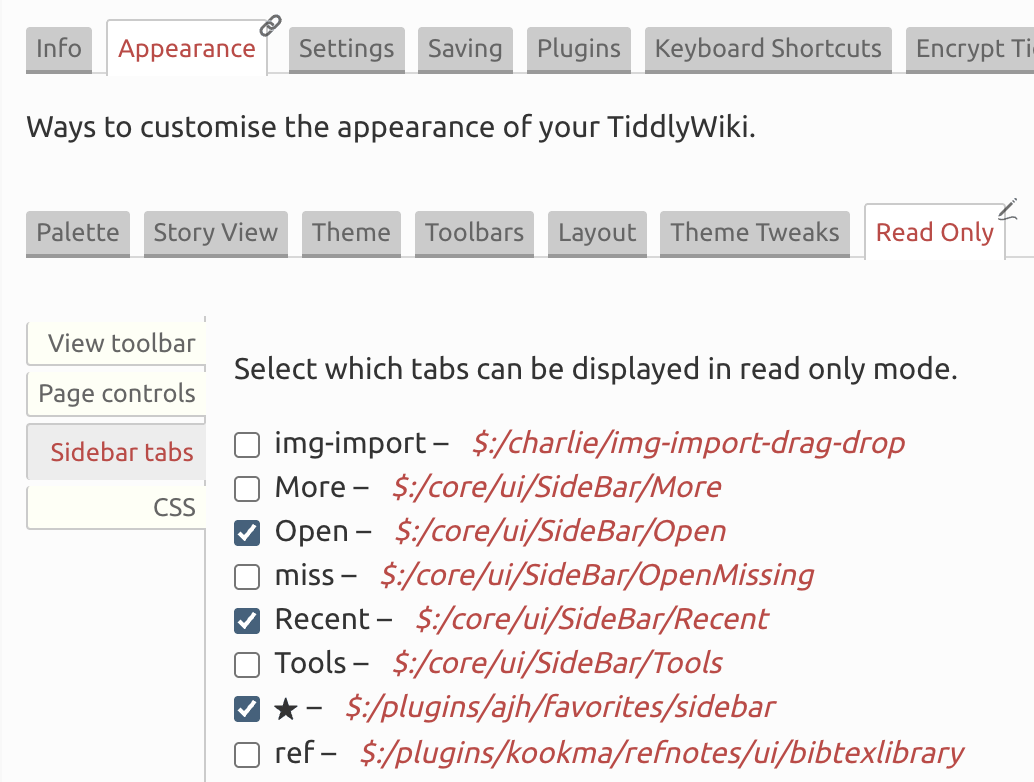
On the “user is not in edit mode” issue — I think we’ve overlapped on threads about this before, but here’s a pointer to the read-only solution that easily sets up a settings panel where you indicate which sidebar tabs appear:
@Springer thanks for your reply. The edit mode is not an issue, I have a working solution. The issue was one of configuring the interface, which @pmario seems to have answered in the post after yours