Step 10 - Handle tiddler renaming
Changes
Download
We can download this and drag the resulting file to our test wiki:
SuppNotes_Step10.json (9.3 KB)
We can simply accept the overlaying of the earlier code. But there is a new tiddler included, and that one is a JS module, so we will need to save and reload our sample wiki to see these changes.
Screenshots
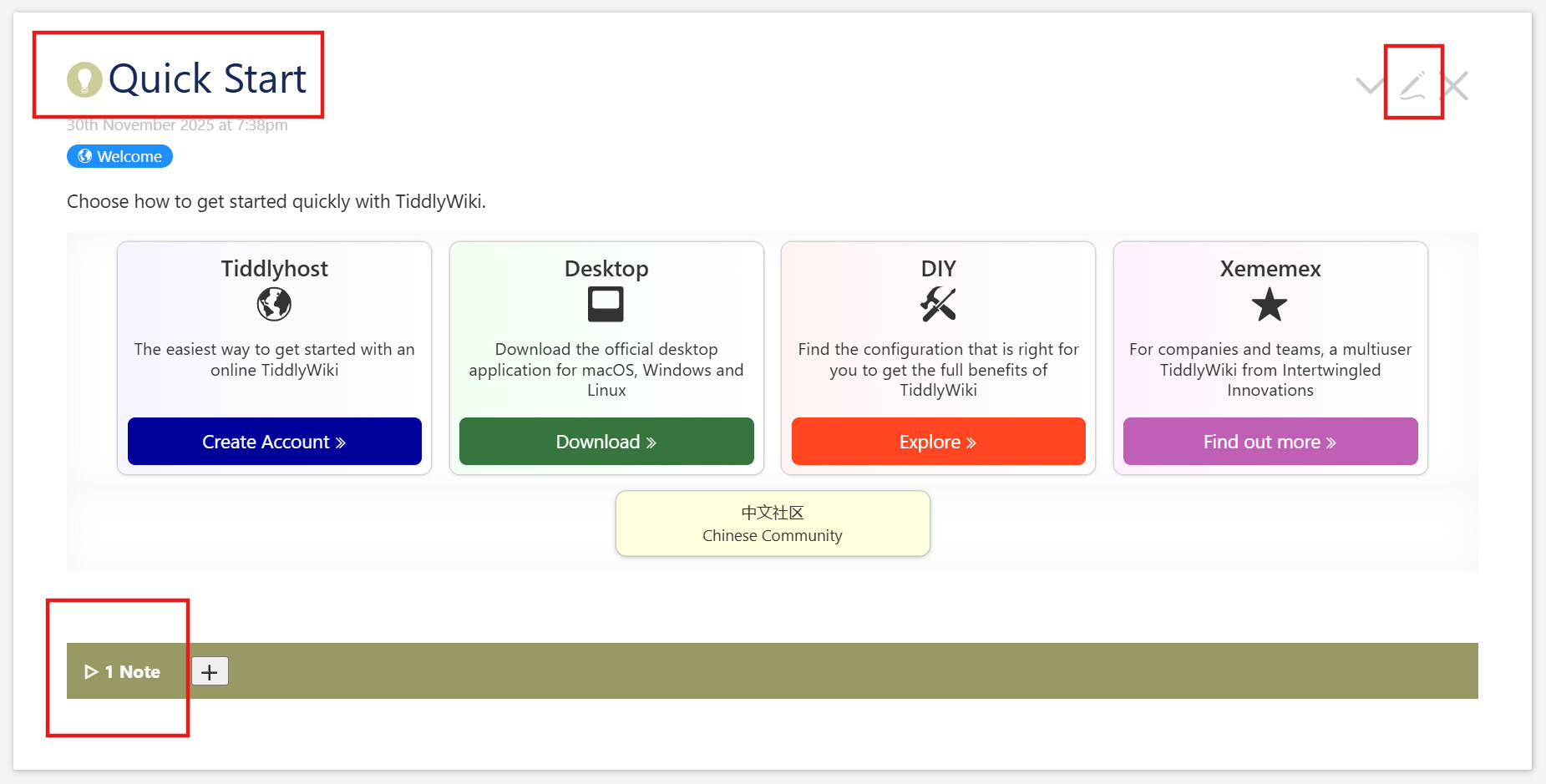
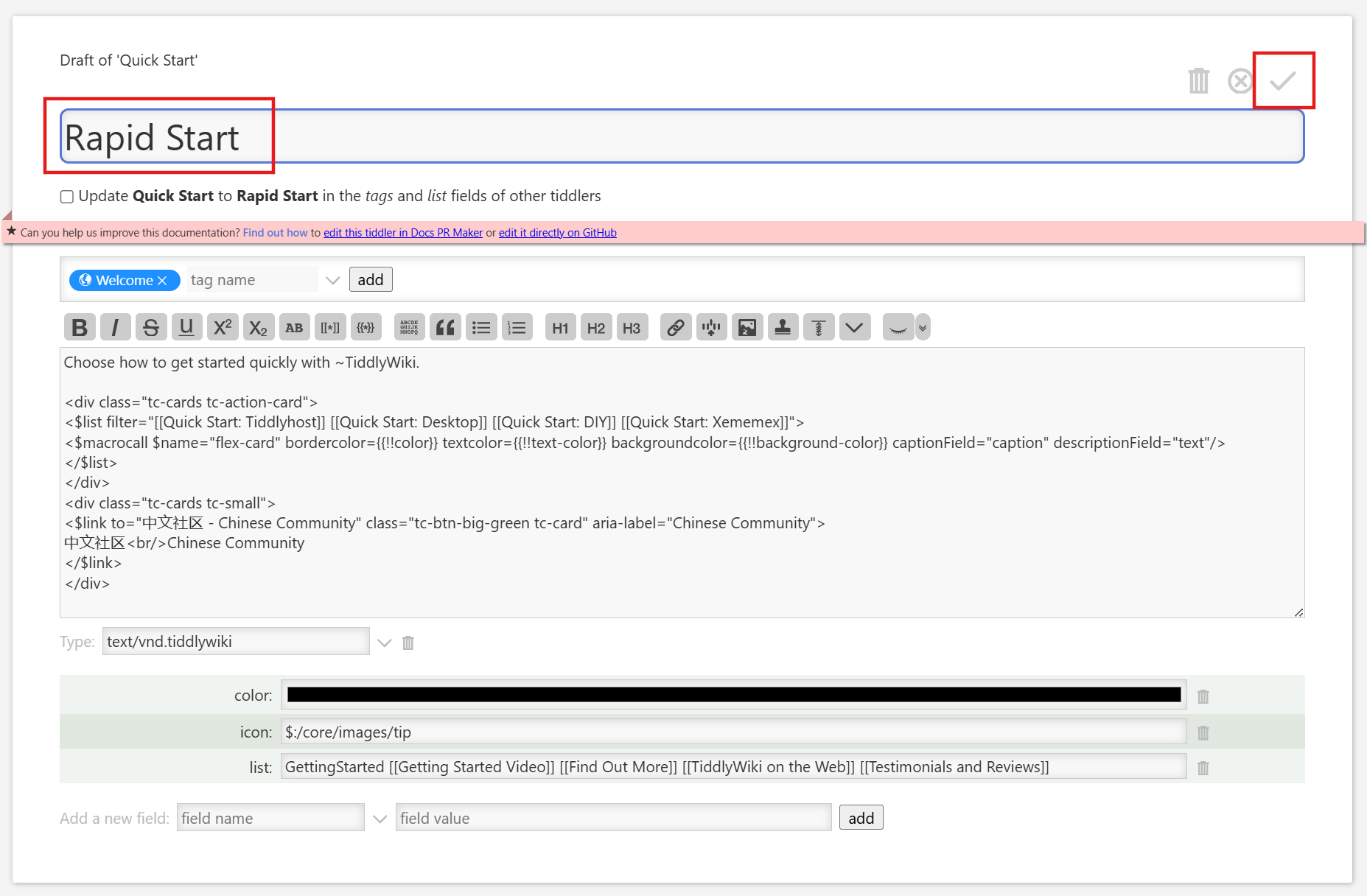
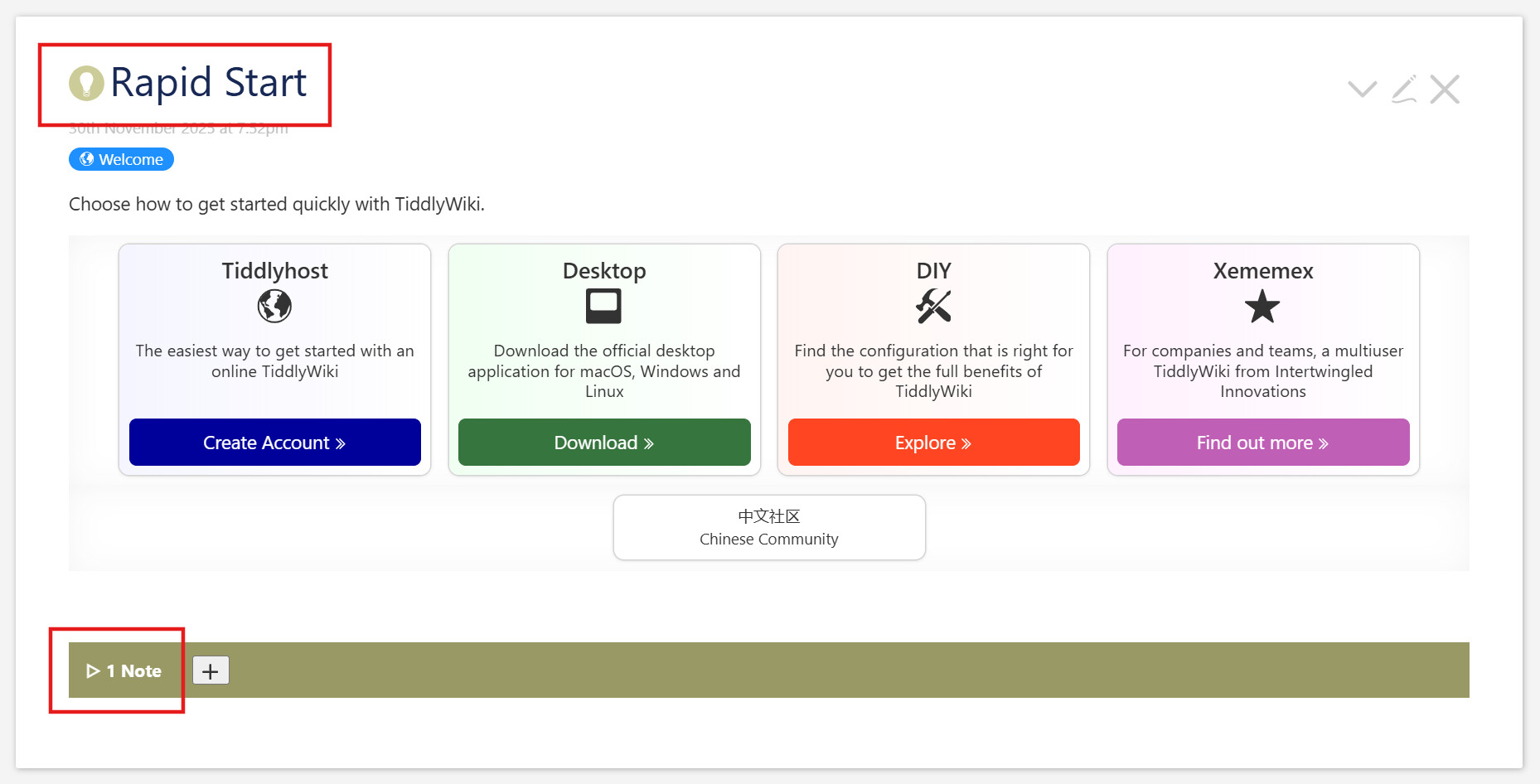
Commits
| 72eacb1 | Add rename handler |
Explanation
Rename module
There is an outstanding problem without an obvious solution. Our Notes are indexed by their titles. That’s fine, as titles are unique across a wiki. But we are allowed to rename them. What happens then? As of now, these Notes are simply orphaned. If we change “Quick Start” to “Rapid Start”, our tiddler will lose connection to the note(s) we’ve created for it. And if later, if we create a new tiddler with the title “Quick Start”, it will inherit the Notes we meant for the older one.
There is no obvious wikitext solution to this. And the somewhat obvious JavaScript solutions also didn’t work. But that discussion lead to a working JavaScript alternative. It involves a JS module
($:/supp-info/notes/modules/startup/rename) with module-type of startup, and it uses the hooks mechanism to connect everything together.
As suggested in Step 5, there are likely readers entirely uninterested in the inner workings of a JavaScript module. It’s fine to skip this, and we’ll see you in the View Template section below.
Code
/*\
title: $:/supp-info/notes/modules/startup/rename
type: application/javascript
module-type: startup

Add hook for renames to update 'Renamed' text field
\*/

"use strict";

// Export name and synchronous status
exports.name = "rename";
exports.platforms = ["browser"];
exports.after = ["startup"];
exports.synchronous = true;

const replaceKey = (oldKey, newKey) => (obj) =>
  Object.fromEntries(Object.entries(obj).map(
    ([k, v]) => [k == oldKey ? newKey : k, v]
  ))

exports.startup = function() {

  $tw.hooks.addHook("th-saving-tiddler", function (newTiddler, oldTiddler) {
    if (
      newTiddler?.fields?.title === oldTiddler?.fields?.['draft.title']
      && newTiddler?.fields?.created === oldTiddler?.fields?.created
      && newTiddler?.fields?.title !== oldTiddler?.fields?.['draft.of']
    ) {
      // We're in a rename scenario
      $tw.wiki.setText(
        '$:/supp-info/notes/content',
        'text',
        null,
        JSON.stringify(
          replaceKey(oldTiddler.fields["draft.of"] || oldTiddler.fields.title, newTiddler.fields.title)(
            JSON.parse($tw.wiki.getTiddler('$:/supp-info/notes/content').fields.text)
          ),
          null,
          4
        )
      )
    }
    return newTiddler;
  });
};
Analysis
The first fifteen lines are essential boilerplate for TiddlyWiki’s JavaScript modules. The leading comment establishes the type of module (“startup”) as well as the title and the mime type; it also has an actual comment to describe the module. After the use strict incantation, we have the exports.* block that describes the public interface of the function.
After that is the JavaScript helper function replaceKey, which accepts the name of a key in an object, and the name of a replacement key, and returns a function which accepts an object and returns a new object, equivalent to the input except that the key has been replaced. It does this by
- splitting the object into an array of two-entry arrays representing
key-value pairs (Object.entries) - Using
.mapto convert those pairs with a function that tests whether the
key matches our old key, and- if it does, returning one with the new key instead, and the same value
- if it doesn’t, returning the pair intact
- recombining these new key-value pairs back into an object
(Object.fromEntries)
Again changing the exports object, we create a function to run on startup, and in that we associate a new function with the tm-saving-tiddler hook. This means our function will run whenever that hook is invoked, which includes when the user edits a tiddler and saves. The hook passes to our function both the old tiddler and the new tiddler with all its changes.
We now check to see if the new tiddler title is different from the old one with a conditional that looks like this:
    if (
      newTiddler?.fields?.title === oldTiddler?.fields?.['draft.title']
      && newTiddler?.fields?.created === oldTiddler?.fields?.created
      && newTiddler?.fields?.title !== oldTiddler?.fields?.['draft.of']
    )
If the ?. and ?.['some-name'] syntax is unfamiliar, it’s simply a way to keep chaining property access even when one stage is null or undefined, returning undefined at the end in that case. You can read more in MDN’s Optional Chaining article.
We check if the new tiddler’s title field is equal to the old tiddler’s draft.title, if they have the same created fields, and if the new tiddler’s title is different than the old one’s draft.of. If all these are true, then we’re in a renaming scenario. (For any TiddlyWiki experts, are these conditions both necessary and sufficient to identify a renaming?) Here we
- extract the JSON contents from its tiddler
- use
JSON.parseto turn that into an object - use the
replaceKeyfunction above using- the old tiddler’s
draft.ofortitlefield - the new tiddlers
titlefield - that parsed object
- the old tiddler’s
- call
JSON.stringifyon the result - set the text of the JSON contents tiddler with this new string.
- return the new tiddler intact. (Our actions here were all side-effects.)
Recap
That’s a lot of explanation for a relatively simple module. In summary, we listen for save events, and, if they look to be renames, we update our JSON store with the new name for the same contents.
Missing
There is one activity missing here; this we will leave as an exercise for the reader. We haven’t renamed our temp tiddlers which describe the state of the Notes section for the current tiddler. The whole section will default to closed, the mode for the specific note will be edit, meaning the edit button is displayed, and if there was a text edit underway on the note, it will be lost. This should be relatively easy to fix. (TODO)
Edit: There is another issue, as @Springer noted in #27: these notes are not seen by the ubiquitous, although unofficial, Relink plugin. So if we link to another tiddler in a Note and that tiddler is renamed, our Note is outdated. It’s not clear how we would deal with this.
View Template
To those, who skipped the JavaScript explanation, welcome back!
We make two minor edits to the View Template:
- We remove the
<action-log>debugging message described in Step 9. - We replace the “Dummy text” filler with a blank message. That was useful filler as we developed, but has become a distraction. Now when we create a new Note, it will be blank.