The native TiddlyWiki search is efficient for quick access, but as our wikis grow, we often find ourselves needing more specific retrieval capabilities. We created the Advanced Search plugin to supplement the core search with features designed for content-heavy wikis and deeper discovery.
Enhancing the Search Experience
We aim to bridge the gap in scenarios where you need more detail and control:
Search Without Limits: Support for short keywords (1-2 characters) that are often skipped by standard indexing.
Contextual Visibility: Instead of just titles, see a text preview of where your keyword appears, helping you identify the right tiddler immediately.
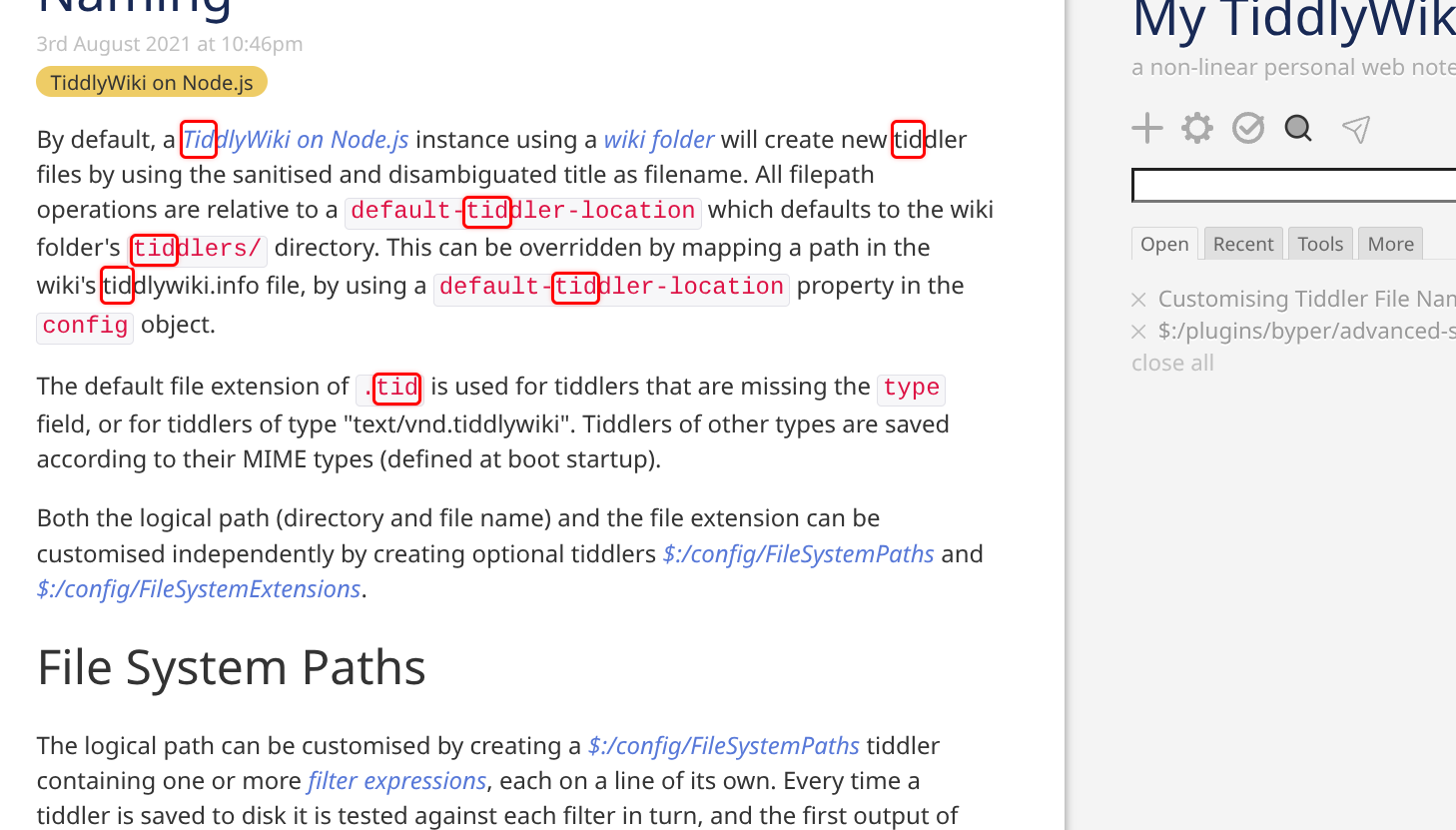
Deep Navigation: Click to jump directly to the specific paragraph containing your match, rather than just opening the tiddler.
Visual Clarity: Keywords are highlighted in the results for quick scanning.
Streamlined Workflow: The search box auto-focuses when opened, allowing for immediate typing.
Core Features
Unrestricted Matching: Accurately matches keywords of any length.
Smart Snippets: “What you see is what you get” result previews with context.
Highlighting: Clear visual cues for search terms within the results.
Auto-Focus: Optimized for keyboard-centric workflows.
Actually, this is a design issue.
The current search matching logic is:
Prioritize matching the title
Then match the content
In the content, each paragraph is treated as an item, and multiple items form a list
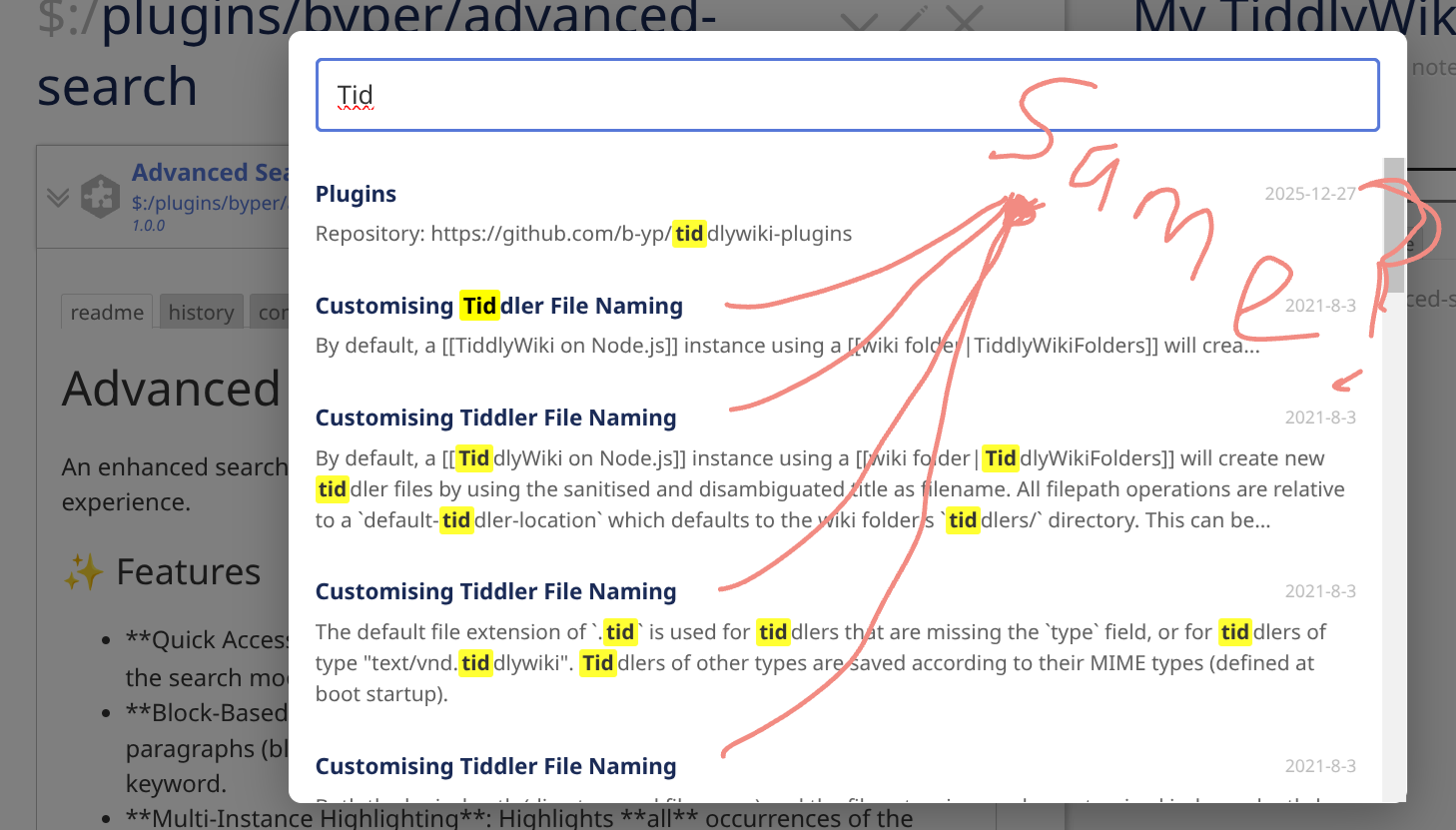
The reason you’re seeing the same tiddler appear multiple times is that several paragraphs in its content match the search keyword. This design is actually inspired by Logseq’s search behavior.
Originally, the design was different: only one instance of each tiddler would appear, with matched content displayed in a sublist format — somewhat similar to Obsidian’s search.
Of course, if most users prefer the other approach, I can make adjustments accordingly.
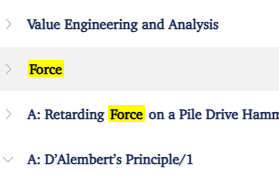
Oddly a search for Force, for example, puts the Force tiddler below Value Engineering and Analysis.
This is better than the default search which puts Force way down the list.
Can this replace the default search box in the side bar? I’d still like the search button next to the search box to open advanced search.
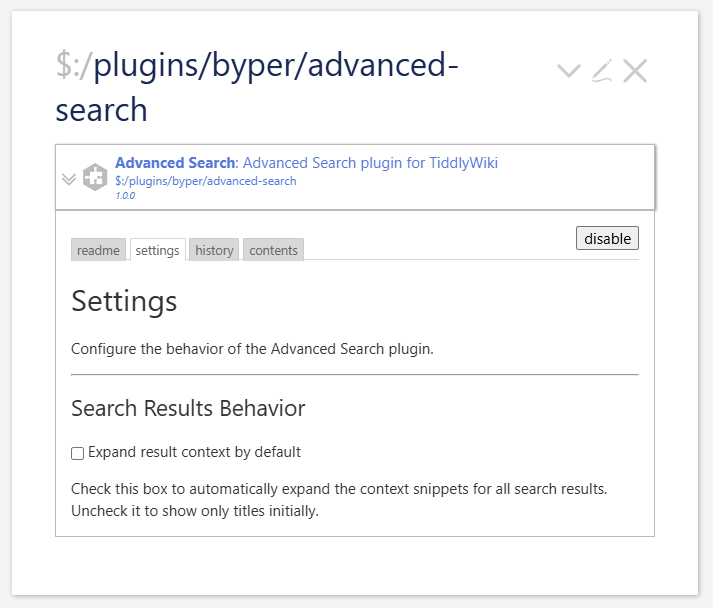
Can the context be defaulted to close? Or an option to toggle?
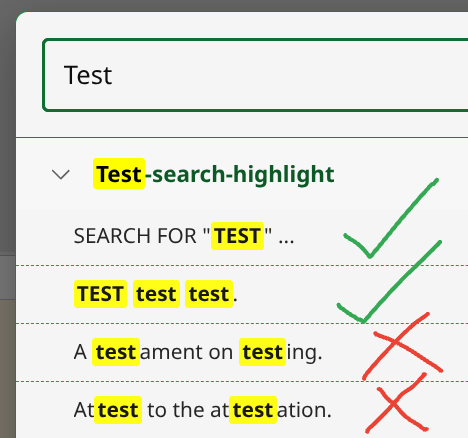
It might be better if the search could be dynamically set by the user for literal strings or whole words. At the moment when I search for “test” I get some results I don’t need. For example …
Am I right that the search ignores Tiddlers starting “$”?
In my case I was hoping to use your tool to help me find errors in “$:/” Tiddlers. Does it include all Tiddlers?
I suggest you give a user option to either have the search from the Sidebar button to a float box (as it currently is) OR as a tab in $:/AdvancedSearch.
At the moment when you go back to the search the previous search string is gone from the box. I think it could be very useful if the search string persists between searches.
I am not sure how I missed this thread until today, but kudos to you. The context visibility works great and the ability jump directly to a paragraph is a great leap forward in TiddlyWiki searching. Even though you already implemented these suggestions, I want to agree with grouping the instances of the same tiddler under one search result, and the button in the sidebar, and making “in-title” results come before “in-tiddler only” results. Stunning. After I get done with my current urgent project, this will now be a “must-add” plugin to add to all my tw files.
 Enhancing the Search Experience
 Core Features
 Unrestricted Matching: Accurately matches keywords of any length.
 Try it Now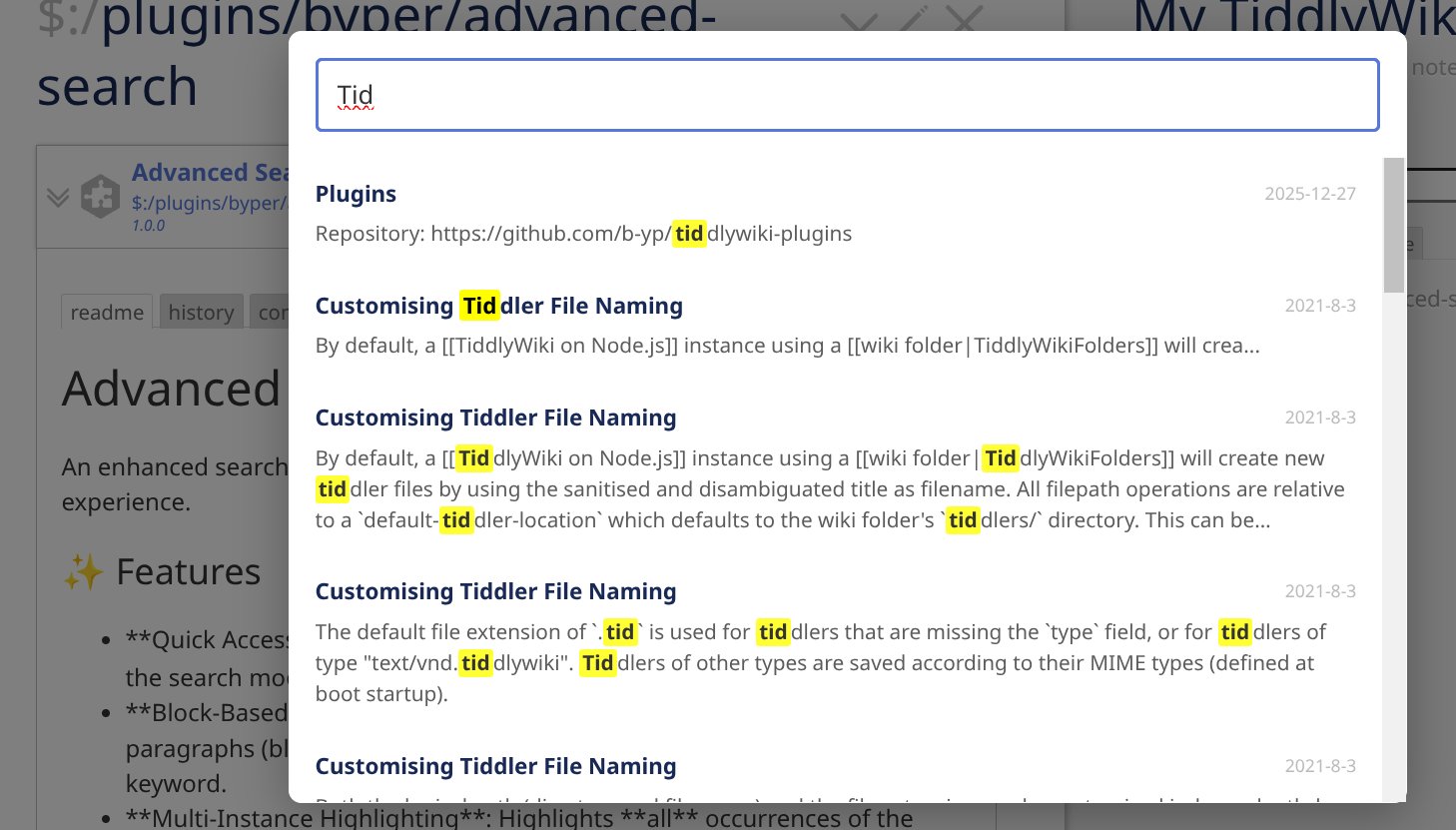

 ”?
”?