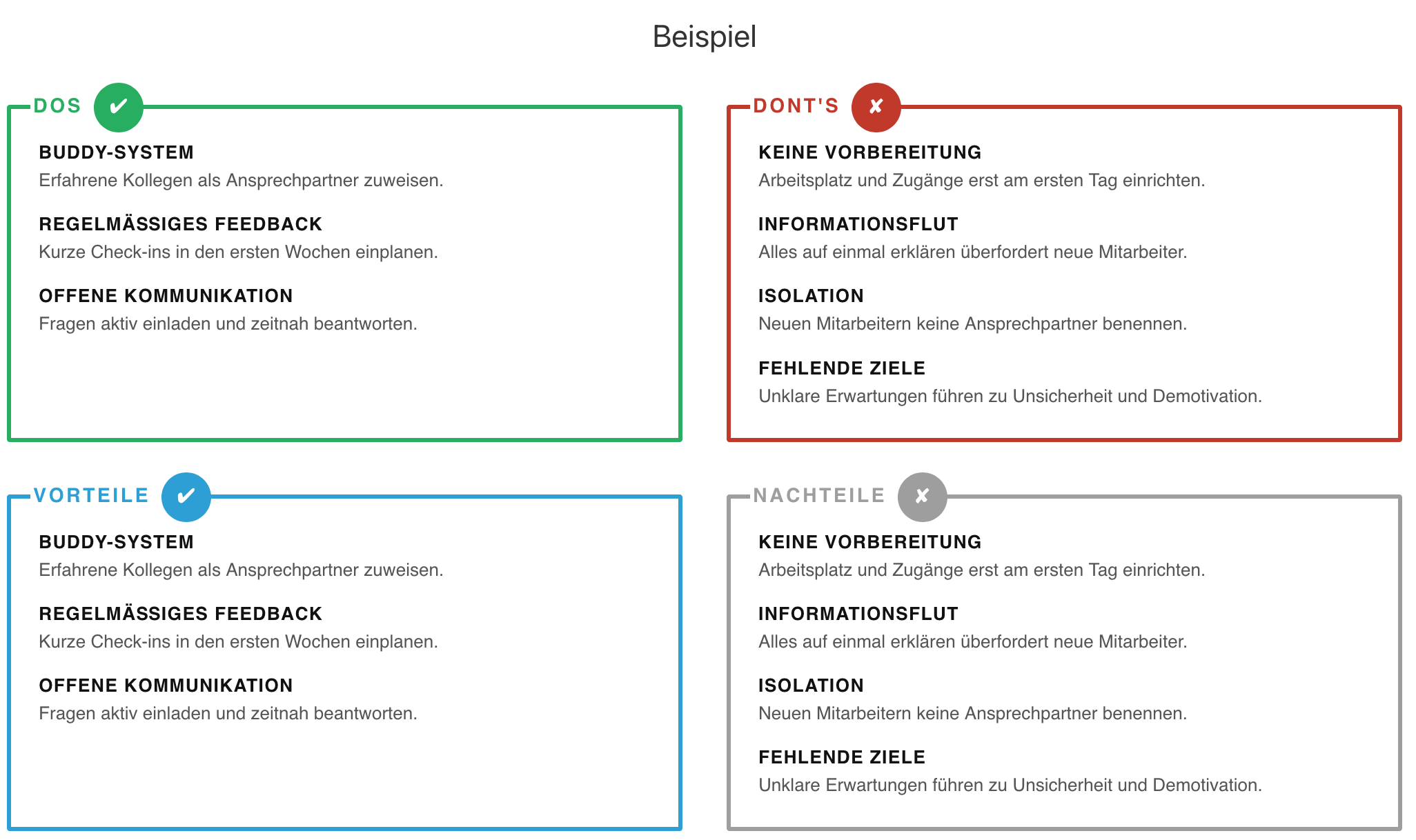
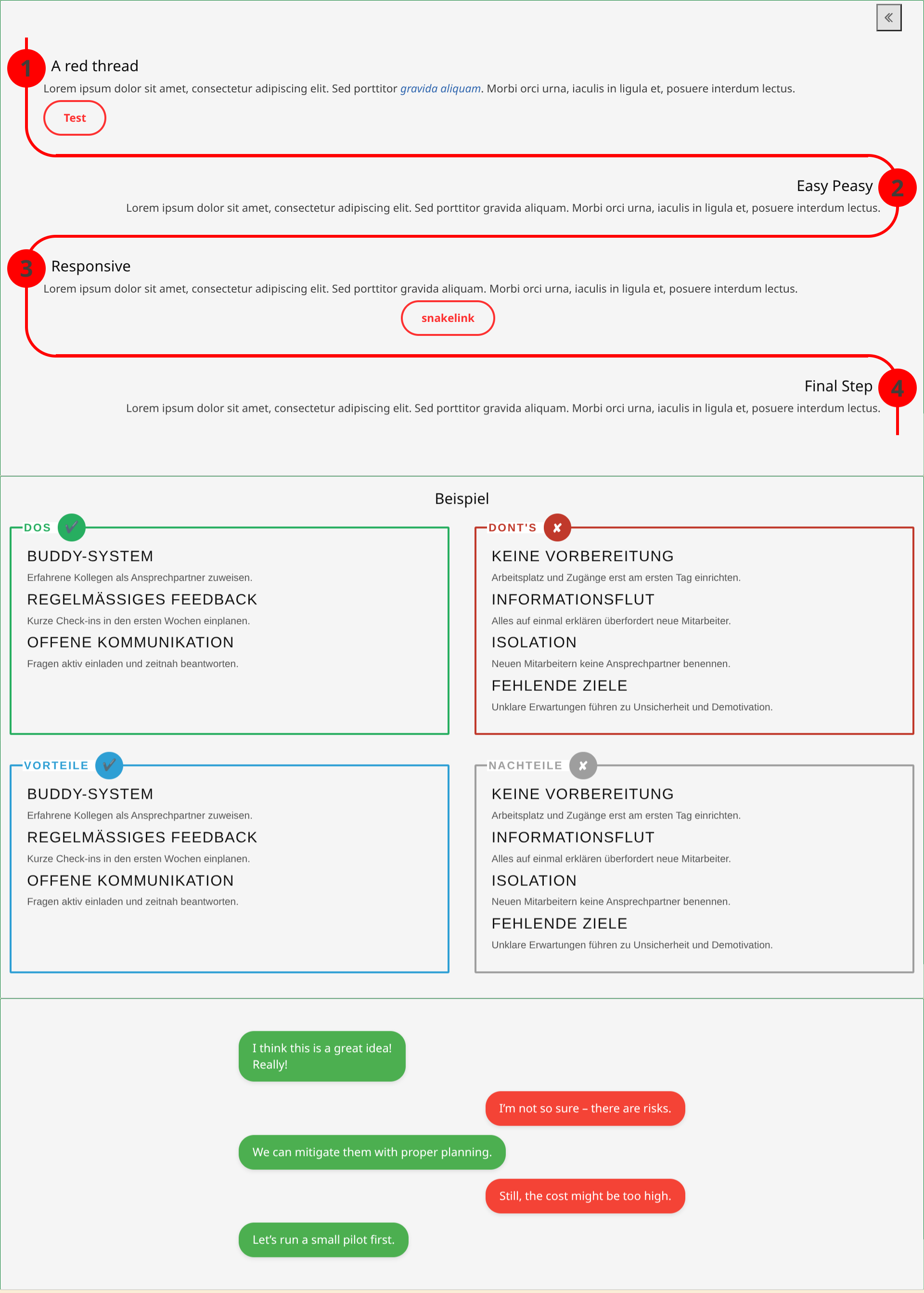
Hi, I made two visualizations of info I wanted to have for quite long.
enjoy …
and dare to share tiny things you build to make TW look more beautiful
Jan
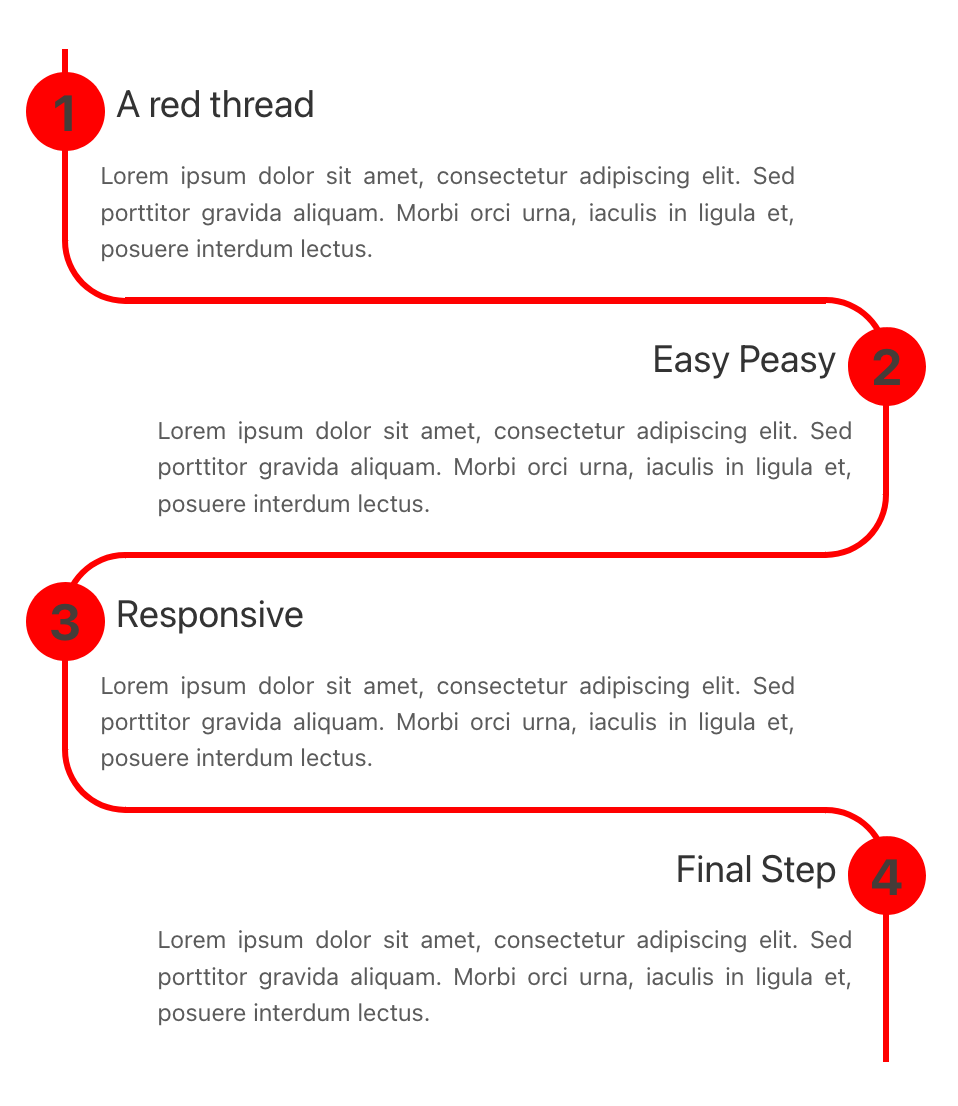
 Edit: Small disclaimer: This is coded in a very reduced way, so that even Tiddlylinks do not work because so far they ruin the filters. Only
 <<macros>> work within. Perhaps I will do an Update!
\define snake-steps(content, linecolor:"#F00")
<style>
/* Container styling */
.snake-container {
  margin: 20px auto;
  counter-reset: snake-counter;
  padding: 20px;
}
/* Base Step Style */
.snake-step {
  position: relative;
  padding: 20px 20px 20px 20px;
  margin: 0;
  box-sizing: border-box;
  color: <<linecolor>>;
  overflow: visible;   /* ensure circles aren't clipped */
}
.snake-step h2{
margin-right:10px;
margin-left:10px;
}
/* The Numbered Circle */
.snake-step::before {
  counter-increment: snake-counter;
  content: counter(snake-counter);
  position: absolute;
  width: 50px;
  height: 50px;
  background: <<__linecolor__>>;
  color: #453c38;
  border-radius: 50%;
  display: flex;
  align-items: center;
  justify-content: center;
  font-weight: bold;
  font-size: 200%;
  z-index: 10;
  /* adjusted vertical position – was -10px, now 15px */
  top: 15px;
}
/* ODD STEPS (1, 3, 5) - Curves at top-left and bottom-left */
.snake-step:nth-child(odd) {
border-top: 4px solid <<__linecolor__>>;
border-left: 4px solid <<__linecolor__>>;
  border-bottom: 4px solid <<__linecolor__>>;
  border-top-left-radius: 40px;
  border-bottom-left-radius: 40px;
  margin-right: 40px;
  text-align: left;
margin-top:-4px;
}
.snake-step:nth-child(odd)::before {
  left: -27px;        /* center on left border */
}
/* EVEN STEPS (2, 4, 6) - Curves at top-right and bottom-right */
.snake-step:nth-child(even) {
border-top: 4px solid <<__linecolor__>>;
border-right: 4px solid <<__linecolor__>>;
  border-bottom: 4px solid <<__linecolor__>>;
  border-top-right-radius: 40px;
  border-bottom-right-radius: 40px;
  margin-left: 40px;
  text-align: right;
margin-top:-4px;
}
.snake-step:nth-child(even)::before {
  right: -27px;       /* center on right border */
}
/* Last step: remove bottom border */
.snake-step:last-child {
  border-bottom: none;
  border-bottom-left-radius: 0;
  border-bottom-right-radius: 0;
}
.snake-step:first-child {
  border-top: none;
  border-top-left-radius: 0;
  border-top-right-radius: 0;
}
/* Typography */
.snake-step h1, .snake-step h2, .snake-step h3 {
  color: <<linecolor>>;
  margin-top: 0;
  font-size: 1.5em;
}
.snake-step p {
  color: <<linecolor>>;
  opacity: 0.8;
  font-size: 0.95em;
  margin: 0.5em 0;
}
@media screen and (max-width: 900px){
.snake-step {
padding-left: 20px 0px 20px 0px;
transform: translate(-20px);
}
.snake-step:nth-child(odd) .innerstep, .snake-container{
transform: translate(20px);
}
.snake-step:nth-child(even) .innerstep {
transform: translate(-20px);
}
}
</style>
<div class="snake-container">
<$list filter="[[$content$]split[!#]butfirst[]]">
  <div class="snake-step">
<div class="innerstep">
<$list filter="[{!!title}splitregexp[\n]first[]]">

!!{{!!title}}
</$list>
<$list filter="[{!!title}splitregexp[\n]butfirst[]]">

{{!!title}}
</$list>
</div>
</div>
\end

<<snake-steps """
!# A red thread
Lorem ipsum dolor sit amet, consectetur adipiscing elit. Sed porttitor gravida aliquam. Morbi orci urna, iaculis in ligula et, posuere interdum lectus.
!# Easy Peasy
Lorem ipsum dolor sit amet, consectetur adipiscing elit. Sed porttitor gravida aliquam. Morbi orci urna, iaculis in ligula et, posuere interdum lectus.
!# Responsive
Lorem ipsum dolor sit amet, consectetur adipiscing elit. Sed porttitor gravida aliquam. Morbi orci urna, iaculis in ligula et, posuere interdum lectus.
!# Final Step
Lorem ipsum dolor sit amet, consectetur adipiscing elit. Sed porttitor gravida aliquam. Morbi orci urna, iaculis in ligula et, posuere interdum lectus.
""">>

\define chat-bubbles(content, procolor:"#4CAF50", concolor:"#F44336")
<div class="chat-container">
<$list filter="[[$content$]splitregexp[\n:]search-replace:g:regexp[\n],[<br>]search-replace:g[<br><br>],[<br>]]">
<$list filter="[{!!title}removeprefix[+]]">
      <div class="chat-message pro">
        <div class="bubble">{{!!title}}</div>
      </div>
</$list>
<$list filter="[{!!title}removeprefix[-]]">
      <div class="chat-message con">
        <div class="bubble">{{!!title}}</div>
      </div>
</$list>
</$list>
</div>
<style>
.chat-container {
  max-width: 600px;
  margin: 20px auto;
  display: flex;
  flex-direction: column;
  gap: 12px;
  padding: 10px;
}
.chat-message {
  display: flex;
  max-width: 80%;
  word-wrap: break-word;
}
.chat-message.pro {
  align-self: flex-start;  /* pro on left */
}
.chat-message.con {
  align-self: flex-end;    /* con on right */
}
.bubble {
  padding: 12px 18px;
  border-radius: 20px;
  background: <<__procolor__>>;
  color: white;
  box-shadow: 0 2px 5px rgba(0,0,0,0.1);
  position: relative;
  font-size: 1em;
  line-height: 1.4;
}
.chat-message.con .bubble {
  background: <<__concolor__>>;
}
.bubble::before {
  content: '';
  position: absolute;
  bottom: 0;
  width: 0;
  height: 0;
  border-style: solid;
}
.chat-message.pro .bubble::before {
  left: -10px;
  border-width: 10px 10px 0 0;
  border-color: <<__procolor__>> transparent transparent transparent;
}
.chat-message.con .bubble::before {
  right: -10px;
  border-width: 10px 0 0 10px;
  border-color: <<__concolor__>> transparent transparent transparent;
}
</style>
\end

<<chat-bubbles """
:+ I think this is a great idea!

Really!

:- I’m not so sure – there are risks.
:+ We can mitigate them with proper planning.
:- Still, the cost might be too high.
:+ Let’s run a small pilot first.
""">>