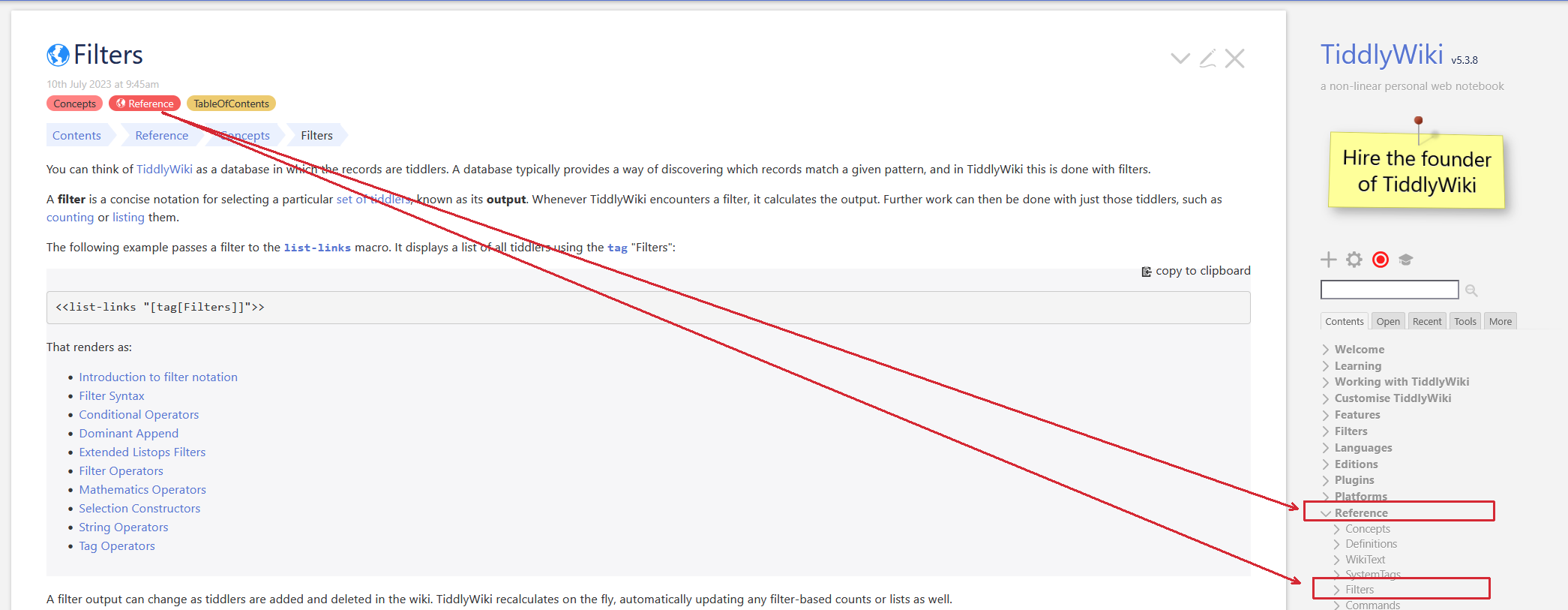
I am a fan of tree data structures, thus I use the Table of Contents concept very often to organize tiddlers in my wikis. I am familiar with the pros and cons of trees, I also know about other schools of knowledge management, like the Zettelkasten one, where cards are loosely coupled via references - I’ve tried that approach as well, but trees just work better for me. Maybe it’s the nature of the data I’m recording (mostly computer related, technical).
The intro above being listed mostly for context, I like the ToC as a view from a bird’s eye of a subset of tiddlers - sometimes it provides refactoring hints, like the need to move a leaf or a whole branch to another place in the tree. Luckily, this is done easy by changing a tag and letting the Relink plugin handle the renames automagically.
My question is about the relationship in the opposite direction. If I have a tiddler open in the story river and I know it belongs to a ToC - I even have some custom code (based on ancestors third party filter) that shows me the location of the tiddler in the ToC. My problem is that to get there, I have to go to the tiddler containing the ToC and click a lot to open the nodes until I get to the tiddler. I have no idea how to approach the problem but would it be possible to automate this? I would like a custom button or something in each tiddler that would:
Open the tiddler containing the ToC
Auto-expand all the nodes until the tiddler in the ToC becomes visible
Center the ToC on the screen so the tiddler where the button was clicked is in the middle
I believe @EricShulman’s TiddlyTools TOC rewrite already handles auto-expand and auto-scroll, so you’d just need to add a button (perhaps as a $:/tags/ViewTemplate segment, so it appears everywhere) to set the state tiddlers responsible for opening the sidebar and setting it to the TOC tab, if necessary.
These state tiddlers may vary depending on your layout/tabs, but you can figure them out by pasting [is[system]!sort[modified]] into Advanced Search > Filter and then folding/unfolding the sidebar and switching between tabs to see what changes. On TW-com, this is the code you’d need to navigate to the Contents tab:
Usually the place in the TOC is determined by a tag on the tiddler. Just opening that tag shows you both the siblings and parent of your target tiddler so goes a long way to finding its position in the toc.
Howevever we could generate a toc which is all open and use a search for the title using the browsers find function.
We can however do more, using a range of methods but the above are “out of the box”. Some tackle this with breadcrumbs.
The reason it is not strait forward is each collapsed toc item has its own state, so to open multiple “folders” in the toc demands setting the open status to all folders above.
We could use one of the tree walking macros the kin filter or ascendants descendants operators to generate breadcrumbs or to find each folder and set the open status, but it still wont focus on the item.
For tag based TOC’s I may look at an option to list the path to the tiddler in the tag dropdown, as an addition to reimagine tags.
Even better may be a fully open TOC that allows drag and drop, I think I saw this elsewhere.
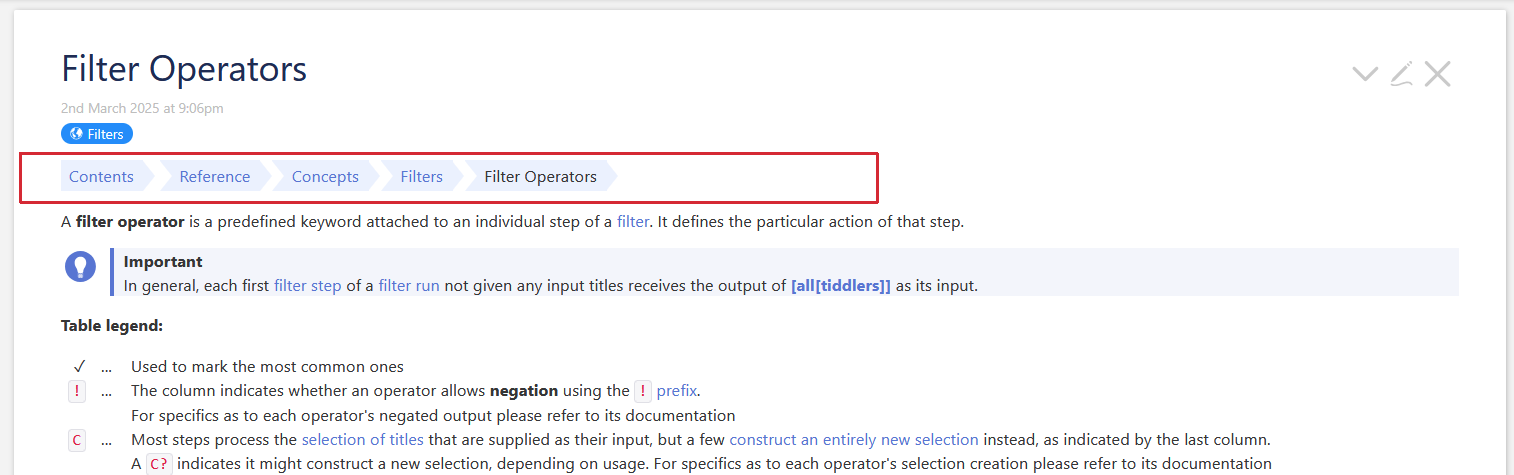
You could try my trails-plugin. You only need to drag and drop the plugin into your wiki and it should work out of the box. No browser reload needed.
By default it adds a TOC trail to the top of every tiddler. See the Filter Operators screenshot below.
There are some configuration options for fine grained configuration.
The plugin also changes the default open “above” / “below” settings, if you click a tiddler on the trail.
If a tiddler is higher in the “tree” it will be opened above the current tiddler.
If it is lower it will be opened below. …
If I search system tiddlers for tiddlers starting with $:/state/toc/, it finds a bunch of things named $:/state/toc/something/something-NUMBER.
This NUMBER is the same for all tiddlers, but it is different with different wikis. After reading a bit through the docs and having a superficial look at $:/core/macros/toc, which is developer-friendly (as in it has no comments at all ), it seems that this has to do with qualify macro and is an unique hash specifying the position of the tiddler node in the ToC tree.
How do I find this number with wikitext code? Is there a built-in variable/macro/system tiddler/whatever that holds it? Finding those state tiddlers (see above), picking one of them and cutting its tail (all digits) is not an option, since if the ToC has no expanded tree nodes, there’s no such state tiddlers at all.
My (far yet) goals are:
to try and create such a state tiddler in wiki script if I only know a tiddler name as input data.
given the tiddler name, find all state tiddlers related to it (as I understand, there can be more if the tiddlers shows more times in the ToC)
Note: I use ‘tiddler name’ and ‘tiddler title’ interchangeably, please don’t get confused by it.
Recreating the toc path, where your tiddler shows up, is complex. Because tiddlers can show up in several positions. (simplified)
The code for the TOC state tiddler is at:
So it combines a base-title $:/state/toc/ an internal variable path, which uses / to separate tags then there is a - separator and the currentTiddler / tag.
To recreate such state variables you need to reverse engineer all paths, where your tiddler shows up.
The qualify macro creates a unique hash, which mainly depends on where the TOC code is transcluded. This allows us to show several TOCs at the same time. All state tiddler have a unique number.
The qualify hash is not guaranteed to stay the same for ever. UI refactoring can change it.
(Warning! This can be a rabbit hole)
As I wrote. You will need to re-create all state tiddlers if you want to open the right path. – And that’s the main problem here.
A long time ago, did create a function, that was able to open all paths- But for tw-com it was so incredibly slow that I did not follow the path. … And sadly I have no idea, where that code has gone.
That’s one reason, why I did develop the trails-plugin.
In TW by default tags are sorted alphabetically.
So the trails plugin uses the “first” tag from a tiddler, that if finds and uses it to “follow the trail”.
That may be not the optimal route, but it is one that works. eg:
If tag positions would be user sortable, which should be possible in the future (core code needs to be adjusted), users would be able to “modify” the trail behaviour. So trails could show the “shortest” route, or one the user wants to define.
There may be some logic in the trails code, that may allow you to “recreate” the needed state tiddlers. But with the limitation, that it may not be the optimal path. I did not have a closer look yet.
 ), it seems that this has to do with