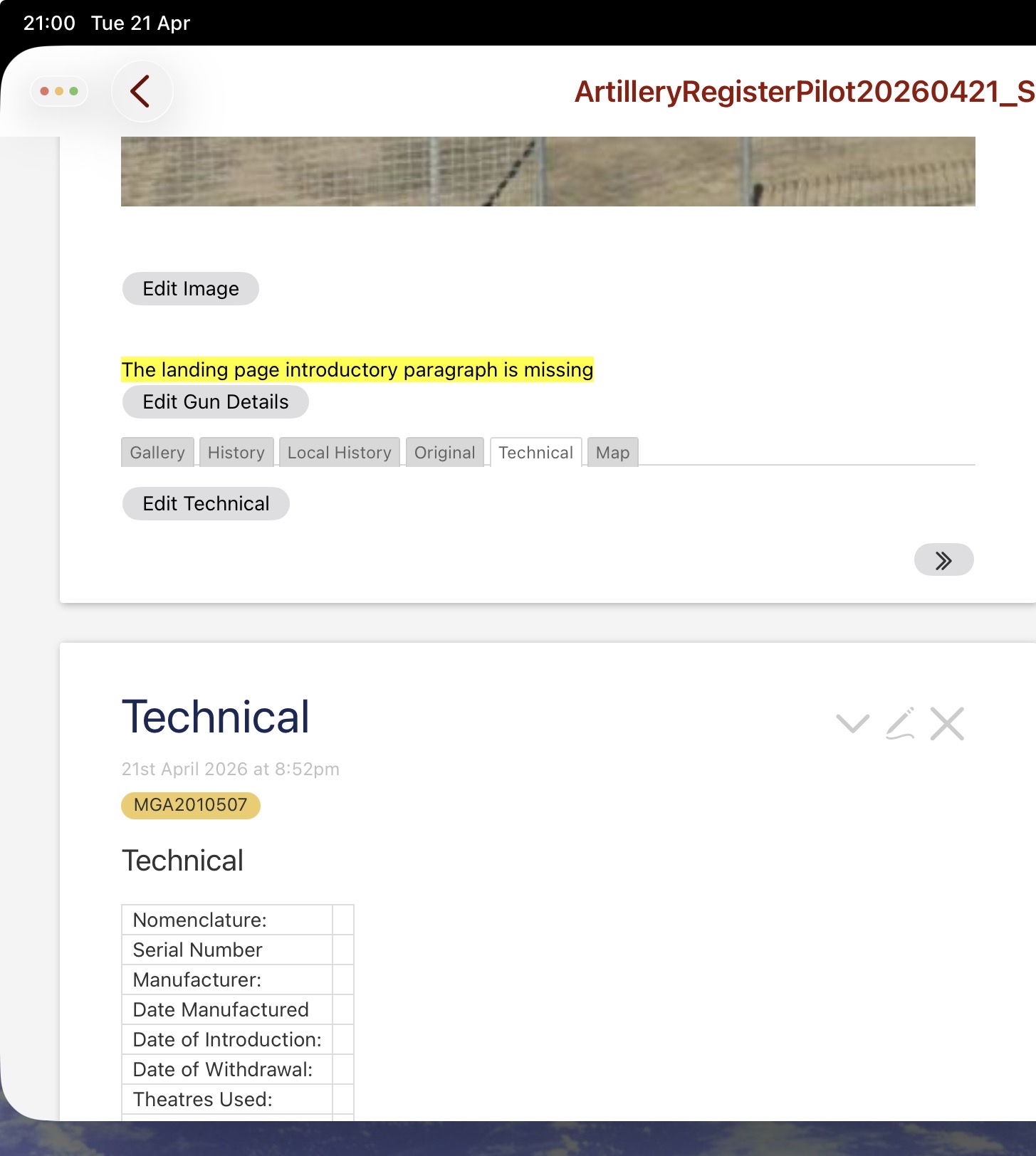
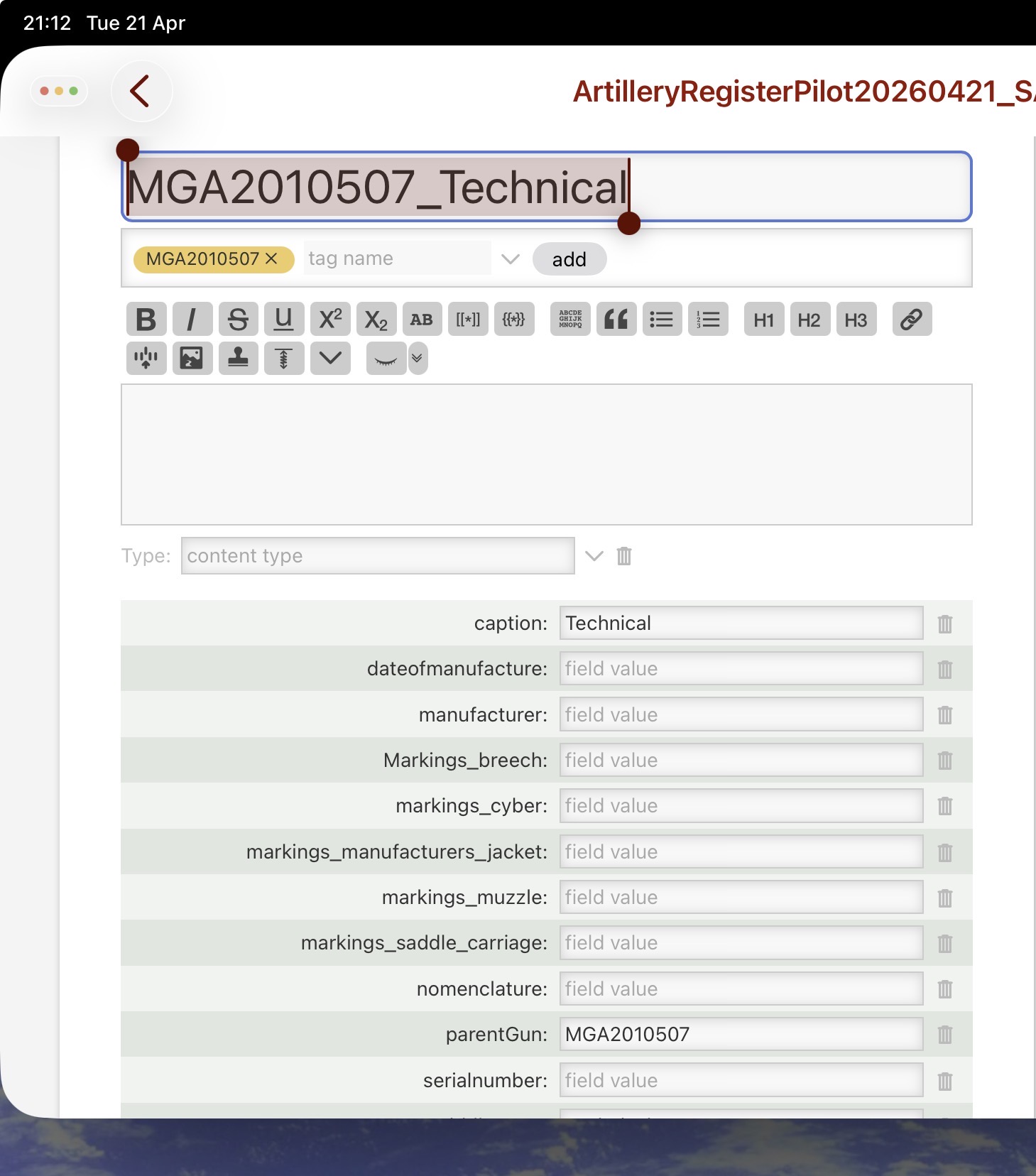
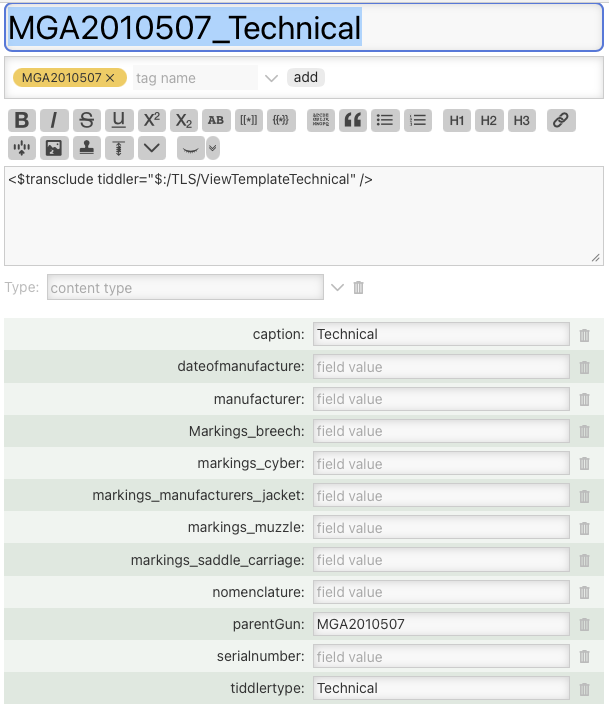
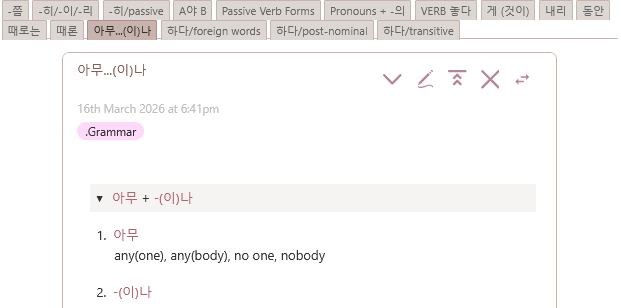
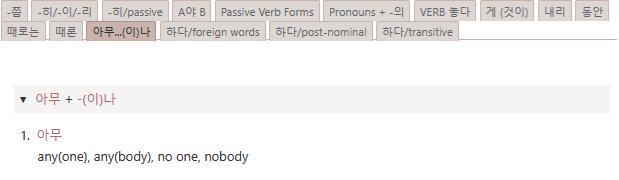
When it is rendered through a tab structure, no content is displayed. See top half of image above. The technical content should display underneath the Edit Technical button.
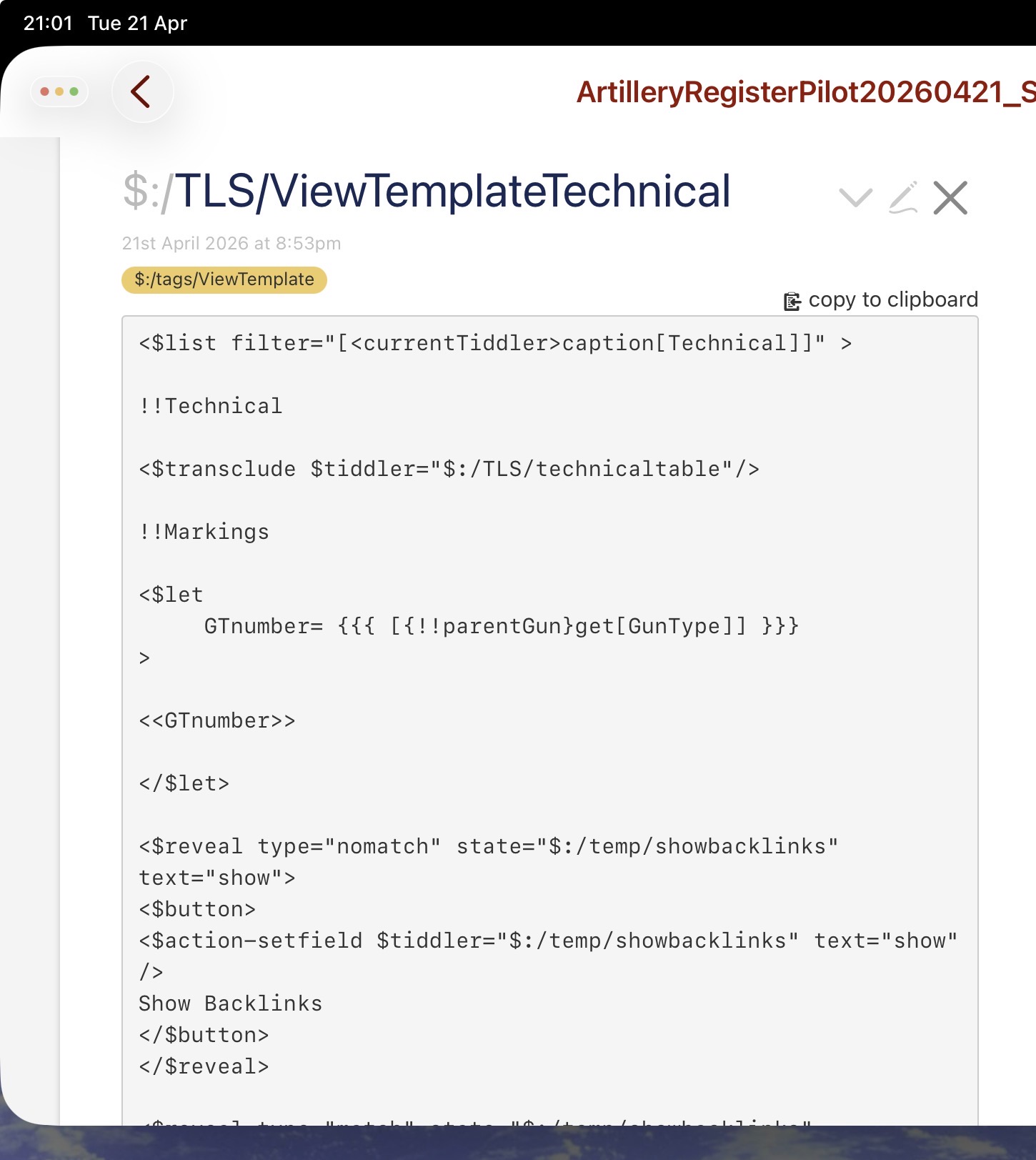
In both cases the viewtemplate for the tiddler is as follows
If I remove the list statement from the view template, the rendering through the tab structure is as expected. I have tried replacing the currentTiddler by currentTab but then neither renderings show any content.
I have been wracking my brain trying to find a list filter to cover both eventualities but have failed so far. I am convinced the issue is some incompatibility with the viewtemplate cause he other tabs correctly show their child tiddlers that have no viewtemplate,
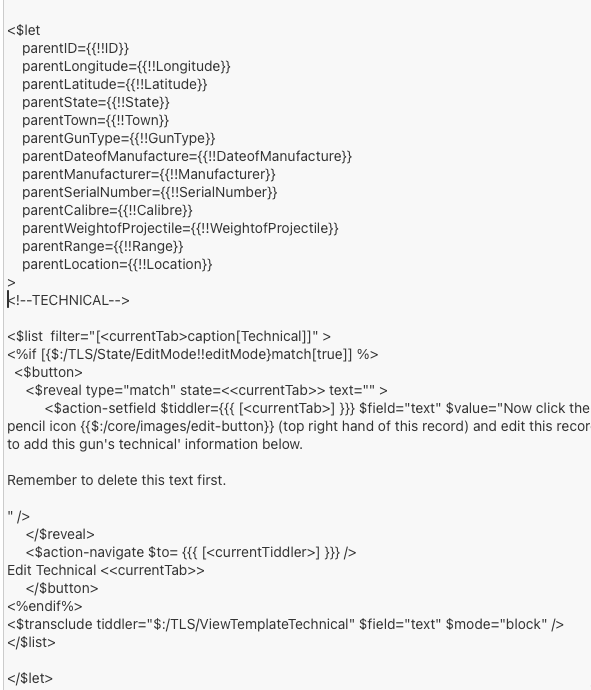
at the beginning of $:/TLS/ViewTemplateTechnical. This should fix the “show in a tab” issue without affecting the “show on its own” handling.
Why this works:
When shown in a tab, the $tiddler widget sets <<currentTiddler>> to match <<currentTab>>. When shown on its own, the value of <<currentTab>> is undefined, so <<currentTiddler>> remains unchanged.
This “trick” is documented here: tabs Macro (at the bottom of the tiddler)
As you can see, the display of the contents of what was the view template is now not done via a $:/tags/ViewTemplate tag but via the hard coded <$transclude tiddler=“$:/TLS/ViewTemplateTechnical” /> in the text field of the technical tiddler.
This ends up with
the technical details displayed correctly in stand alone mode
the technical details displayed correctly in tab mode.
So the issue is with a tiddler displayed via tab mode also having an active viewtemplate filter.
This hard coding means a sort of viewtemplate remains.
Then I have a contact tiddler for John Doe titled CONTACT - John Doe which is tagged with CONTACTS - (country) - (state) - (town).
This tag in turn is a tiddler with the contents: <<tabs tabsList:“[tag[CONTACTS - (country) - (state) - (town)]]” default:“” class:“tc-vertical”>> and has the tag CONTACTS - (country) - (state)
That tag in turn is a tiddler with the contents:
<<tabs tabsList:“[tag[CONTACTS - (country) - (state)]sort[city]]” default:“” class:“tc-vertical”>> and it is tagged with CONTACTS - (country)
That in turn is a tiddler with the content:
<<tabs tabsList:“[tag[CONTACTS - (country)]]” default:“” class:“tc-vertical”>> and it is tagged with Contacts By Location and so on.
It’s not the prettiest or most efficient and I would so love to see a showcase thread of contact wikis in this forum, but to return to the problem:
Thus I can click on a country tab, and then click a state tab and then click a town tab and then click a contact tab, but the contents of the contact tiddler unfortunately do not show up unless it is something actually written in the text field and not just transluded in like a template.
I would be thankful for any light that can be thrown on this. I looked up the link provided by Eric Shulman and scrutinized Bob Jansen’s final workaround but couldn’t get anything to work.
For every ViewTemplate $:/_/Contact/ViewTemplate I have a “tabs-enabler-tiddler” $:/_/Contact/TabsEnabler. This way I can use transcluded fields in the tabs macro.
If I am reading this correctly, @Bob_Jansen and @Sapphireslinger are looking to use the standard ViewTemplates within the contents of the tabs macro?
If so, you can feed the tab content through the standard ViewTemplate items. Make a new tiddler to bring in the ViewTemplate using currentTab instead of currentTiddler:
If you want to exclude the tiddler frame, title, tiddler controls, etc… make a copy of the $:/core/ui/ViewTemplate tiddler then edit it down to keep what you need. Use that as the content template:
But the subsumes also failed to show any content run through a template.
All this made me reconsider if I even needed a solution. For the time being I have decided there is no particular reason I need the tabs to drill down that far, and have decided to go with letting town tiddlers display a list of tiddlers by tag which shows up just fine:
<<list-links “[tag[CONTACTS - USA - FL - Jacksonville]sort[title]]”>>
I am satisfied with seeing a list of tiddler titles I can click on to pull up their tiddlers.
Weirdly, my wiki stopped showing transcluded tables in a tab structure again. Not sure what changed but the new workaround I have found is to include a mode=”block” in the $transclude statement. So when I click on a tab with a transcluded table, the transclude reads <$transclude tiddler=”abc” mode=”block”/> where abc is the tiddler with the table definition.
In fact, this works with transclusions of a transclusion as well as long as mode attribute is set on all transclusion statements.
The mode block or in line is often evaluated in the context it is in a blank line before often puts it in black mode and if the widget is on the same line as others its is usually inline.