What I did was to use the instructions from TiddlyWiki dot com, and then attempt to import any of the 3 resulting files to FF. The one that was the actual cert it failed quietly – providing no explanation.
I found an alternate set of instructions online, and with those Firefox worked but now tiddlywiki on nodejs failed.
My original idea was to use the phone as a server, serving up to a port on the FQDN supplied by Tailscale. But I’ve given up on that idea for now. The phone-as-server idea seemed to solve a lot of the self-hosting issues (that is, the administrator and the server are always in the same location, hopefully).
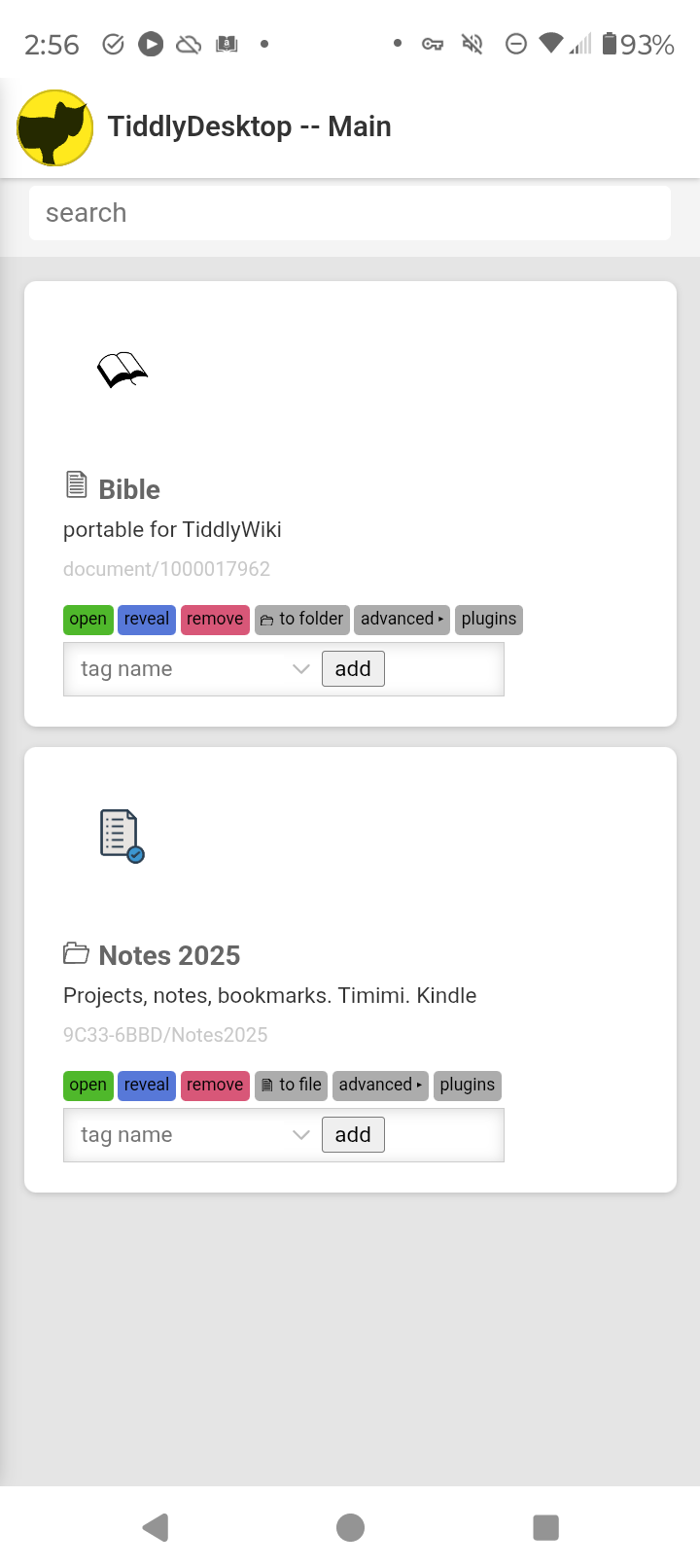
It’s a very clean look. It loaded my 11 Mb single file in only a few seconds. My 3Mb folder took 25 seconds, which seemed a bit long but I don’t really have anything to compare it to. I like the fact that it creates multiple instances of your TW files. Since Android 11 (?) you’ve been able to split your screen. This means you can put one TW file on top of the other and even drag and drop tiddlers between TW files!
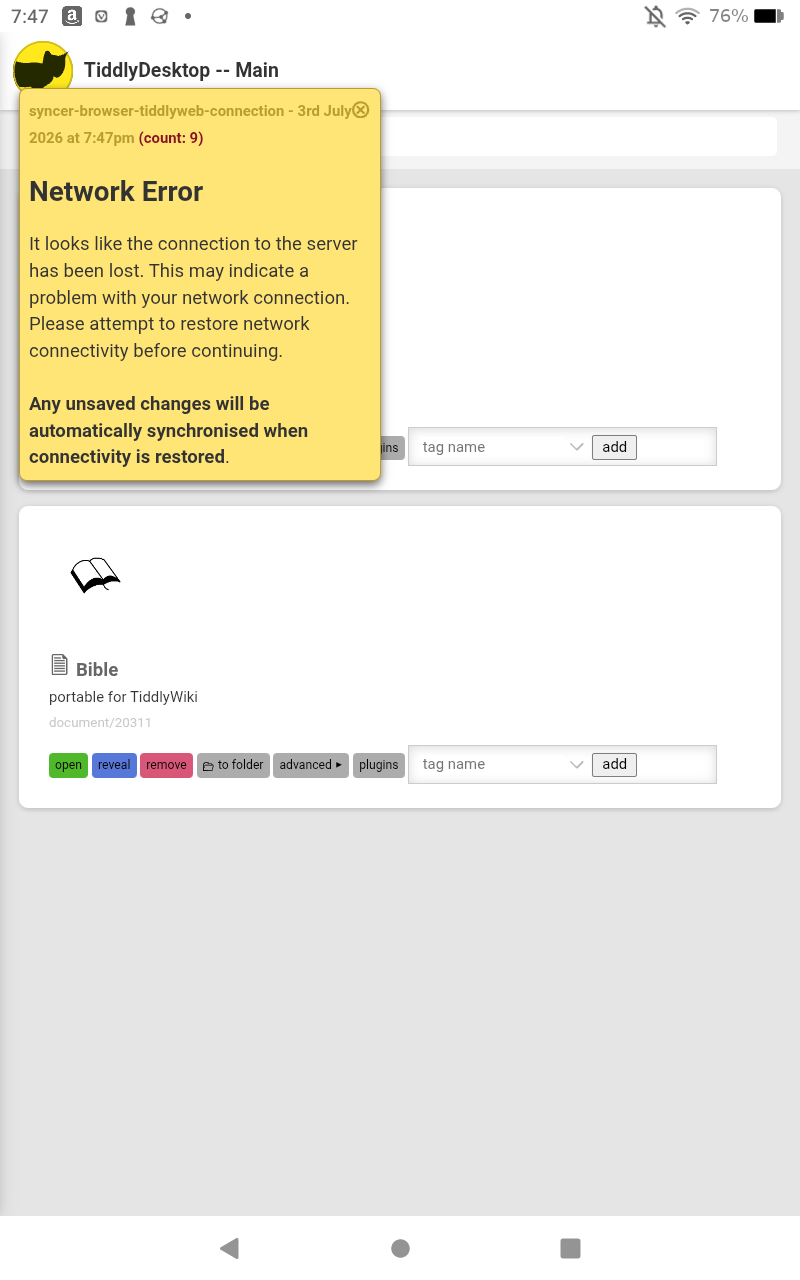
When I did a delete of a tiddler from the node based TW, it referred to itself as 127.0.0.1 . Is it really running as local host? If so, what port (in order to avoid collisions).
The formatting uses up a bit of screen real-estate in portrait mode. Of course, I could rotate the screen.
I had to push my way past several Google messages when I tried to install. Google says “No permissions allowed”.
Which may be why when I reloaded my single-file wiki, it needed me to re-grant permissions.
Ah – on the permissions page there is a setting that’s turned on by default “Pause app activity if unused.” Turn that “off”, and then it will keep its permissions. I think.
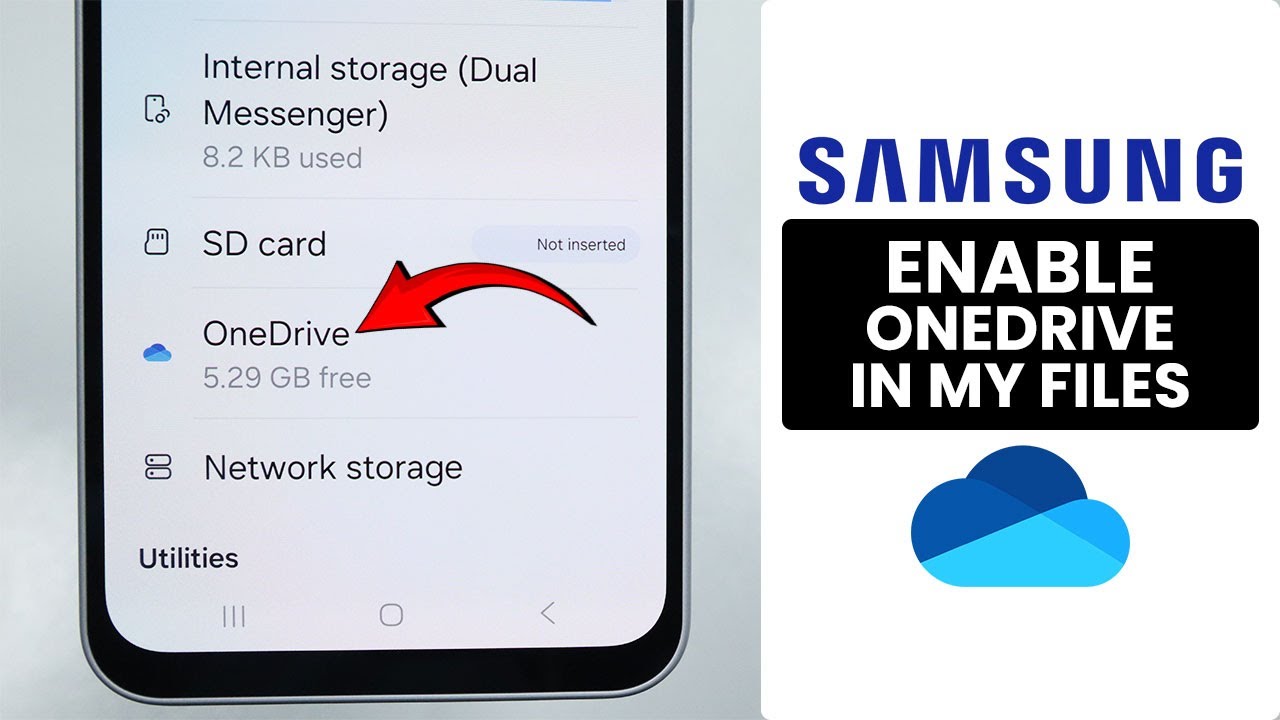
I successfully installed the app in my phone… I wanted to load my node js wiki file saved in my onedrive folder… But the app is listing only google drive by default… will there be onedrive support in future ?otherwise I will have to shift everything related to Tiddlywiki to Google drive
I am using Google file app in my nothing phone 2…can’t see such an option in Google files app… Also I couldnt find samsung my files app for installation in the playstore.
When I try the add a file option of the app, onedrive is listed there
Only for the add a folder option, there is no listing of onedrive
Maybe the “reveal” “to folder” “plugin” and tag input could be revealed on push on “advanced”. On a normal use, those buttons don’t need to be visible for a common use of wikis. And for sure the icon and title of the wiki should be on one line on this orientation..
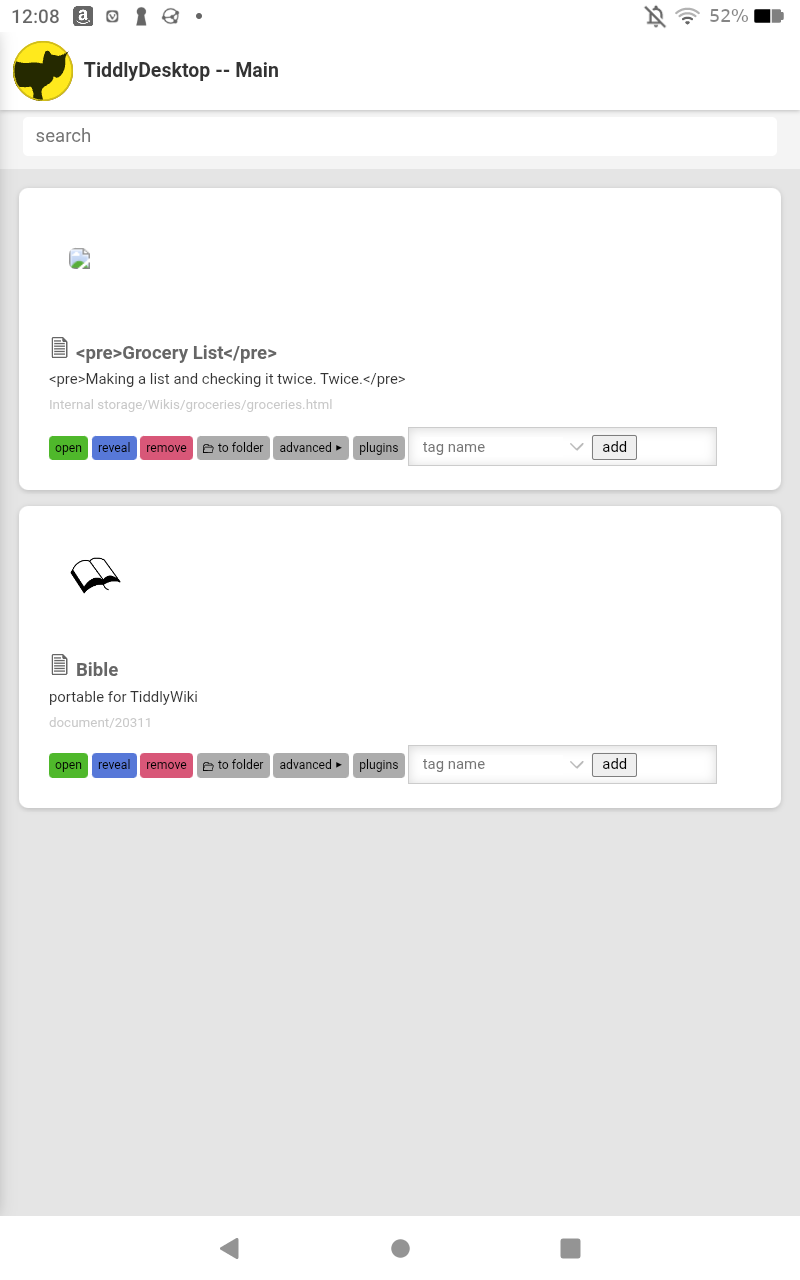
On my tablet, the favicon and title text loads broken. It will restore to normal once I open the file, but it seems noteworthy.
On the “Bible”, the favicon opens okay, but the path provided (document/20311) is not the path to the document. I’m guessing it’s displaying an internal path?
The app needs an “exit” button for when we need to restart.