New CodeMirror 6 TiddlyWiki5 plugin (2026)

Where do we find the source code for all the supporting plugins?

For instance, the Zen plugin?

I thought they would be here:

(looking at codemirror-6 branch)

But that doesn’t seem to be the case. All the new themes are there, but not all the supporting plugins.

Thanks!

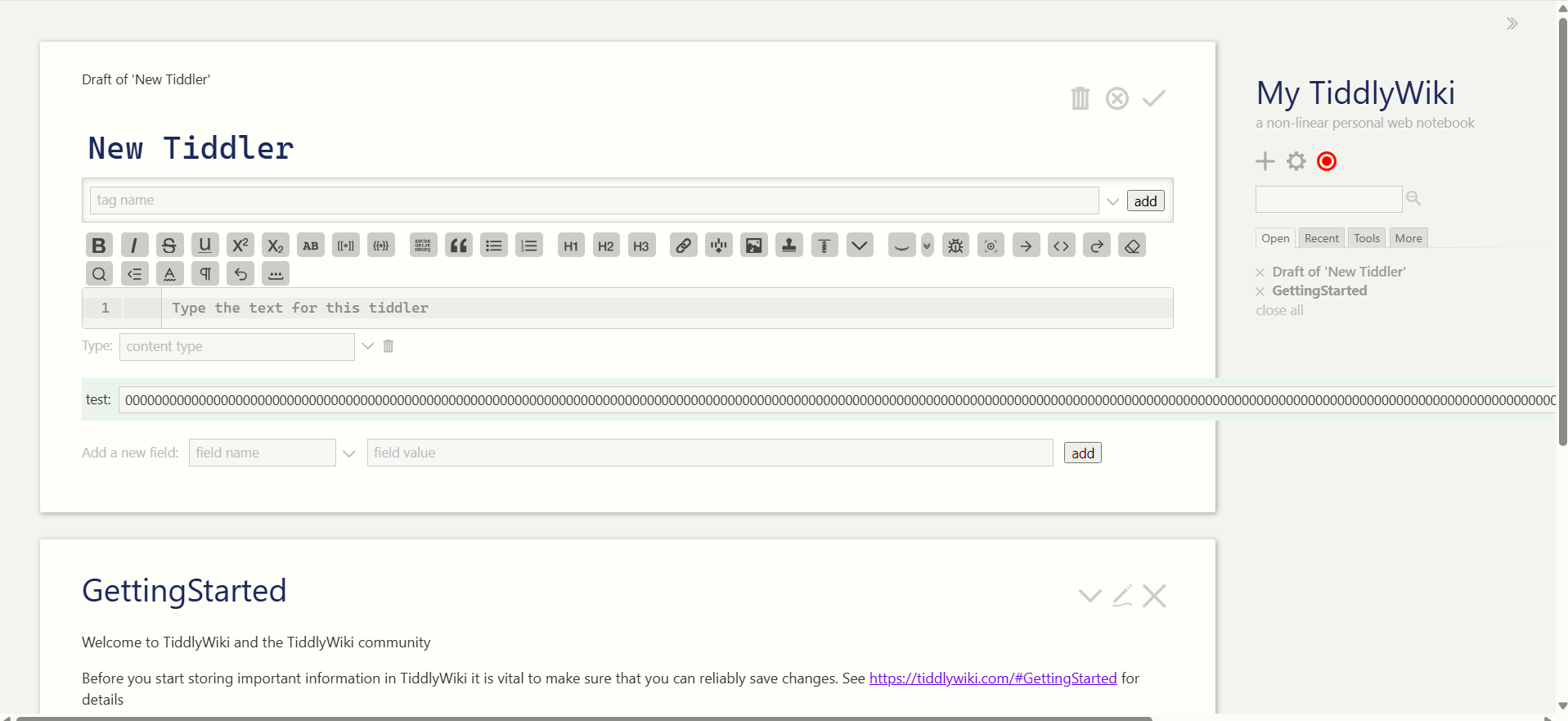
This is the link to what is my pull request for the TiddlyWiki5 core to include CM6 as a core plugin.
Jeremy asked if I could consolidate a sensible set of features into one singular plugin which are now combined in the “codemirror-6” folder, zen-mode is included there.

Other feature-plugins and all additional themes-plugins are still kept separate, we are going to discuss what to do with them.

This is the list of supporting plugins that are currently consolidated into the the singular codemirror-6 plugin:

  • auto-close-tags
  • click-navigate
  • color-picker
  • emoji-picker
  • fold
  • lang-css
  • lang-csv
  • lang-html
  • lang-javascript
  • lang-json
  • lang-markdown
  • lang-tiddlywiki
  • lang-xml
  • lang-yaml
  • line-numbers
  • link-preview
  • snippets
  • toolbars
  • word-count
  • zen-mode

The lint plugin is still considered experimental and kept separate.
The edit-text plugin is not what every user might want because it makes all inputs a CM6 input. It comes handy with the collab functionality of TiddlyDesktopRS and makes it complete but that’s a different concern.
The image-preview plugin renders images inline within the text and I consider that a little bit overkill.
The keymap-vim and keymap-emacs plugins are separate.
All the themes and additional language plugins are separate.

So this gives users one base plugin which is pre-configured to have a set of (configurable) features and the option to choose additional feature-plugins if they want to.

3 Likes

And for older (5.3.8) single Page TiddlyWiki where can we find (or will be able to find) the combined plugin tiddler or library?

BR,

Eskha

@BurningTreeC

Would you like me to add the latest “mega-CM6” plugin to my mirror?

Just let me know!

Hi @Xyvir

Yes, could you please rebuild your mirror page whenever you have time?

So that:

  • there’s the mega-CM6 plugin
  • and there are the leftover feature and themes plugins?

If you have questions, just write me in private.

Thank you!

Thank you @BurningTreeC and @Xyvir!

this may should be fixed. @BurningTreeC

Sorry the updated demo site fell off my radar I should be able to get it up tomorrow sometime or the next day.

@BurningTreeC
@Eskha

Demosite has been updated with the latest ‘plugin-rollup’ refactors.

Let me know if it looks alright and if you have any questions.

-Xyvir

Link here and in Original Post

1 Like

perhaps edit the post at the topic with a note and link,

It’s the same url! I intend for it to be a perma-link kinda deal.

I have only just had the opportunity to install Version 0.1.0 of codemirror on Windows/Firefox and Tiddlywiki v5.3.8. It may be too late for immediate update but here are a few notes;

Transclusions in the editor
These have colouring, popup title preview, and modified date, which is wonderful, however I realised ctrl-click the link would open the tiddler - perhaps ctrl-click to open could appear in the popup?

In this example the second last line </$list> line has a linter error

  • Unexpected closing tag: </$list> has no matching opening tag
<$set name=currentTag value=<<currentTiddler>>> 
<$set name=currentTiddler value=<<storyTiddler>> >
<$list filter="[all[current]!tag<currentTag>] -[<currentTag>]" variable=~><!-- can't add if present on current tag tiddler -->
<$fieldmangler>
<$button tooltip="Tag pill displayed for tag not on this tiddler" message="tm-add-tag" param=<<currentTag>> >
  Add '<<currentTag>>' tag to current Tiddler?
</$button>
</$fieldmangler>
</$list>
</$set></$set>

Removing the comment <!-- can't add if present on current tag tiddler --> after the $list opening fixes this. But putting it on the next line does not work either.

  • It would also be nice if we can style this comment text with a more obvious colour, especially when “cancelling code by wrapping it in comments”
  • In a different case this linter error is not happening.
<$list filter="[tag<currentTiddler>limit[1]]" variable=~><!-- only allow close if is is a tag -->
<$button tooltip="Close all with this tag, except current tiddler" class="tc-btn-invisible">
	<$list filter="[tag<currentTiddler>] -[<storyTiddler>]">
		<$action-sendmessage $message="tm-close-tiddler" $param=<<currentTiddler>>/>
	</$list>
        svg image removed
</$button>
</$list>

I may edit and add additional items as I find them

Thank you @Xyvir for the update.

The link to the demo site has an encoding issue leading to not open the right tiddler, it should be:

2 Likes