One could make a button to copy the selected url and place it in a tiddler, then have your “MyButton” get the URL as needed from there, this will allow you to keep using the same url, until you select another.
Hi @tw-FRed,
I started from scratch with an empty wiki (https://tiddlywiki.com/) and imported MyButton.json.
→ it works fine
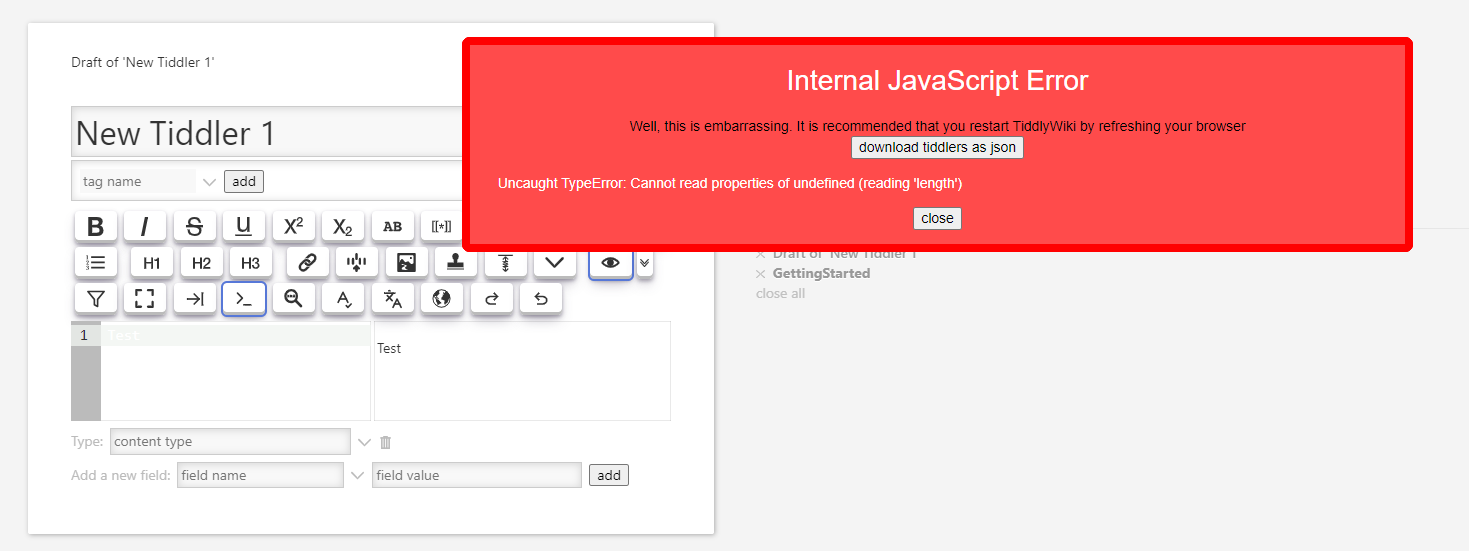
After installing CodeMirror 6 — v0.11.0 the error is back:
Thanks to all, who tried to help me! 

Hi @BurningTreeC,
can you support me please in this case and fix the issue in CodeMirror?
Thanks you,
Stefan
Hi @BurningTreeC,
do you have any new info to this issue?
Thanks in advance,
Stefan
issue solved with “CodeMirror 6 plugin has been updated to version 0.11.0”
Thanks @BurningTreeC 
1 Like
I’d like to add “alt-x” as a keyboard shortcut:
- imported MyButton.json
- add $keyboard:
  <$keyboard key="alt-x" actions='<$action-sendmessage $message="tm-edit-text-operation"
    $param="save-selection"
    tiddler="$:/temp/external-link"
  />'>
  <$action-sendmessage $message="tm-edit-text-operation"
    $param="wrap-selection"
    prefix=`[ext[${[{$:/temp/external-link}]}$|https://www.homepage.com/`
    suffix="]]"
  />
</$keyboard>
-
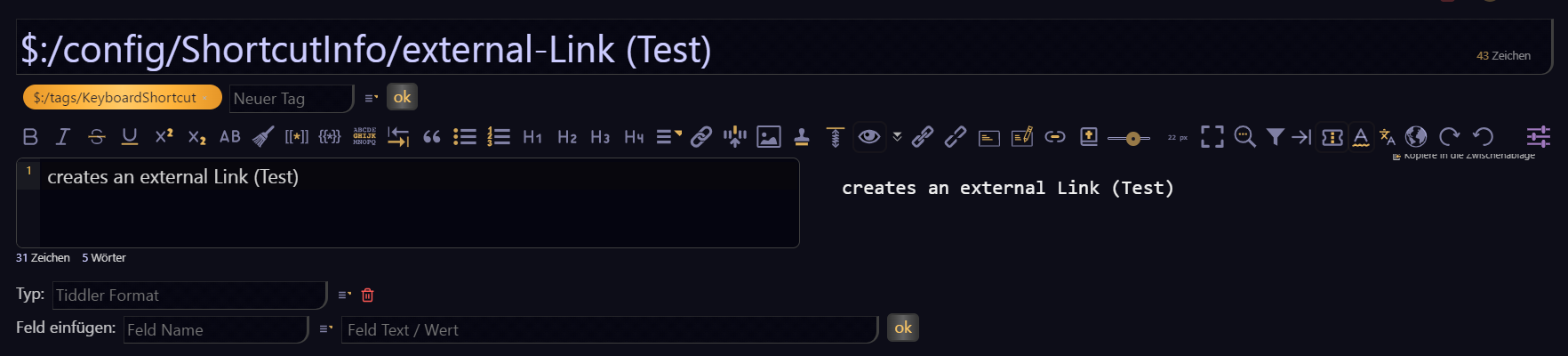
created
$:/config/ShortcutInfo/external-Link (Test)
-
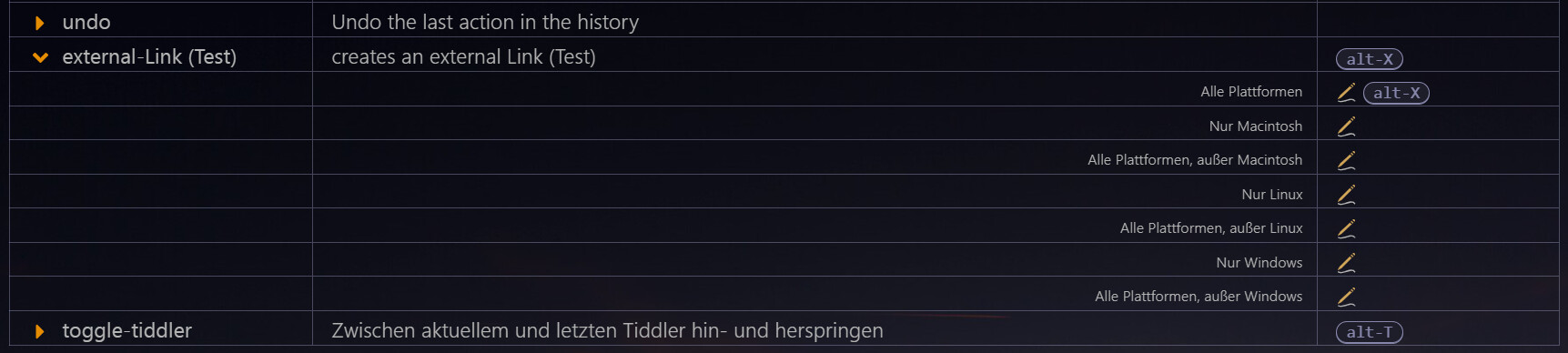
configured shortcut:
-
do a Test:
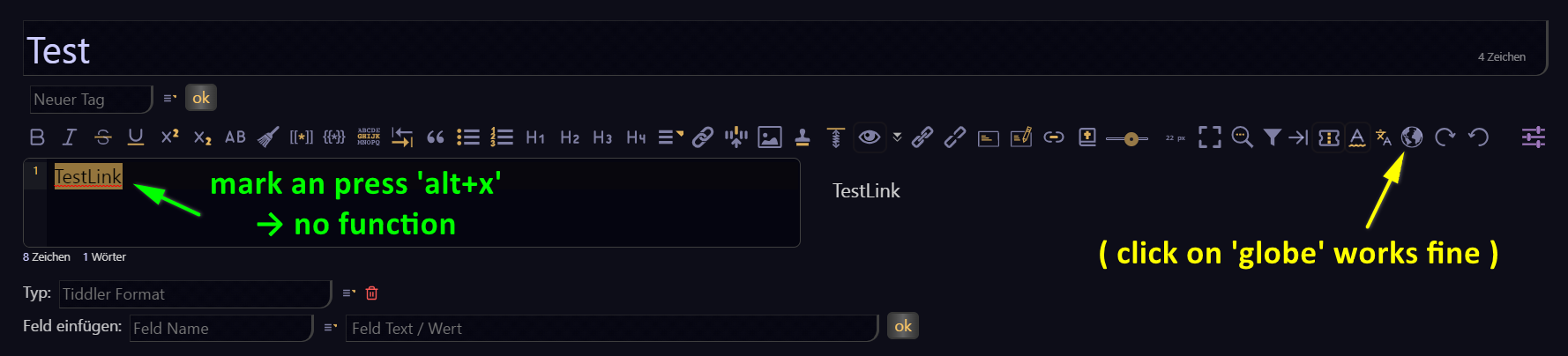
What do I wrong? What I’m missing?
Thanks,
Stefan
Hi @StS - don’t add the keyboard widget within the tiddler text!
Instead, add the field shortcuts to the button with the value: alt-x
1 Like
Thanks - works perfect.
Asking for an additional function for existing code:
<$keyboard key="alt-x" actions='<$action-sendmessage $message="tm-edit-text-operation"
    $param="save-selection"
    tiddler="$:/temp/external-link"
  />'>
  <$action-sendmessage $message="tm-edit-text-operation"
    $param="wrap-selection"
    prefix=`[ext[${[{$:/temp/external-link}]}$|https://www.homepage.com/`
    suffix="]]"
  />
</$keyboard>
- Hover the external Link - only when containing
https://www.homepage.com/- the content should be shown in a popup-window - Click on the external link will open it in the browser
Is this possible?
Thanks, Stefan