I solved like this:
At the end I use always the same url like a präfix + selected text. (see my examples)
(select text and click button or better use shortcut for the button - with a dropdown I have to do a lot more clicks)
Thanks,
Stefan
I solved like this:
At the end I use always the same url like a präfix + selected text. (see my examples)
(select text and click button or better use shortcut for the button - with a dropdown I have to do a lot more clicks)
Thanks,
Stefan
Could it be smart? If the selection is identifiable as a URL, then prompt for the pretty link. Otherwise assume it’s already the final text and just needs a target added. Could this behavior even be rolled into the existing “Create wikitext link” button? (It would be a behavior change for it which I understand would be offputting, but if a URL is never selected then it would behave the same as it always has - and the current behavior isn’t friendly to anyone wanting to turn an existing URL in the text into a link, so I’d wonder if it’s ever used that way?)
I make use of the ctrl-L link button. Copy a full url to an internet destination. eg https://tiddlywiki.com/#Insert%20link
In the editor type the pretty link text and select it; eg “pretty link”,
my pretty link
Now press ctrl-L and ctrl-V to paste your url into the dialogue box, then hit enter,
The result will be
my [[pretty link|https://tiddlywiki.com/#Insert%20link]]
[[new title]] which is easier than the [[*]] button, no need to select.Try this:
<$button>
<$action-sendmessage $message="tm-edit-text-operation"
$param="save-selection"
tiddler="$:/temp/external-link"
/>
<$action-sendmessage $message="tm-edit-text-operation"
$param="wrap-selection"
prefix=`[ext[${[{$:/temp/external-link}]}$|https://www.homepage.com/`
suffix="]]"
/>
Add Link
</$button>
Fred
Hello Fred,
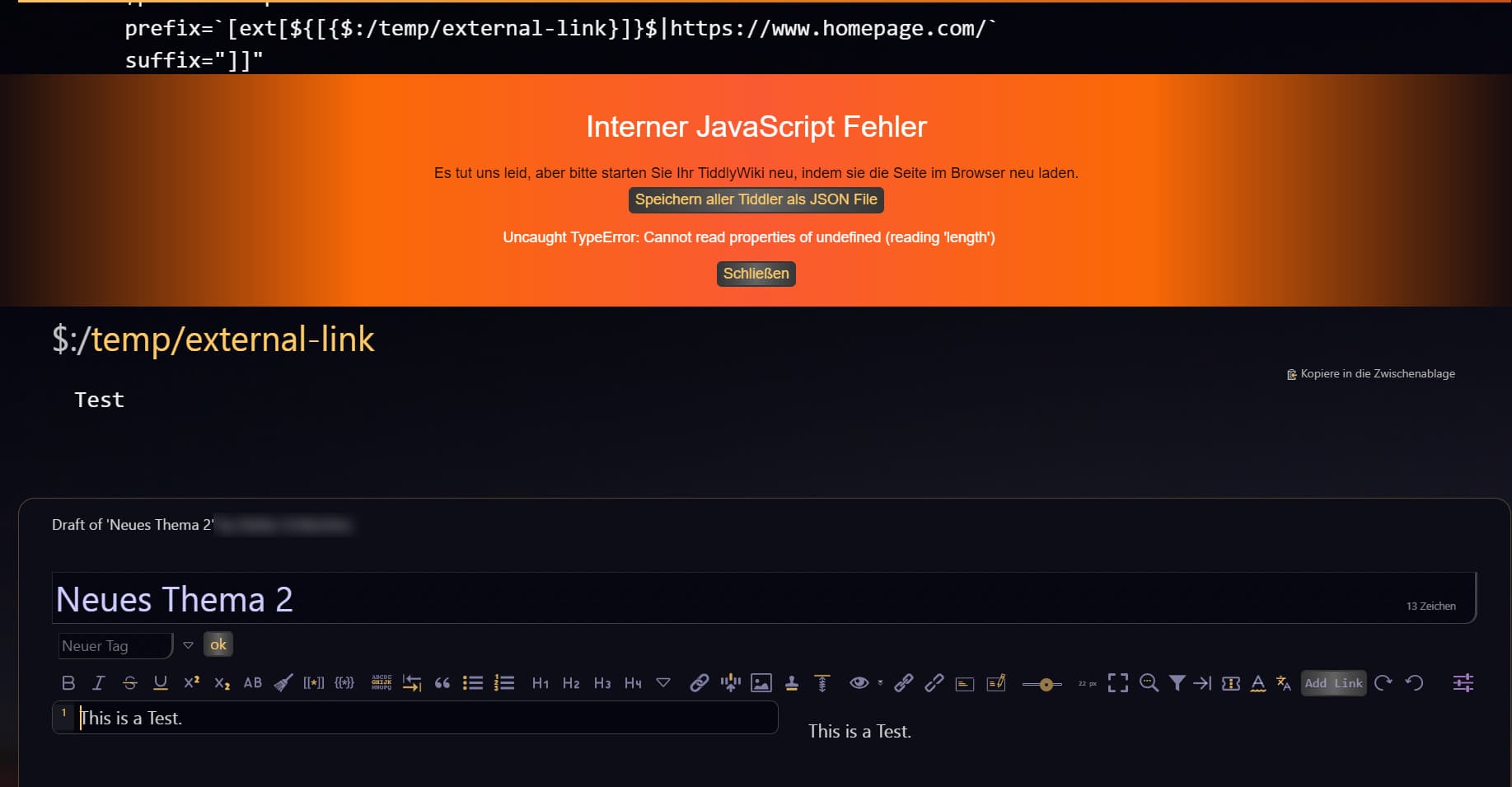
this fails:
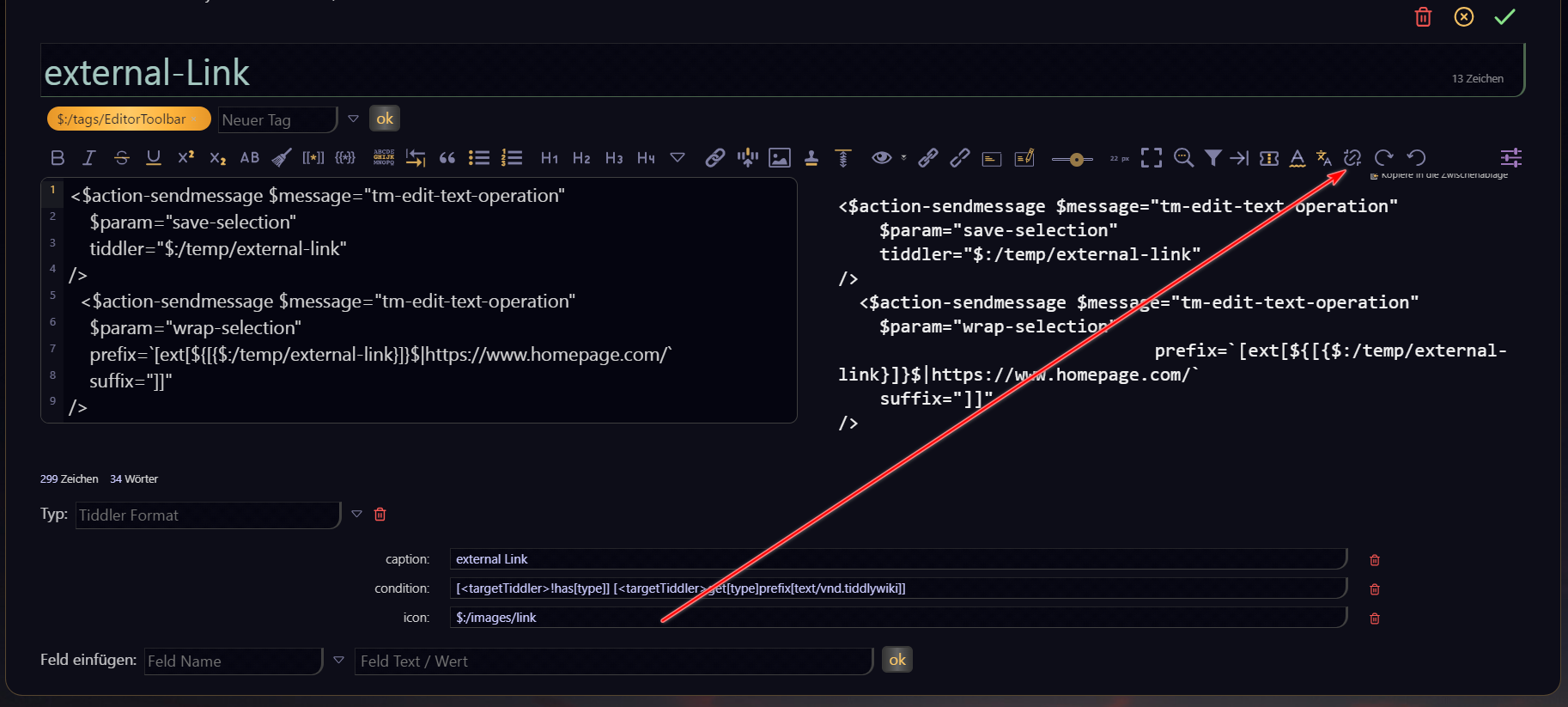
I prefer an icon instead of a button in the toolbar:
→ error is the same:
It looks like the combination of both action-messages is the problem.
Removing the first part (writing to temp folder) → OK
Any idea to fix this?
Thanks,
Stefan
The problem may be a matter of “timing” for handling the two $action-sendmessage widgets. You need to ensure that the save-selection message is completed before the wrap-selection message is invoked.
To achieve this, try moving the $action-sendmessage widgets into separate procedures, doSave and doWrap. Then, use a combination of actions=... and “inline” messages to invoke those procedures, like this:
\procedure doSave()
<$action-sendmessage $message="tm-edit-text-operation"
$param="save-selection"
tiddler="$:/temp/external-link"
/>
\end
\procedure doWrap()
<$action-sendmessage $message="tm-edit-text-operation"
$param="wrap-selection"
prefix=`[ext[${[{$:/temp/external-link}]}$|https://www.homepage.com/`
suffix="]]"
/>
\end
<$button actions=<<doWrap>>> Add Link <<doSave>></$button>
The “inline” <<doSave>> procedure is invoked first so that the $:/temp/external-link tiddler contents are saved. Then, after that procedure has completed, the action=<<doWrap>> is invoked and can access the saved tiddler contents.
Let me know if this helps.
-e

This is a nice function, but not the proper solution for me - at least I need always paste the url again and again…
Thanks for your input,
Stefan
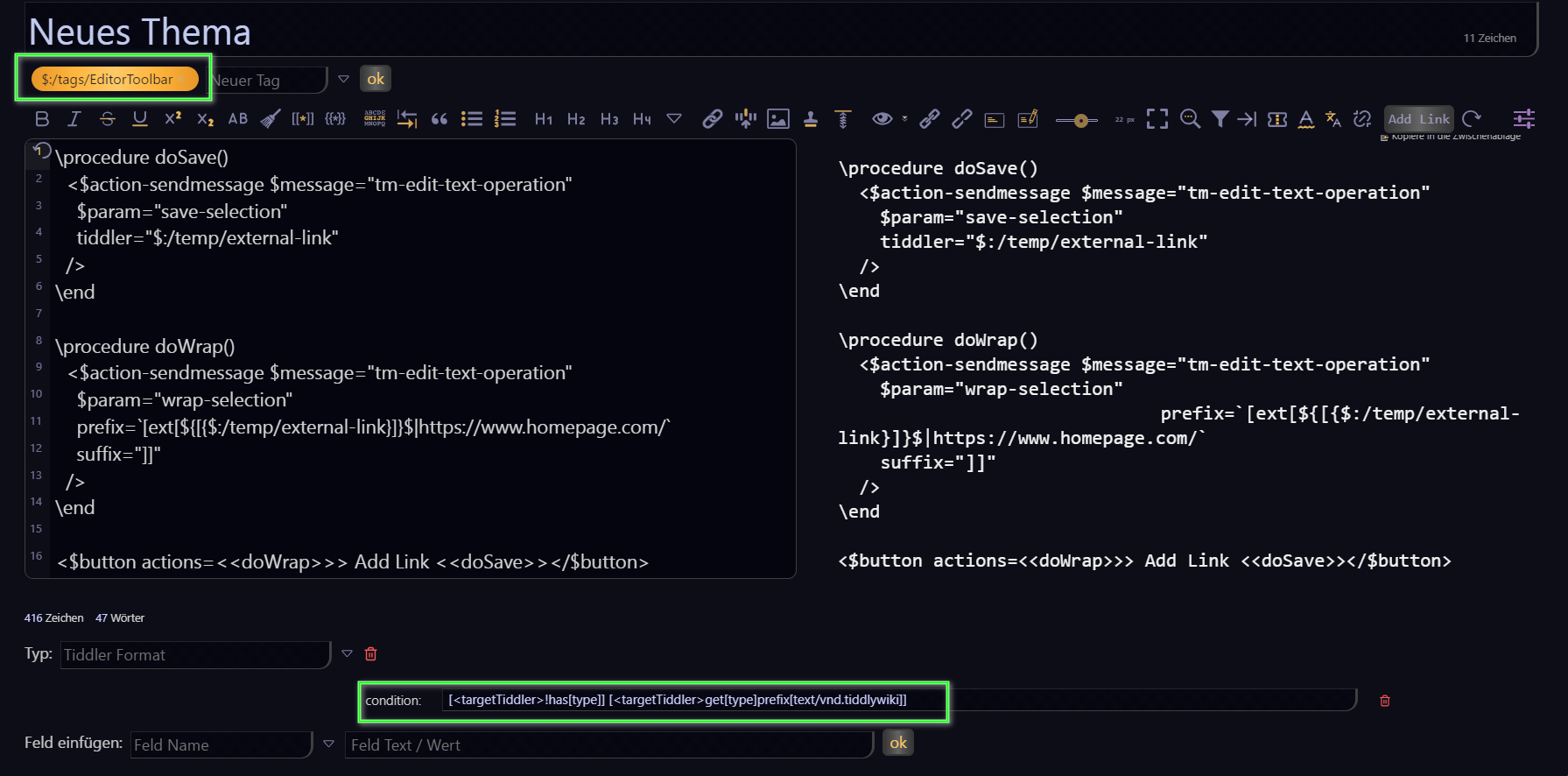
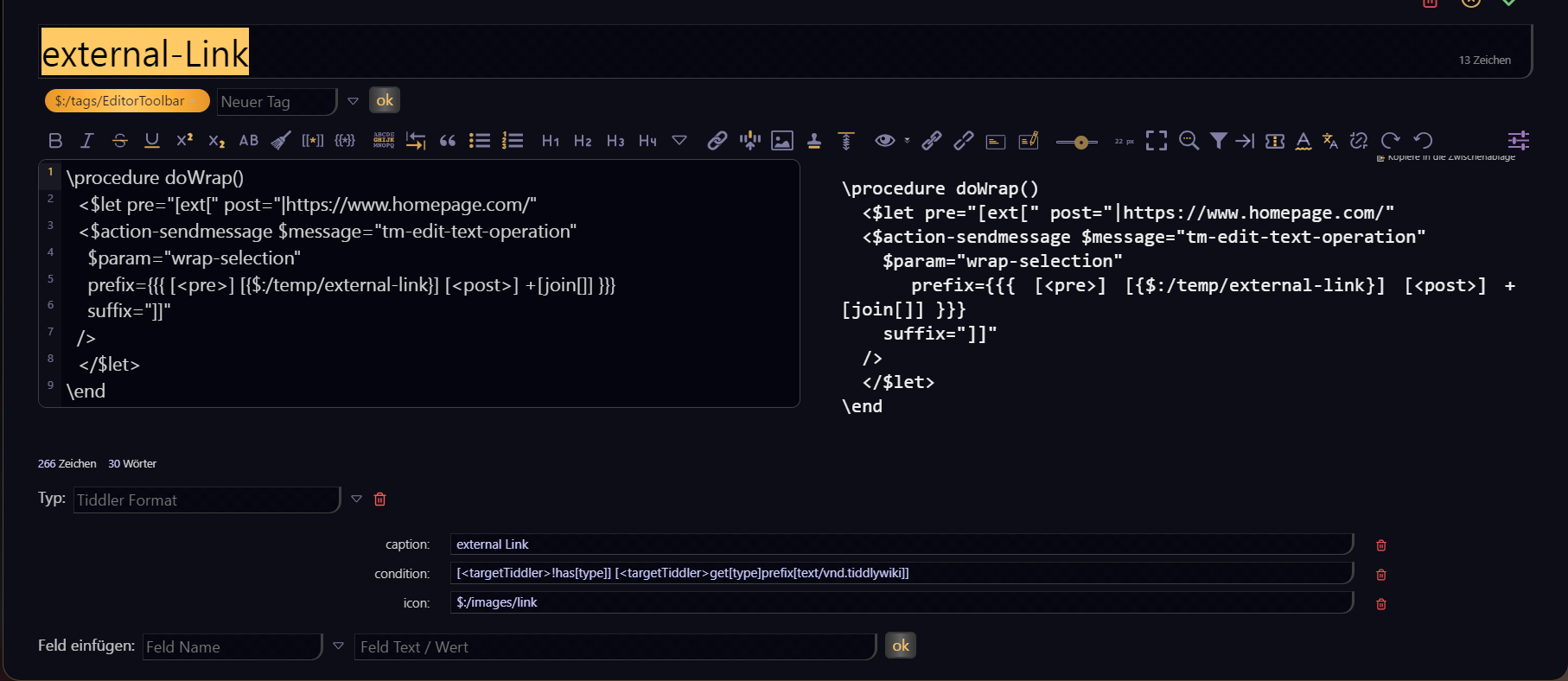
I tagged the code and add the condition to bring it into the toolbar:
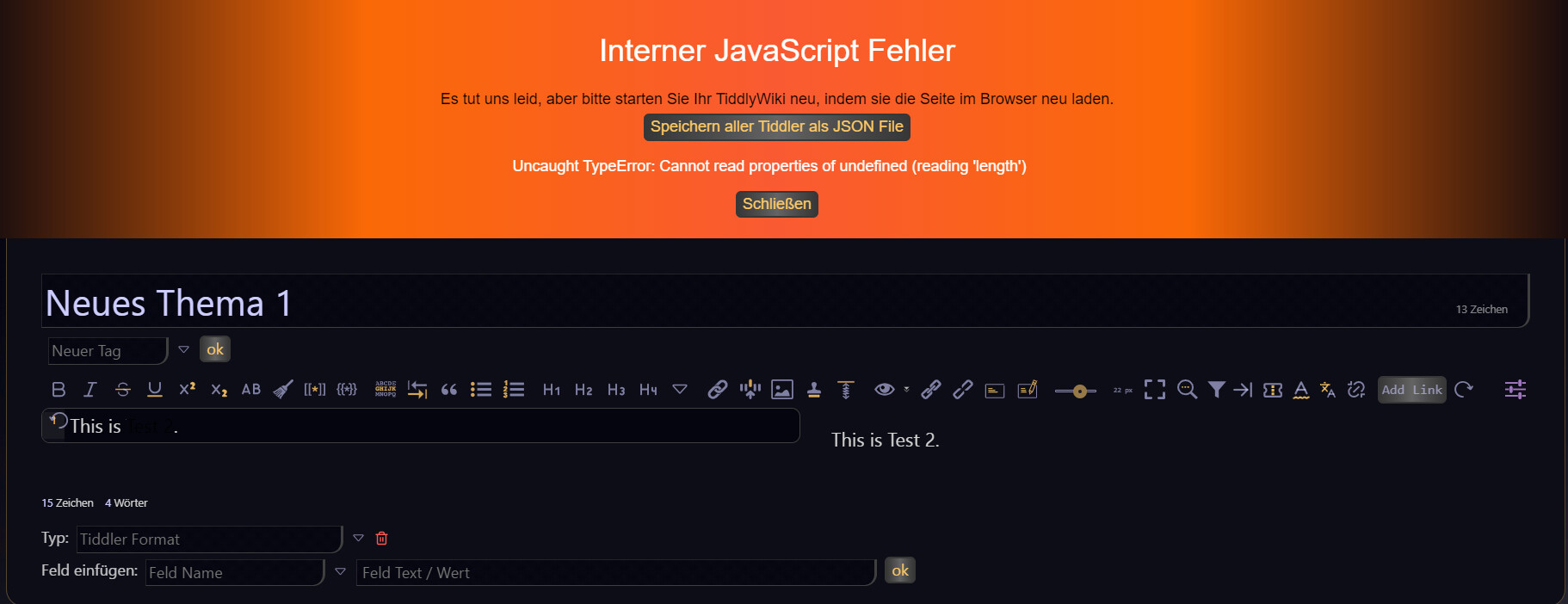
→ test failed:
EDIT:
I’M using TiddlyDesktop version 0.0.20
First, try this in a regular browser to see if its related to using TiddlyDesktop.
Next… and this is just a guess… try adding quotes around the action="<<doWrap>>" parameter value. This should ensure that <<doWrap>> is only being parsed when the action is triggered, and not when the $button widget is initially rendered.
-e
In browser (FF 143.0.4 (64-Bit)) same error.
→ changed code to <$button actions="<<doWrap>>"> Add Link <<doSave>></$button>
→ same error
ok… one more guess…
Maybe it has something to do with the use of the “substituted attribute value” syntax. Try using a filtered transclusion to construct the prefix=... param, like this:
\procedure doWrap()
<$let pre="[ext[" post="|https://www.homepage.com/"
<$action-sendmessage $message="tm-edit-text-operation"
$param="wrap-selection"
prefix={{{ [<pre>] [{$:/temp/external-link}] [<post>] +[join[]] }}}
suffix="]]"
/>
</$let>
\end
-e
Is it possible to write the url instead the selected text in a tiddler?
Hi @StS
I tested proposed solution again tonight on tiddlywiki.com with Firefox and Vivaldi, and it worked flawlessly (only tested on Linux).
Here is the exported button tiddler:
MyButton.json (527 Bytes)
Can anyone test it also on Windows please?
Fred
Tested on FF/Chrome/Brave on Windows 11, and on FF Dev/Brave on Ubuntu. Works fine everywhere for me.
One could make a button to copy the selected url and place it in a tiddler, then have your “MyButton” get the URL as needed from there, this will allow you to keep using the same url, until you select another.
Hi @tw-FRed,
I started from scratch with an empty wiki (https://tiddlywiki.com/) and imported MyButton.json.
→ it works fine
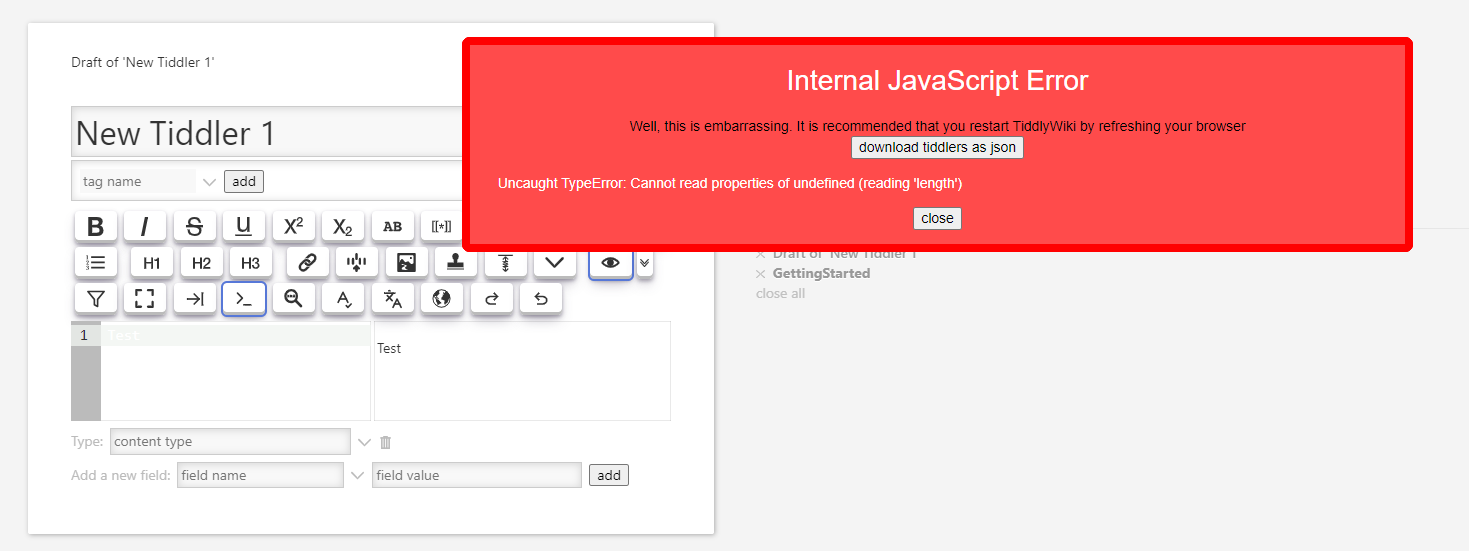
After installing CodeMirror 6 — v0.10.8 the error is back:
Thanks to all, who tried to help me!

Hi @BurningTreeC,
can you support me please in this case and fix the issue in CodeMirror?
Thanks you,
Stefan
issue solved with “CodeMirror 6 plugin has been updated to version 0.11.0”
Thanks @BurningTreeC 
I’d like to add “alt-x” as a keyboard shortcut:
<$keyboard key="alt-x" actions='<$action-sendmessage $message="tm-edit-text-operation"
$param="save-selection"
tiddler="$:/temp/external-link"
/>'>
<$action-sendmessage $message="tm-edit-text-operation"
$param="wrap-selection"
prefix=`[ext[${[{$:/temp/external-link}]}$|https://www.homepage.com/`
suffix="]]"
/>
</$keyboard>
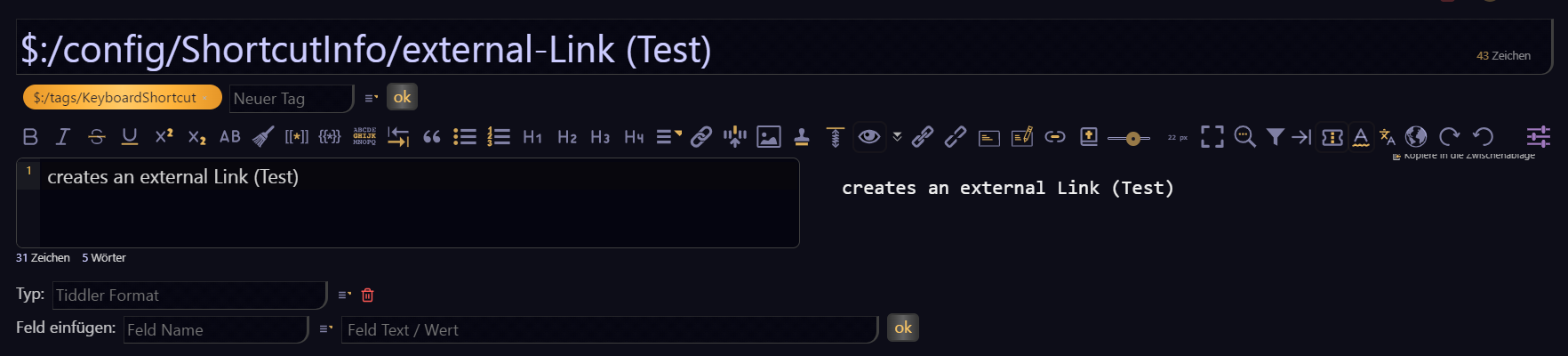
created $:/config/ShortcutInfo/external-Link (Test)
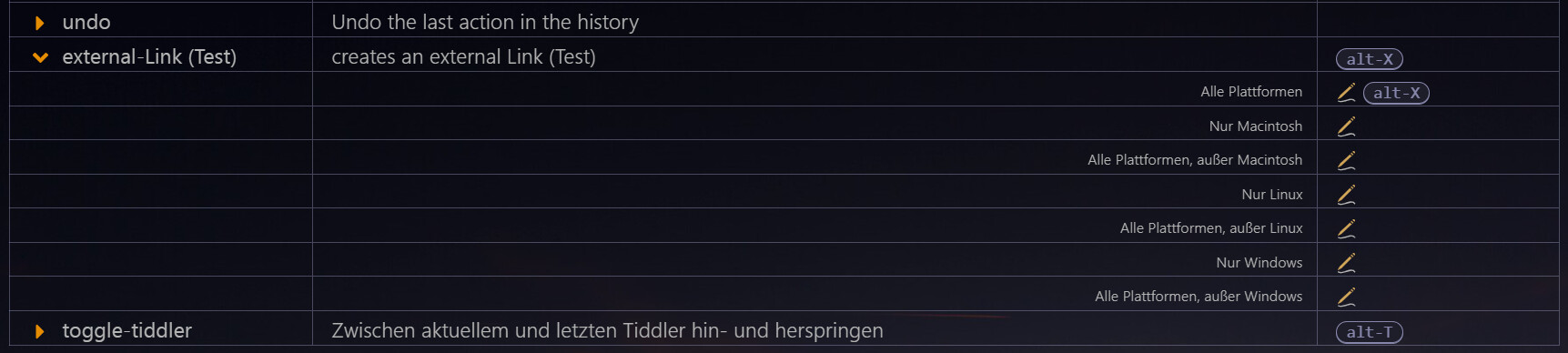
configured shortcut:
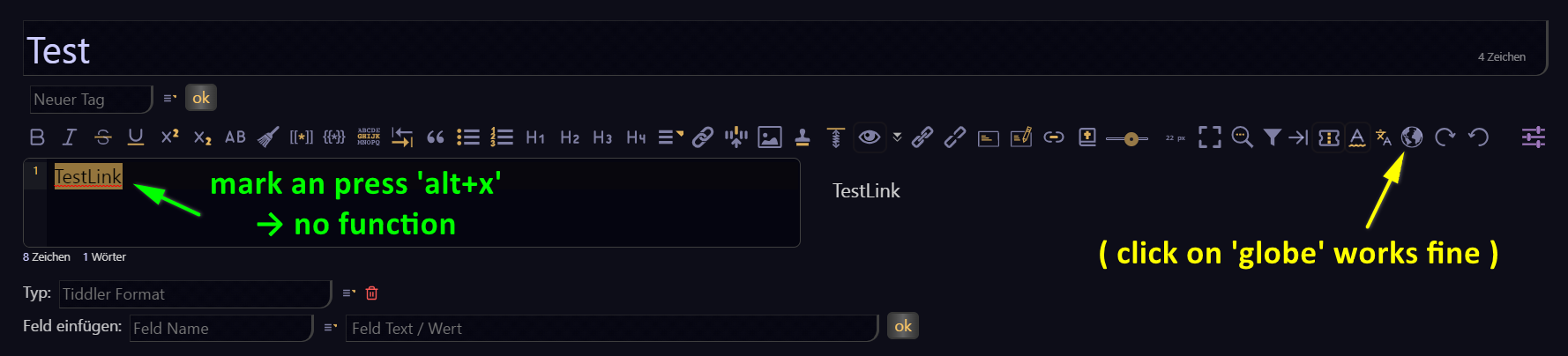
do a Test:
What do I wrong? What I’m missing?
Thanks,
Stefan