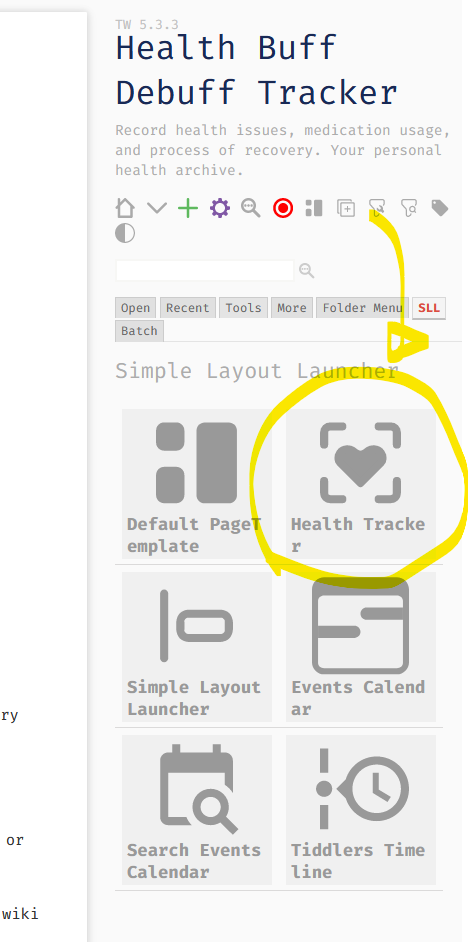
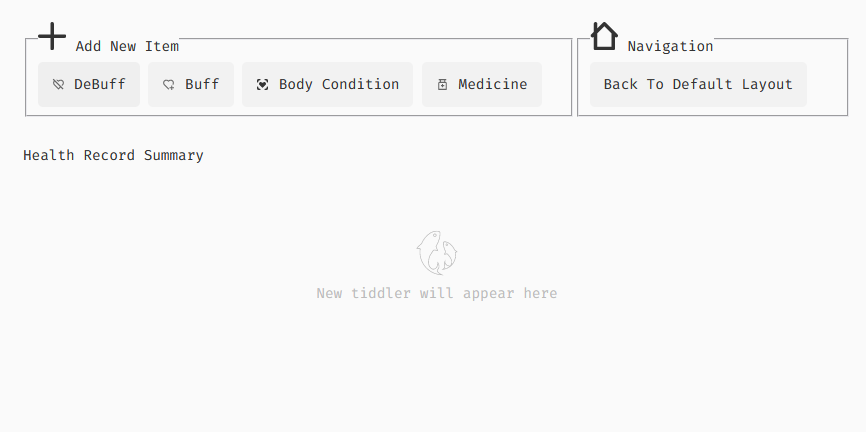
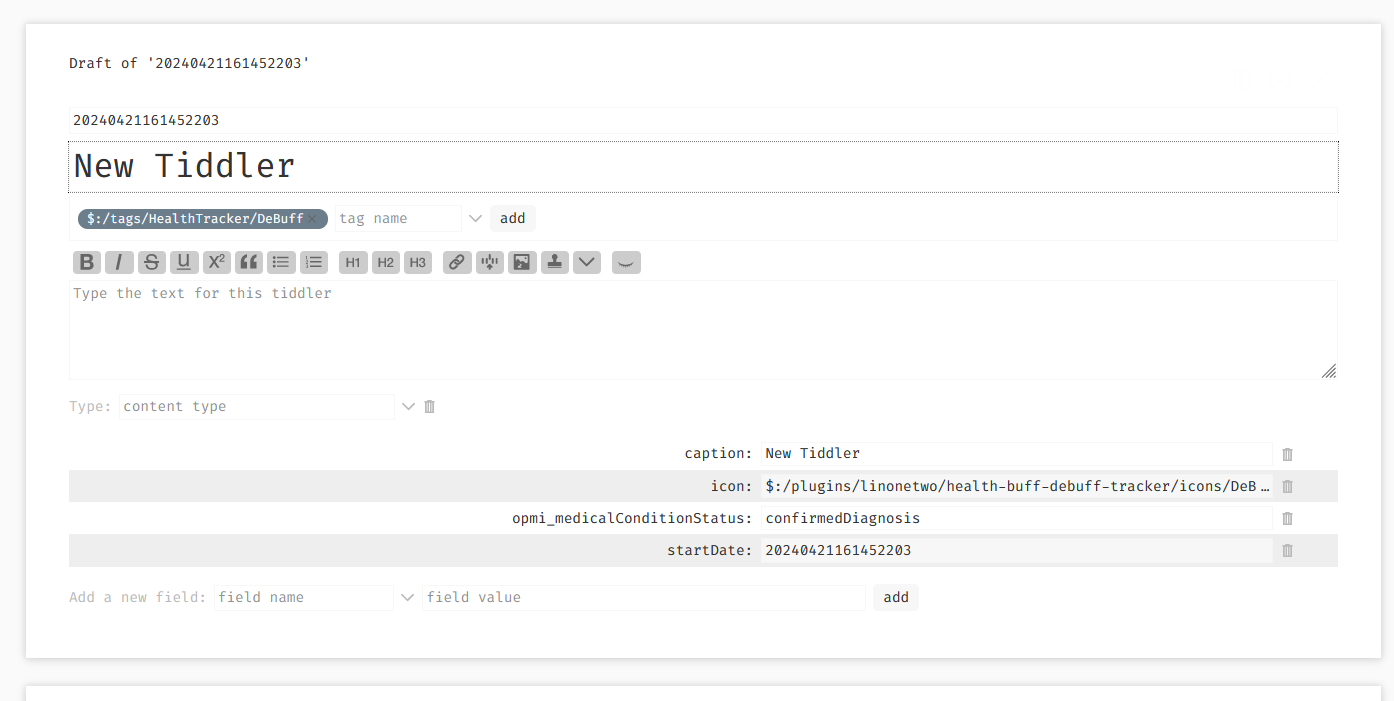
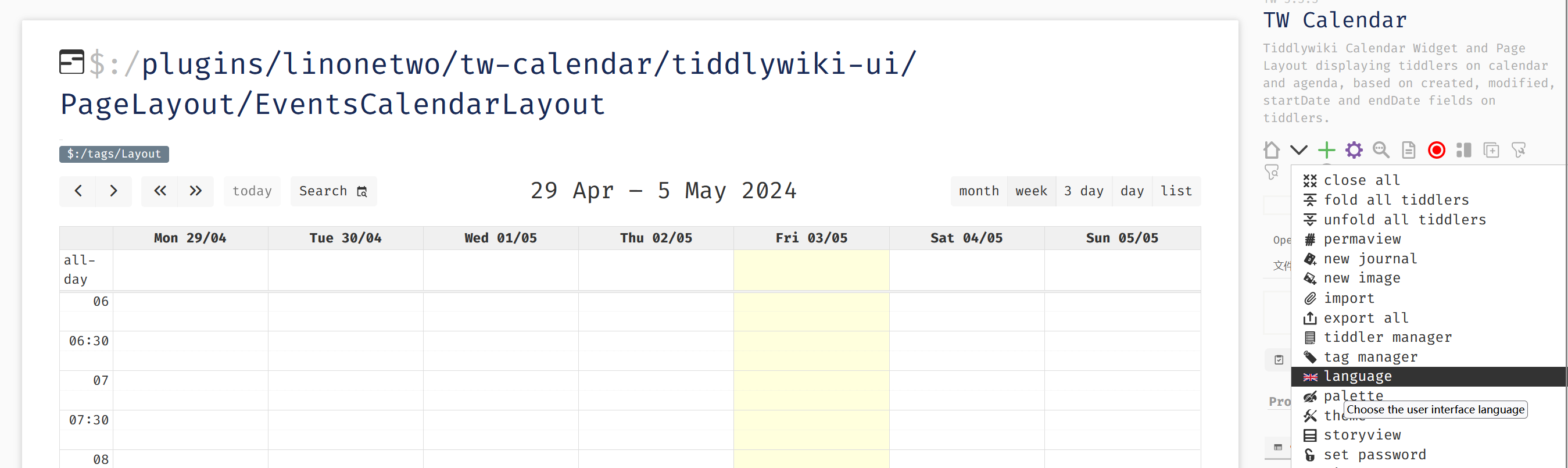
This is my first try to make “full-screen app” (aka, layout) that will jump back to default layout when editing a tiddler.
I think many application could be a standalone layout, for example, Tiddler Commander by @Mohammad , if move to a layout, then
it won’t need to add a PageControl button, because PageControl is getting longer and longer, and icon is small, it is not a good launcher
also plugins like some Todo plugin won’t need to add a SidebarTab, which can’t be hidden in ControlPanel, and is also getting longer and longer
But I’m not sure if this is a good patten, because in this theory, even ControlPanel should be a layout, just like the Setting app on your mobile phone.
Also plugin like Tidme (Tiddlywiki-native Anki plugin) will require frequent navigation between tiddlers (flash cards), it is better work in the default layout.
But anyway, I’m going to refactor my Todo plugin (ITKG plugin) to a layout too, because it need more space to display contents. And I want my “layout launcher” have more apps on it, and finally feels like the Android app launcher.
I haven’t think of that. If using menu plugin, Is there a standard place for application to put shortcuts? In this way, menu plugin can work like Windows Start menu.
In this post i’m mostly want to discuss about where should plugin developer put the app shortcut (especially who is developing a mini app).
I suppose it depends on if the user want the mini app to be the primary use of the tiddlywiki or along with other “mini-apps”. I think there is value creating a mini-app to be contained wholly within a tiddler, tiddlers can be made full screen if necessary, even opened in a new window etc…
But making the min-app launch icon visible could use more than one position and provide settings to disable the ones the user does not want.
Menu item which will only work if menu plugin installed
Launch Button in a tiddler tagged $:/tags/AboveStory
I Page Control button that appears in the sidebar (very Common)
A sidebar tab list of installed applications eg; use $:/tags/applications then others can also add a list item for their aps as well, to create them for other installed apps
If you place a button in $:/config/EmptyStoryMessage it will appear if all tiddlers are closed.
You can put it in the default tiddlers so it opens on wiki-load.
There are possibly other places but the above is most likely enough.
page control - only simple buttons that a tap for triggering a function
sidebar - if require frequent interactions between tiddlers on story and sidebar
(not only meaning that the tiddler are modified, after all, all apps manipulate the tiddler behind the scenes.
In this sidebar case, “interaction” means you will keep tapping on the right and the left).
All other apps put into layouts, like calendars, multidimensional tables, whiteboards, mind maps, CPL, control panels, twcommander, whatever that use a different UI other than story flow to manipulate tiddlers.
but yes, a tiddler version of UI can be provided, and opened by a PageControl button, even the UI will be more narrow, and when using that UI, user don’t acturally using the other part or TW UI at the same time.
This might not be the point, because everything is tiddler based, you can open a layout tiddler on story river (sorry for sometimes mis-used as “story flow”):
This basically means if I want, I can also provide PageControl button to open it, but I just don’t want PageControl drop-down list to be too long, so I’m not providing any short cut to it. And let layout launchers to render the button.
Because we are going to have 10-100 layout based apps in our wiki, to cover all aspect of our live, to keep all personal data privately in the wiki, and inter-connected.
I understand, You will need to choose how to present what you have yourself.
I was only sharing an approach you may or may not use.
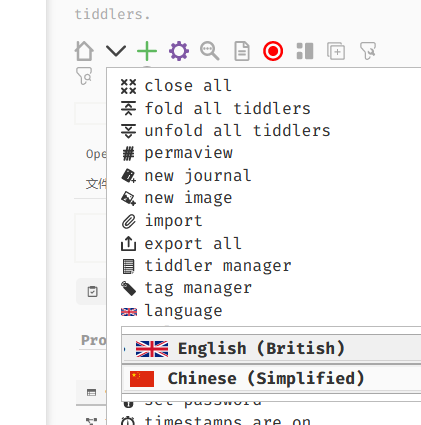
I looked at your example but I do find it hard to play with it, with Chinese script. I wish I knew it, but I don’t. This makes it hard for me to look more deeply at your solutions, even the CPL.
I see you are contributing a lot, and I am very grateful, but I also find it hard to make use of and review and comment on your output.
I like the idea of treating certain plugins as layouts rather than cramming everything into the PageControl or SidebarTabs. It’s a cleaner UX, especially when you’ve got multiple tools competing for space. I’ve worked on something similar for a health tracking setup, where a plugin needed a lot of screen real estate to display charts, stats, and logs. In that case, using a dedicated layout made it feel more like a standalone app, rather than just another cramped panel.
If you think about it, this approach is similar to how some health platforms like Aspedan handle it, they separate tools into distinct, purpose-built sections so users aren’t distracted by unnecessary controls. You could take inspiration from that model: make the “launcher” the central hub, and let each plugin open in its own immersive space. That way, you maintain focus and avoid the clutter problem you’re talking about.
It might also be worth creating a shared “layout library” for developers—so shortcuts, icons, and navigation patterns feel consistent across different mini apps. That could prevent the Start menu / Sidebar from becoming a dumping ground, while still making everything easy to reach.