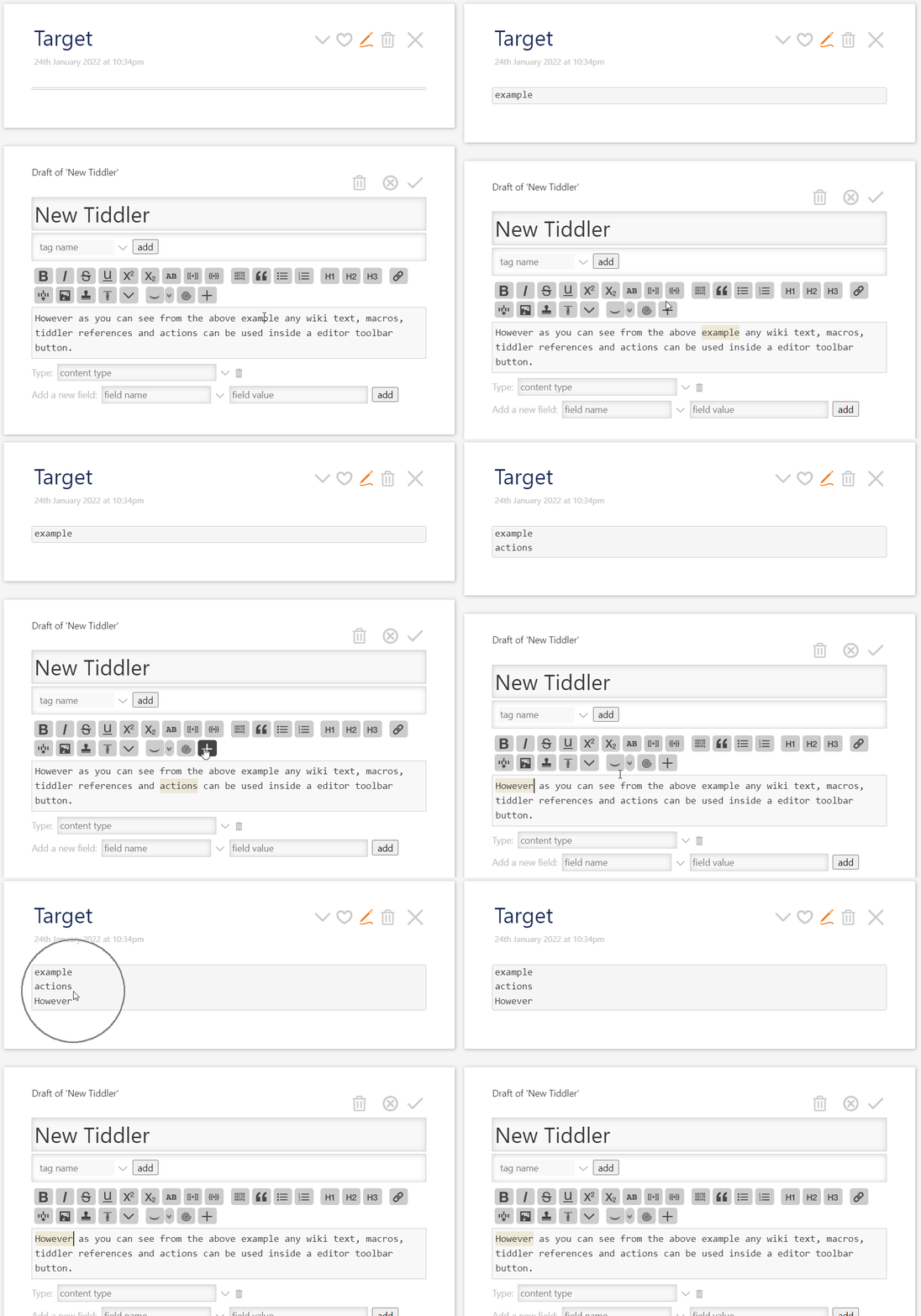
With help of great friends here, I was able to answer the original question in this thread!
FACTS
- The content of action tiddler can be any kind of action widgets
- You have to use
tm-edit-text-operationto access to selection
Solution
- Create an action tiddler with below text and fields
\define myTargetTid() Target
\define tempTid() $:/temp/append-button/selection

<$action-sendmessage
 $message="tm-edit-text-operation"
 $param="save-selection"
 tiddler=<<tempTid>>
/>

<$vars linebreak="
">
<$action-setfield $tiddler=<<myTargetTid>> text={{{ [<myTargetTid>get[text]] [<tempTid>get[text]]  +[join<linebreak>] }}}/>
</$vars>
|tags: |$:/tags/EditorToolbar|
|caption: |append selection |
|condition: | [<targetTiddler>] |
|description: |Append selection to target tiddler|
|icon: |$:/core/images/new-button |
- Save it
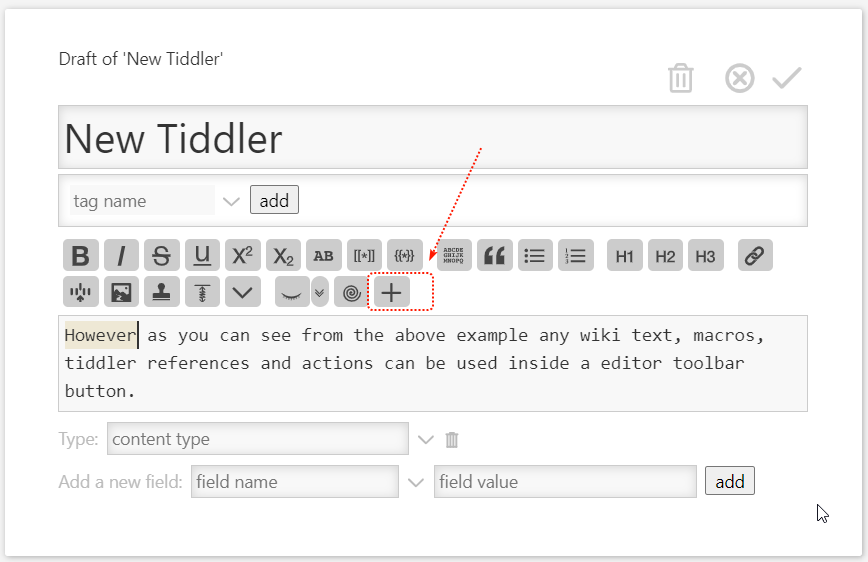
This will create a new toolbar button allow you to add any selection to a target tiddler.
Screencast